13
2.5 Powering the Camcorder On / Off
2.5.1 Auto Power On/Off
If the camcorder is connected to the vehicle power supply, once start the
car engine, the camcorder will automatically power on and start
recording.
Once the vehicle engine shuts down, the camcorder automatically saves
the recording and turns off the power.
2.5.2 Manual Power On/Off
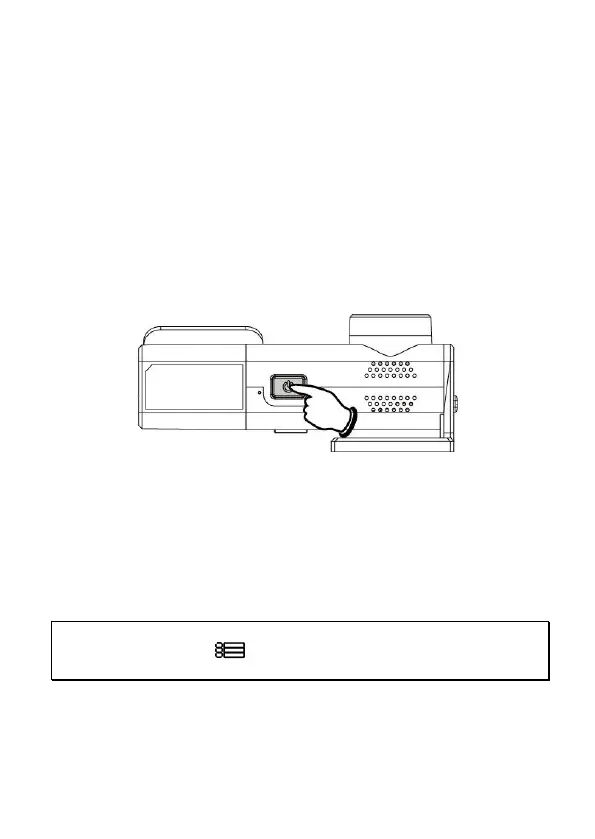
To manually turn on the power, press the POWER button.
To turn off, press and hold the POWER button for at least 2 seconds.
2.5.3 Reset
Press and hold the Power button for 8 seconds to reset the device.
2.6 Initial Settings
Before using the camcorder, we recommend you setup the correct Time
zone, Date and Time.
Note:
Please note that if you press the button during recording, the system will stop recording and
enter OSD menu. Make sure the recording is already stopped then continue operating the menu.



 To Next Page