2 Million Imp - Preventive Maintenance Guide - HP Indigo press 5000
CA294-00570 rev 01 page 16 of 18
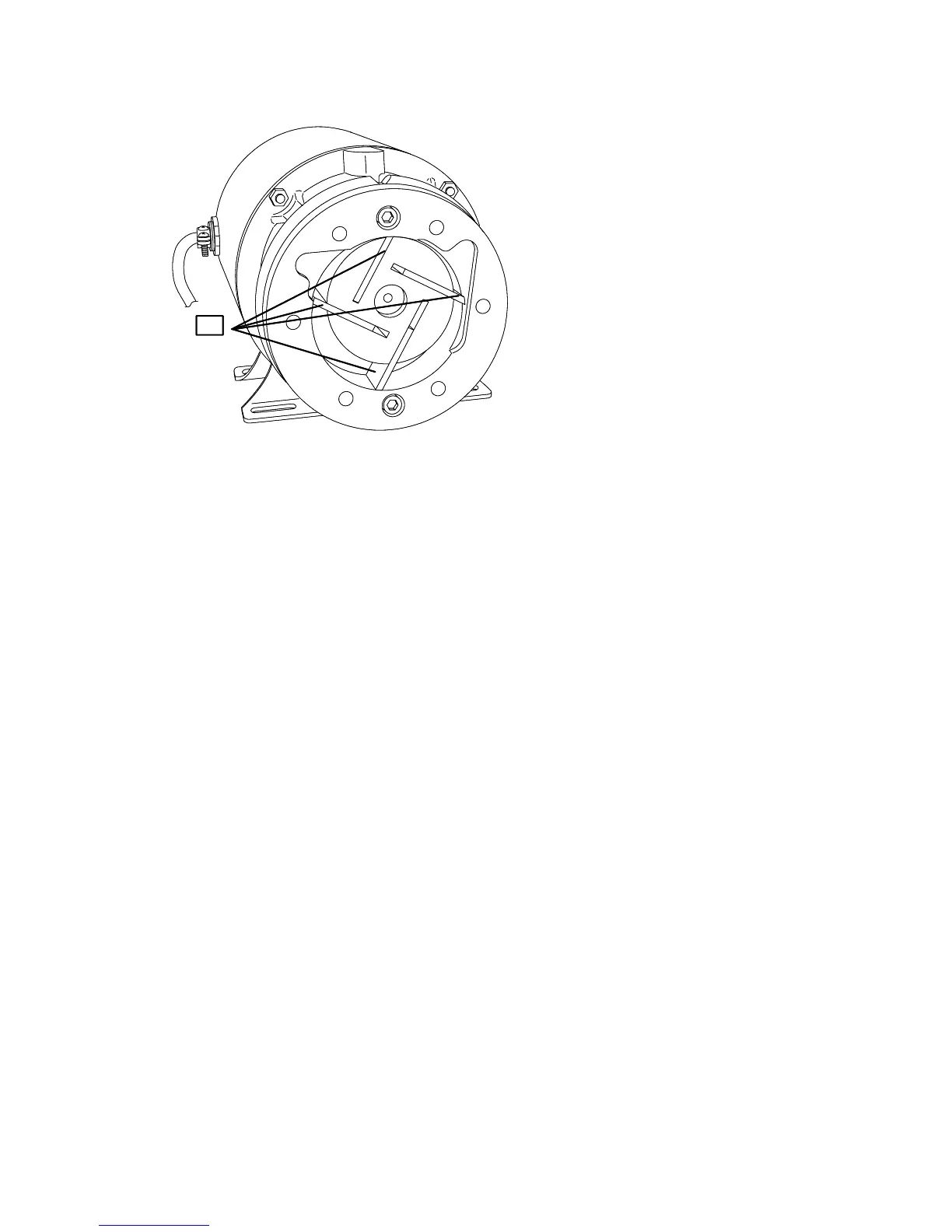
Figure 6 Vacuum pump vanes
11
3. Clean the inside of the pump. See Figure 6.
4. Install new vanes. See Figure 6.
5. Reinstall the end plate and its five retaining screws with a new gasket from the maintenance
kit.
6. Install new O-rings and clean filters. See Figure 5.
7. Reinstall muffler box.
8. Reconnect the fast-on tube.



 To Next Page