11
Rear Cover
Before removing the RC, follow these steps:
▲ Prepare the monitor for disassembly. See Preparation for disassembly on page 14.
Step 1 Quick release Base stand
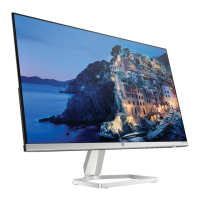
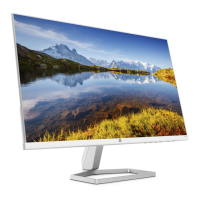
1. Lay the display on soft desk and push the button of stand to unlock the stand, then pull out the stand form
the monitor head.
2. Twist out the screw and separate base and stand.
Push up the whlte
button
Twist out the
screw


 To Next Page