• Analyze current corporate and departmental structure.
• Analyze the current file server structure and environment.
• Plan properly to ensure the best configuration and use of storage.
• Determine the desired priority of fault tolerance, performance,
and storage capacity.
• Use the determined priority of system characteristics to
determine the optimal striping policy and RAID level.
• Include the appropriate number of physical drives in the arrays to
create logical storage elements of desired s izes.
Arrays
With an array controller installed in the system, the capacity of several
physical drives can be logically combined into one or more logical
units called arrays. When this is done, the read/write heads of all the
constituent physical drives are active simultaneously, dramatically reducing
the overall time required for data transfer.
NOTE:
Depending on the storage server model, array configuration may not
be possible or necessary.
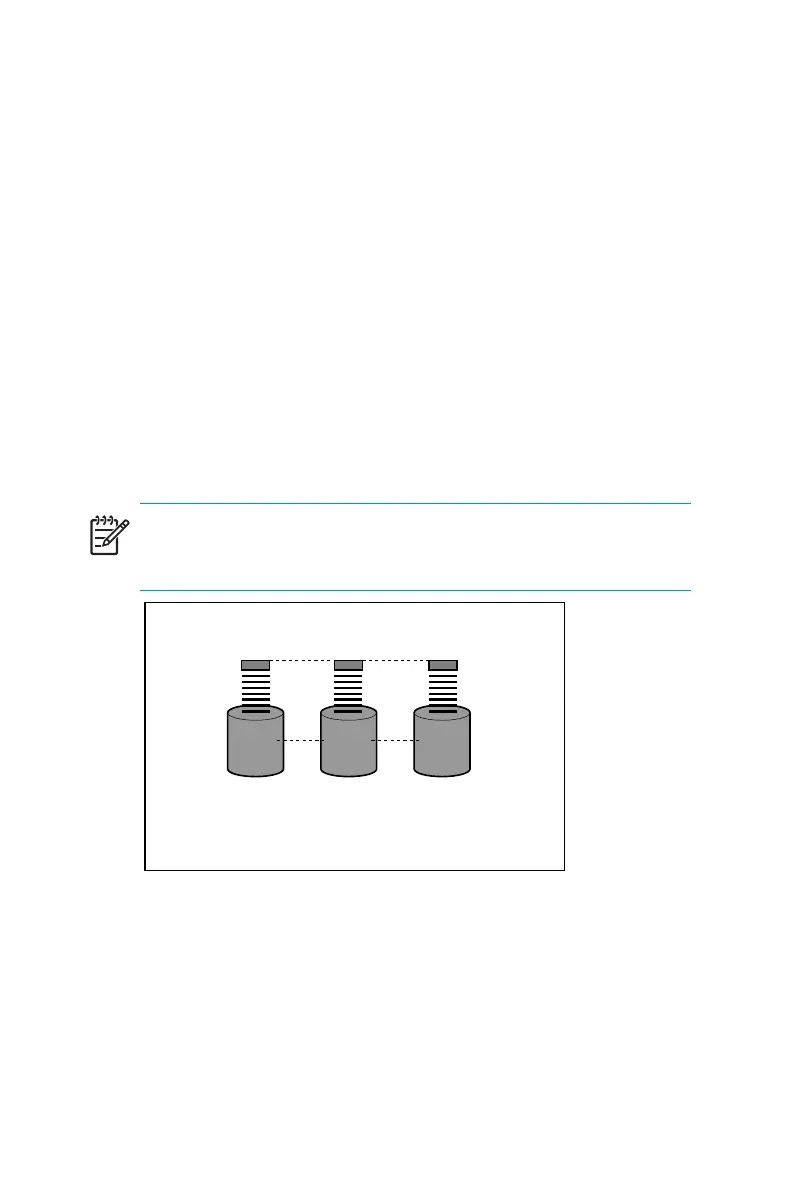
L1
P1 P2 P3
Figure 4 Configuring the physical drives in to an array
drama tically im proves read/write efficiency
Because the read/write heads are active simultaneously, the same amount
of data is written to ea ch drive during any given time interval. Each unit of
data is termed a block. The blocks form a set of data stripes over all the
hard drives in an array, as shown in Figure 5.
HPProLiantStorageServeruserguide
33



 To Next Page