EnglishEnglish 23
HP 19” Color Monitor User’s Guide
Adjusting Your Monitor
OSD LOCK/UNLOCK
The OSD Lock/Unlock allows you to protect
adjustment data by locking controls. You
can unlock the OSD controls at any time by
using the same procedure.
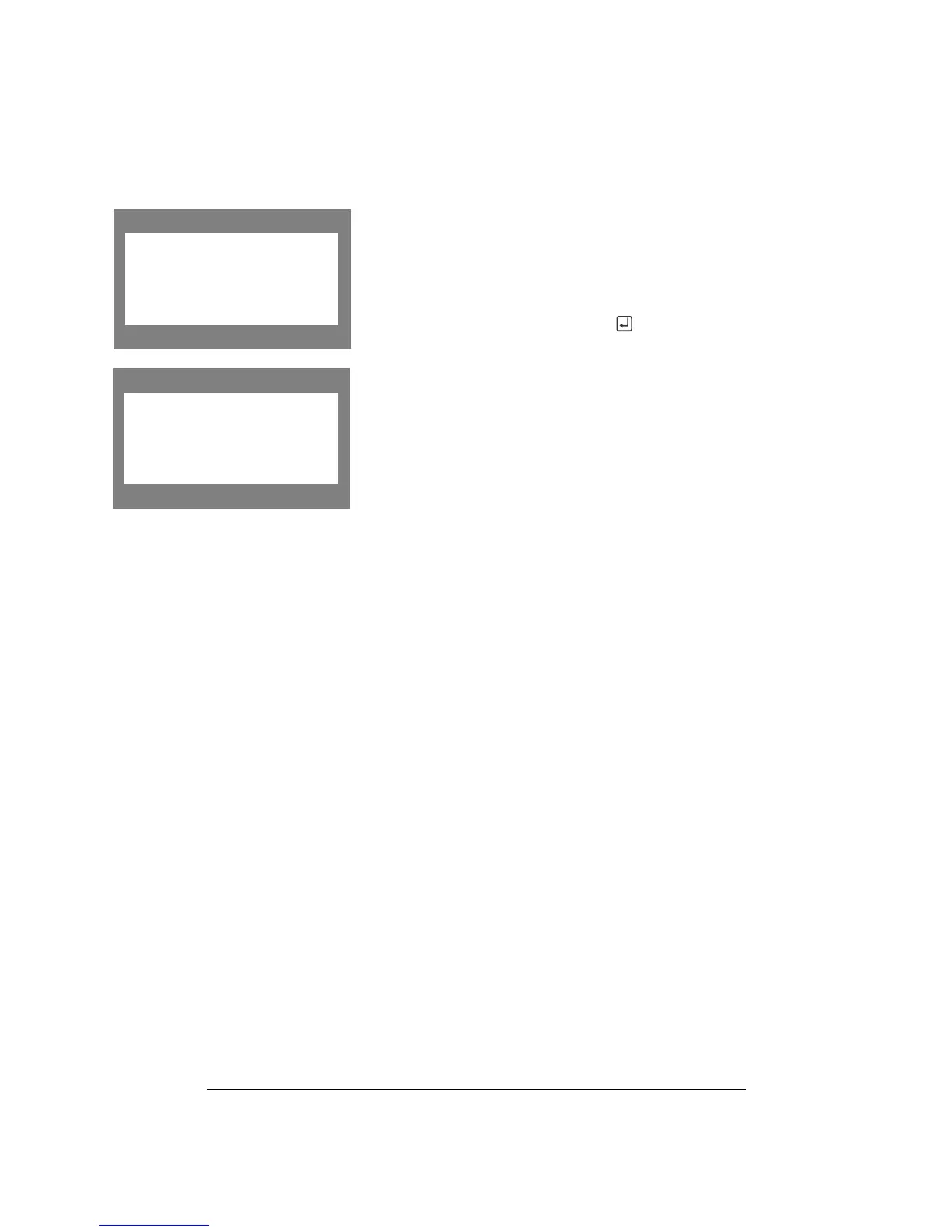
1 Press and hold the Enter () button
for 10 seconds or more to Lock or to
Unlock.
Control Lock
Locked
Control Lock
Unlocked



 To Next Page