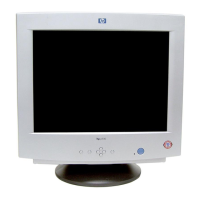
HP 19” Color Monitor User’s Guide
Adjusting Your Monitor
24 EnglishEnglish
Minimizing Eye Strain
To avoid screen flicker and minimize eye strain, use the highest
supported image refresh rate for the chosen resolution. It is
recommended that you use a refresh rate of 85 Hz. The image refresh
rate is the number of times per second that the image is refreshed.
Minimizing Energy Consumption
If your computer supports VESA monitor power management
(available on many HP computers), you can minimize the power
consumed by the monitor. There are two power saving modes:
• Suspend mode
1
(uses less than 15W). In this mode, the monitor's
front panel indicator light is amber.
•
Active off mode
2
(uses less than 3W). In this mode, the monitor's
front panel indicator light is amber.
To set these power saving modes, refer to the manual that came with
your computer. If your screen is not displaying an image, check the
front panel indicator light first as your monitor may be in a power
saving mode.
Supported Video Modes
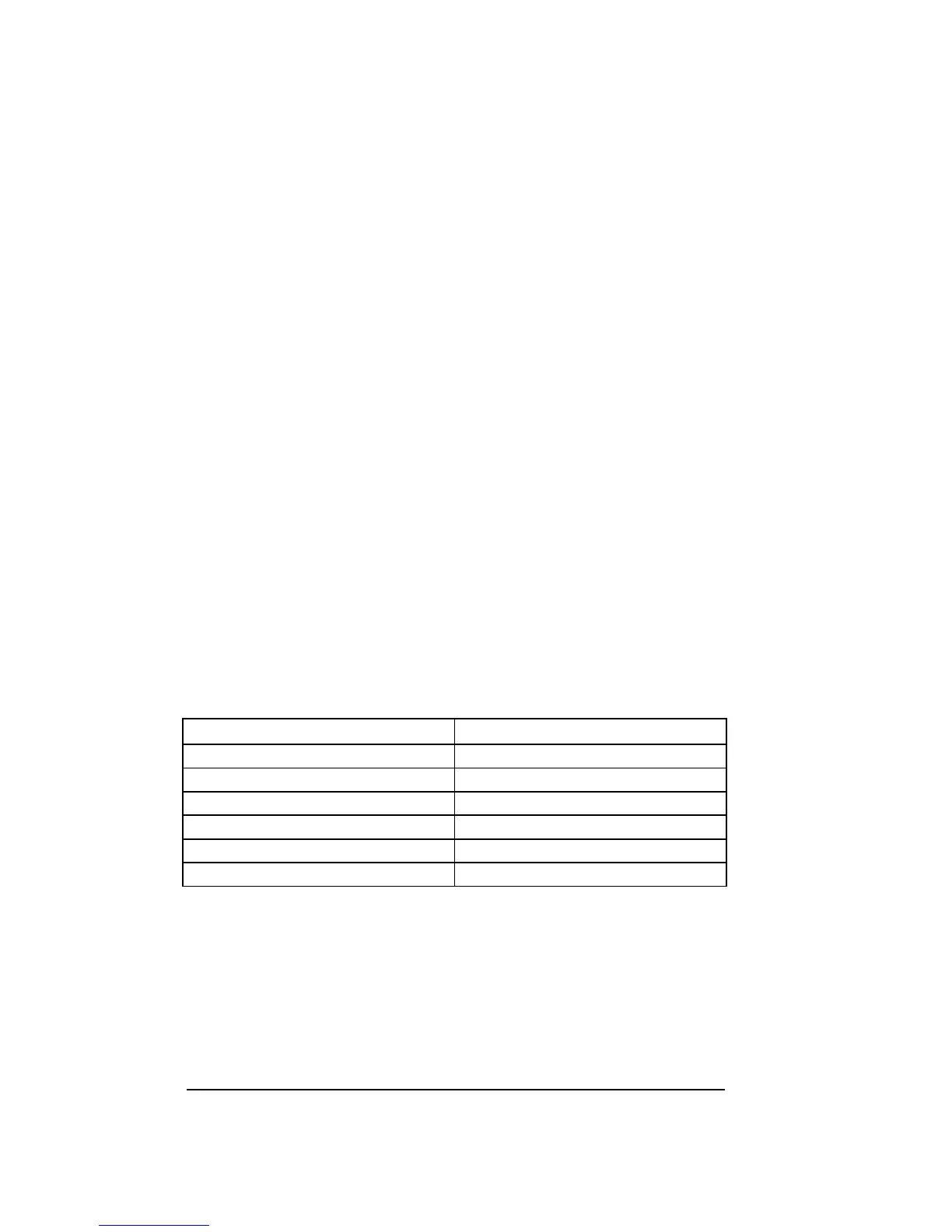
Your monitor comes with the standard modes shown in the table
below. It also supports intermediate video modes. With the
intermediate modes, the displayed image may need to be optimized
using the buttons on the front panel. All modes are non-interlaced.
Your monitor is GTF* compatible.
FACTORY PRESET MODES:
The recommended mode for your HP Monitor is 1280 x 1024, at
85 Hz.
1. Suspend mode is activated when vertical sync is cut by the video controller.
2. Active off mode is activated when both vertical and horizontal sync are cut by the video
controller.
3 GTF - General Timing Formula
.
Resolution Refresh Rate/Hz
640 x 400 70
640 x 480 60, 85
800 x 600 85
1024 x 768 75, 85
1280 x 1024 GTF* 75, 85
1600 x 1200 75, 85



 To Next Page