Chapter 4 Procedures
25
67(3
Install Decorative Gray Screws in front
column.
Front holes in the Keyboard Tray should align
with Sheet Metal Nuts attached in Step 3.
67(3
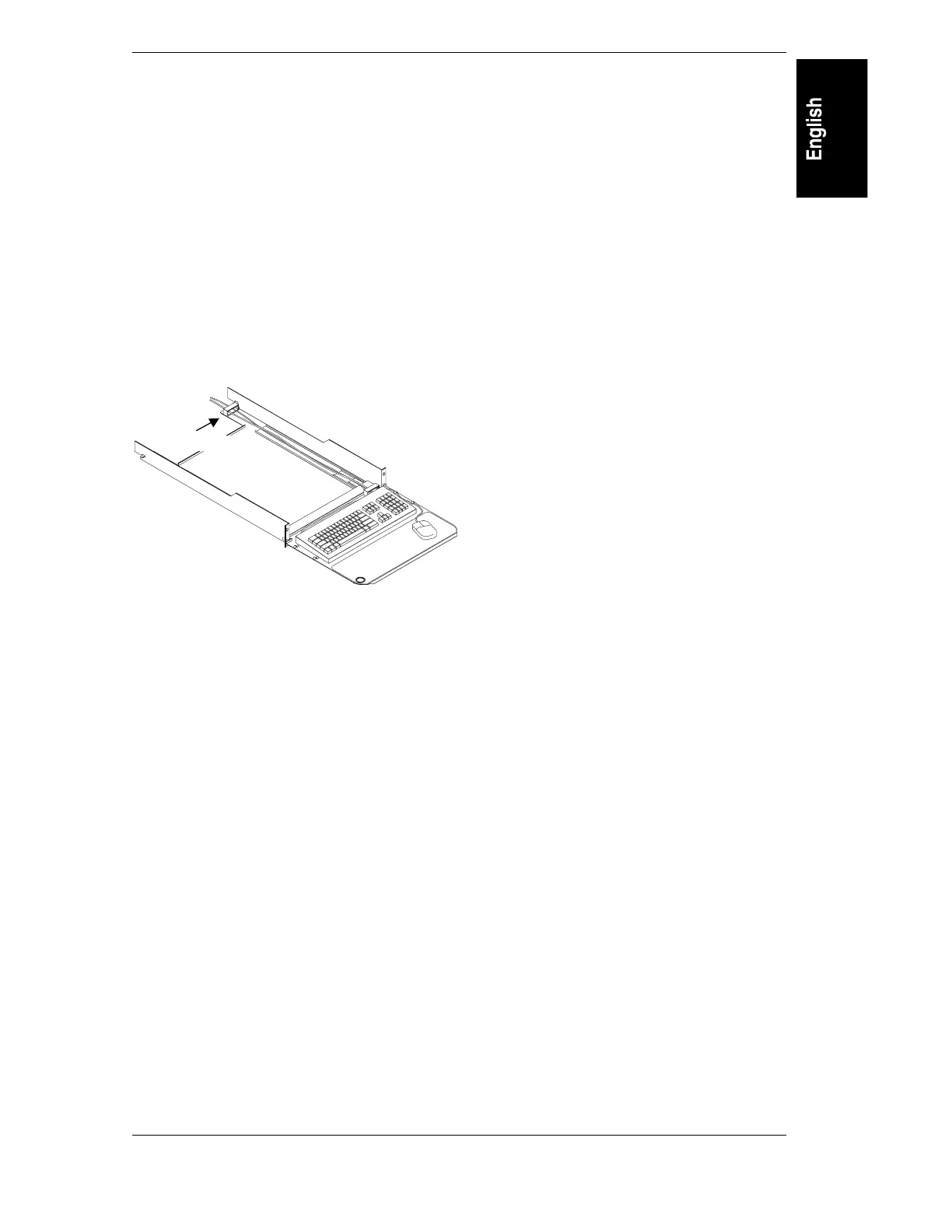
Install keyboard and mouse.
After reading this instruction, remove this
instruction label. Install keyboard and mouse.
Install cable guide. Route the mouse cable
through the guide. Use the spare cable clips as
necessary. Installation complete.
Cable guide



 To Next Page