
 To Next Page

E
Eric PettySep 5, 2025
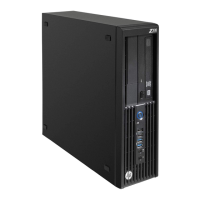
What to do if my HP Z230 Desktop is trying to start from nonbootable media?
- DDarren DaltonSep 5, 2025
If your HP Desktop is trying to start from nonbootable media, remove any optical discs or USB drives. If system files are missing or not properly installed, insert a bootable system optical disc or USB drive and restart the computer. If the hard drive is still inaccessible and MBR Security is enabled, restore the previously saved MBR image by entering Setup and selecting Security > Restore Master Boot Record.
 General
 Weight and Dimensions