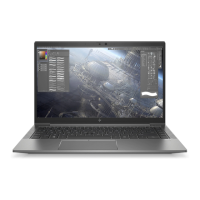
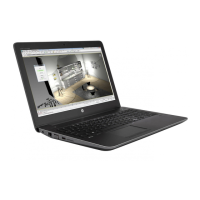
2. Loosen the two Phillips captive screws that secure the keyboard to the computer.
3. Position the computer on its side with the display open at a 90-degree angle.
4. Insert a screw driver or similar thin tool into the keyboard release opening in the optical drive bay, and
then press on the back of the keyboard until the keyboard disengages from the computer.
5. Turn the computer right side up with the front toward you.
6. Open the computer as far as it will open.
62 Chapter 5 Removal and replacement procedures for Customer Self-Repair parts

 To Next Page
 Loading...