6. When a file is transferred, a notification is displayed. Slide the Notifications panel
down, and then tap the relevant notification to view the file.
7. You can also tap > Show received files to view files received via Bluetooth.
NFC
Using NFC
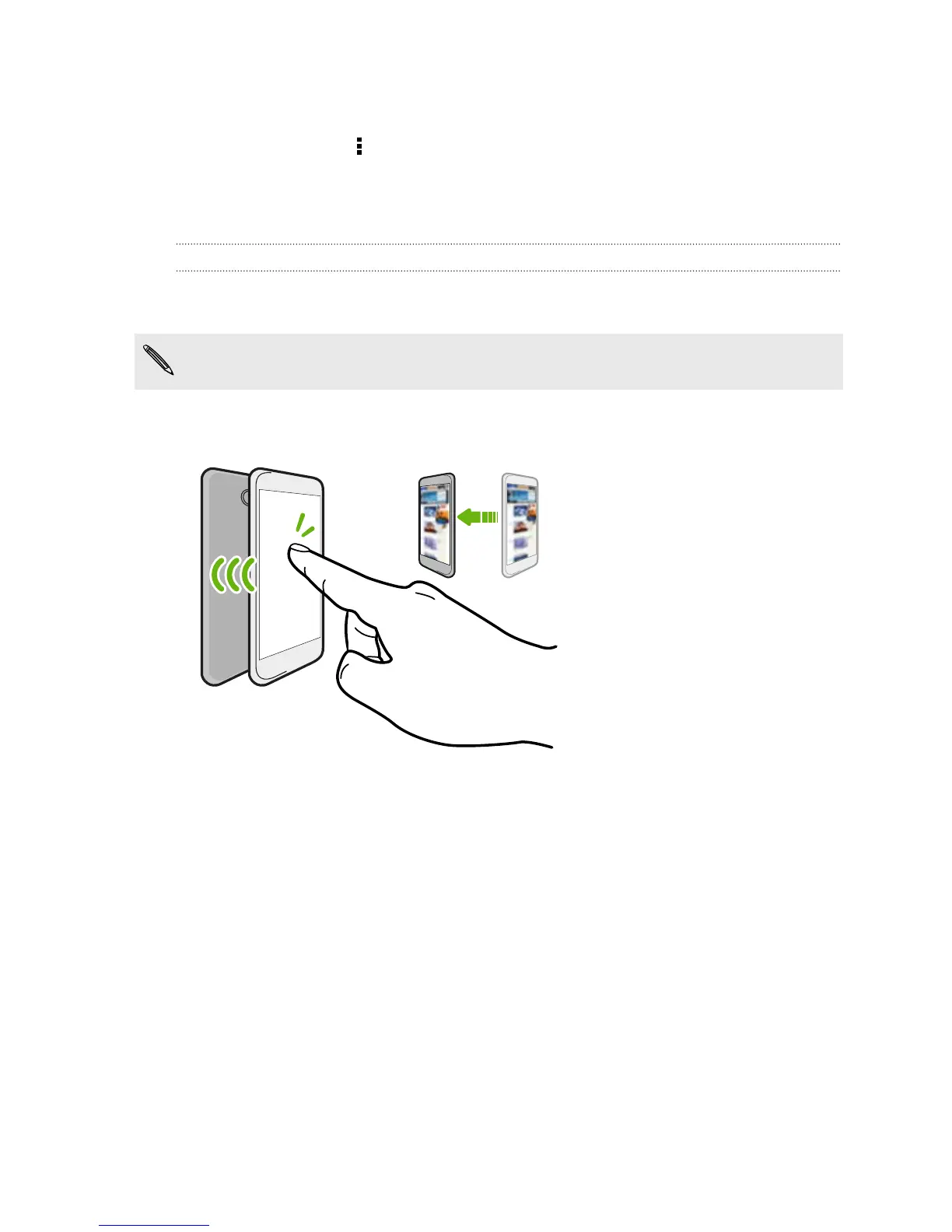
With built-in NFC (near field communication) on HTC Desire EYE, you can share
content to another NFC-capable mobile device in an instant.
NFC may not be available in some phones.
Beam webpages, photos, contact information, and more by holding HTC Desire EYE
and the other device back to back.
You can also use NFC for contactless payment. Availability of NFC payment depends
on when your mobile operator launches this service. Contact your mobile operator for
details.
Turning NFC on or off
1. Go to Settings, and then under Wireless & networks, tap More.
2. Tap NFC.
3. Tap the NFC On/Off switch to turn it on and off.
174 Wireless sharing



 To Next Page