Split camera and Crop-Me-In
Using Split Capture mode
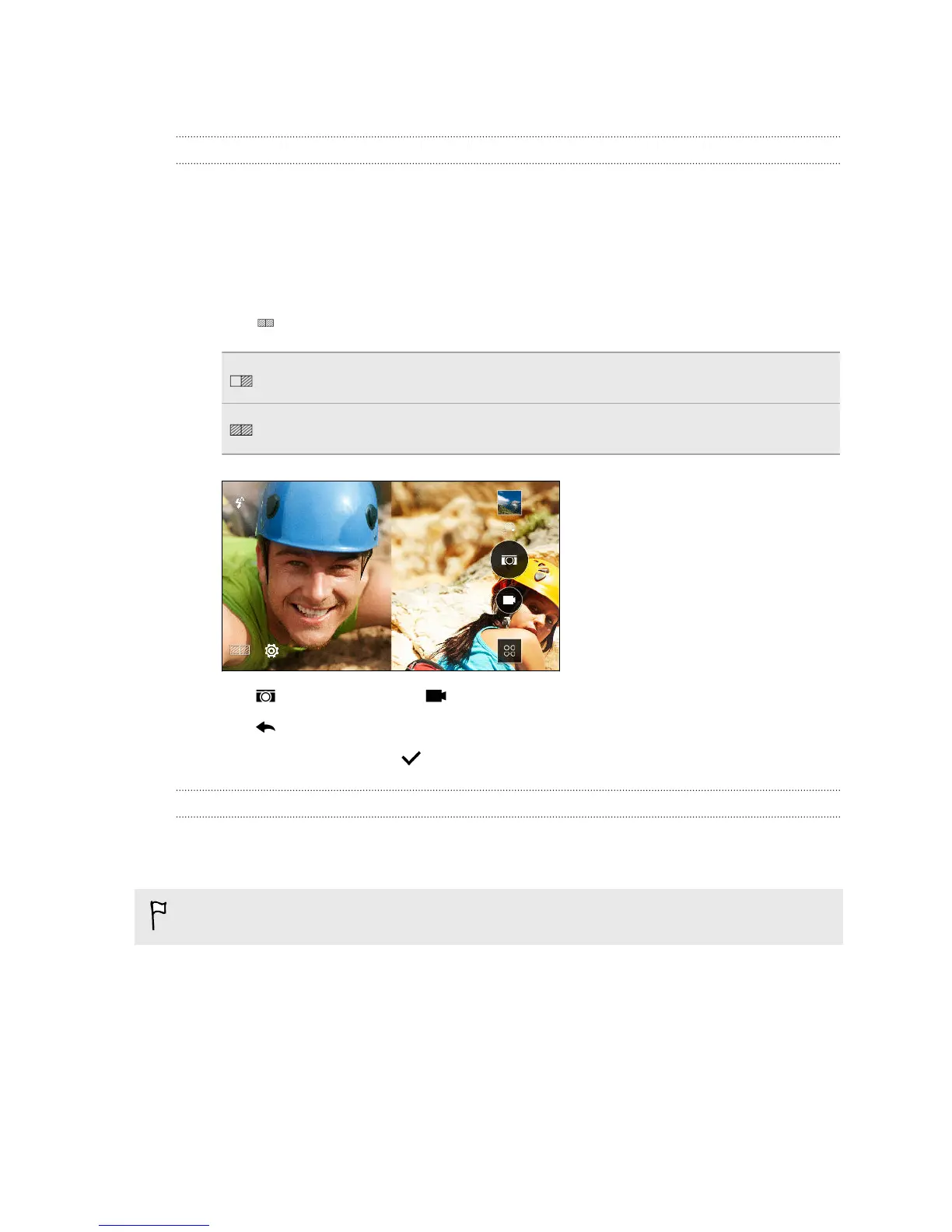
Use the Split Capture mode to capture both your selfie and the scenery in front of
you.
1. Open the Camera app.
2. Switch to Split Capture mode. To find out how to switch between capture
modes, see Choosing a capture mode on page 70.
3. Tap to toggle between the following options:
Take a photo or record a 15-second video of the scene, and then capture
your selfie.
Use both the main and front cameras at the same time to either take a
photo or record a video.
4. Tap to take a photo or to record a video.
5. Tap to retake the shot from either the main or front camera.
6. To save the image, tap .
Using Crop-Me-In mode
Crop your selfie into the scene at the same time you're taking a photo or video of a
famous landmark.
This feature will be available via app update.
1.
Open the Camera app.
2. Switch to Crop-Me-In mode. To find out how to switch between capture modes,
see Choosing a capture mode on page 70.
3. Drag your selfie to the position that you want.
77 Camera



 To Next Page