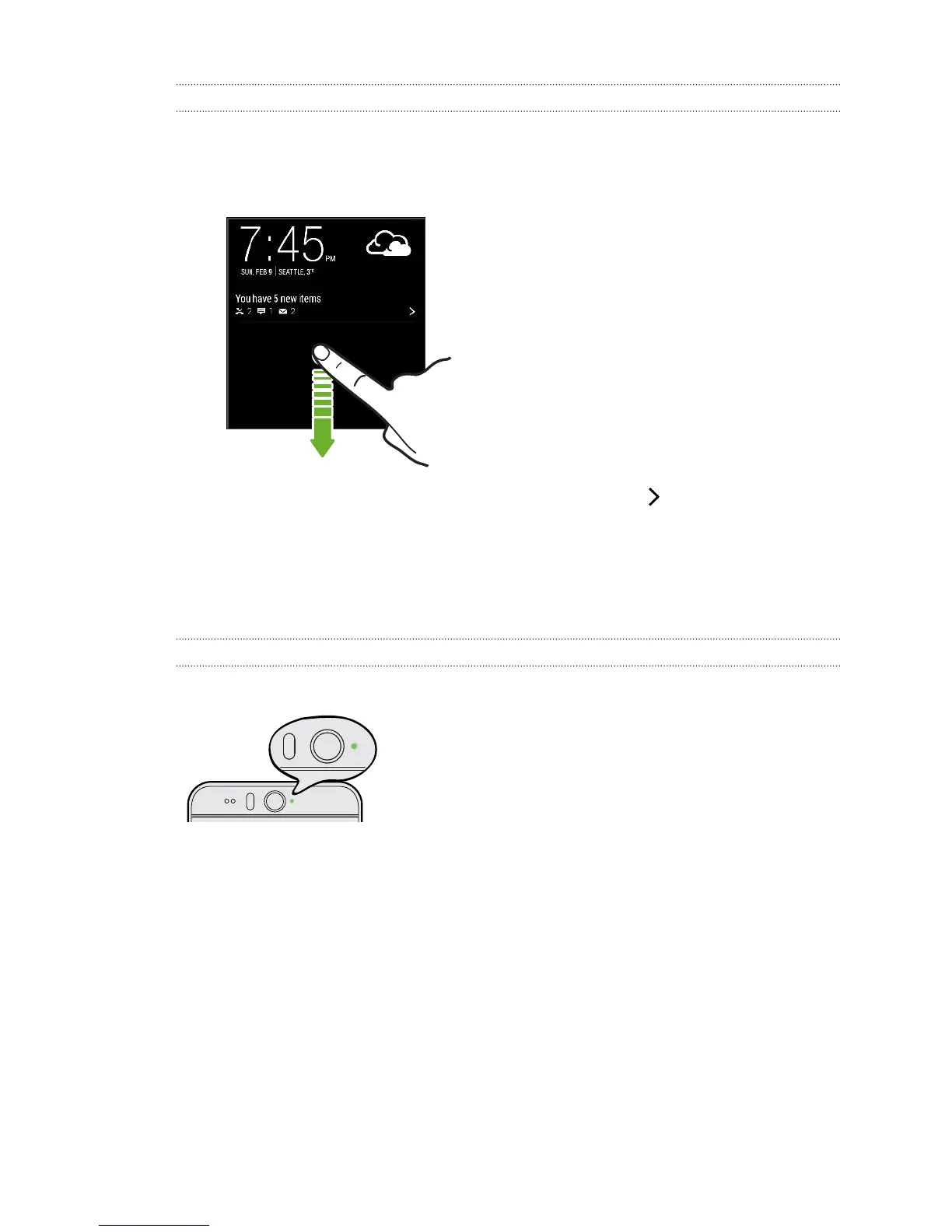
Notification widget
On the lock screen, you can see notifications such as missed calls, text messages,
calendar events, and more.
1. Drag down from the clock to expand the widget.
2. If there is more than one missed call, text, or email, tap to view the next
notification.
3. Tap a notification to go directly to its app.
You can change which notifications appear on the widget in Security settings. See
Lock screen notifications on page 183.
Notification LED
The notification LED shows a:
§ Solid green light when HTC Desire EYE is
connected to the power adapter or a computer
and the battery is fully charged.
§ Flashing green light when you have a pending
notification.
§ Solid orange light when the battery is being
charged.
§ Flashing orange light when the battery level
reaches very low.
46 Your first week with your new phone



 To Next Page