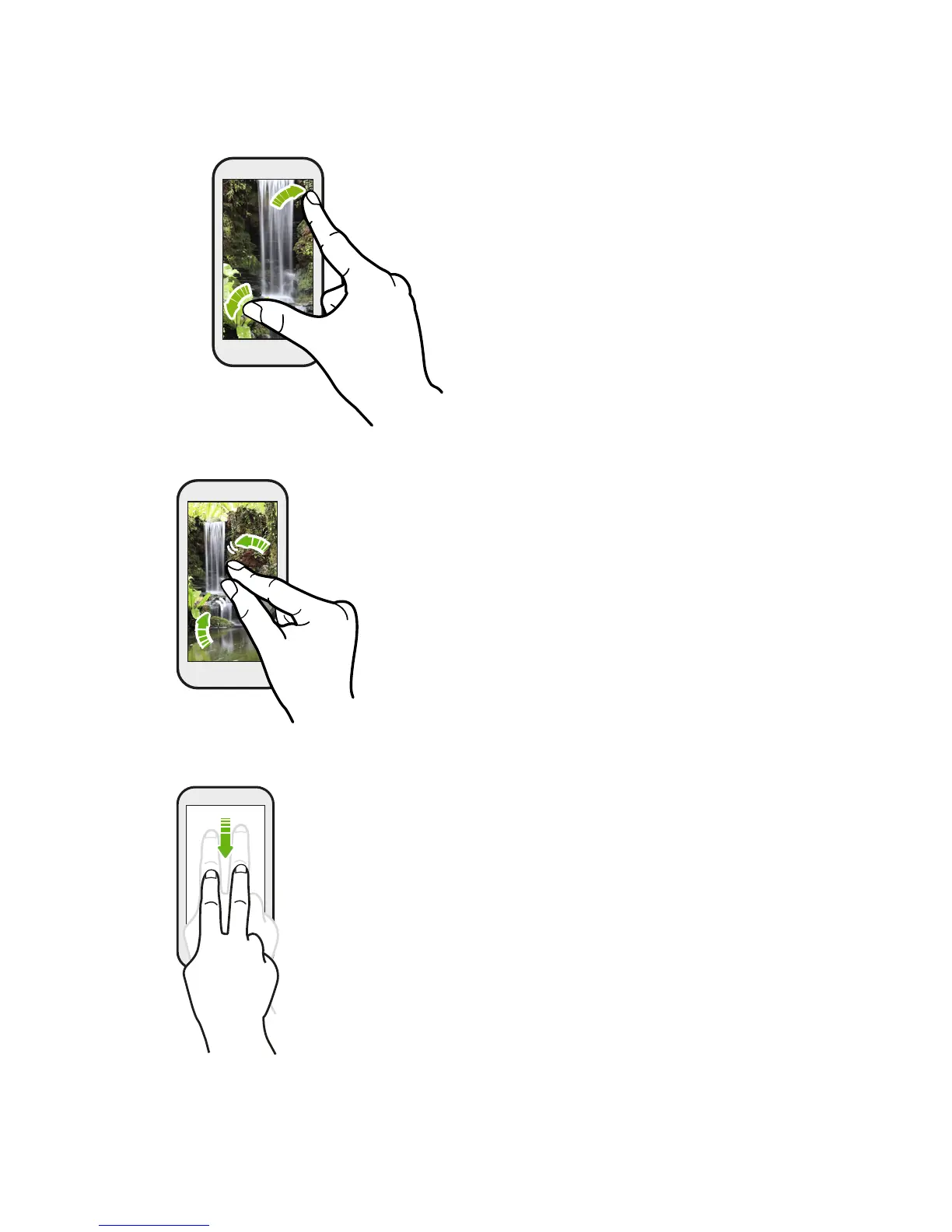
Slide with two fingers
In some apps, like Gallery, Messages, Mail,
or the web browser, slide two fingers
apart to zoom in when viewing a picture
or text.
Slide two fingers together to zoom out of the picture or
text.
Two-finger swipe
Swipe down from the status bar using two fingers to access Quick
Settings.
38 Your first week with your new phone



 To Next Page