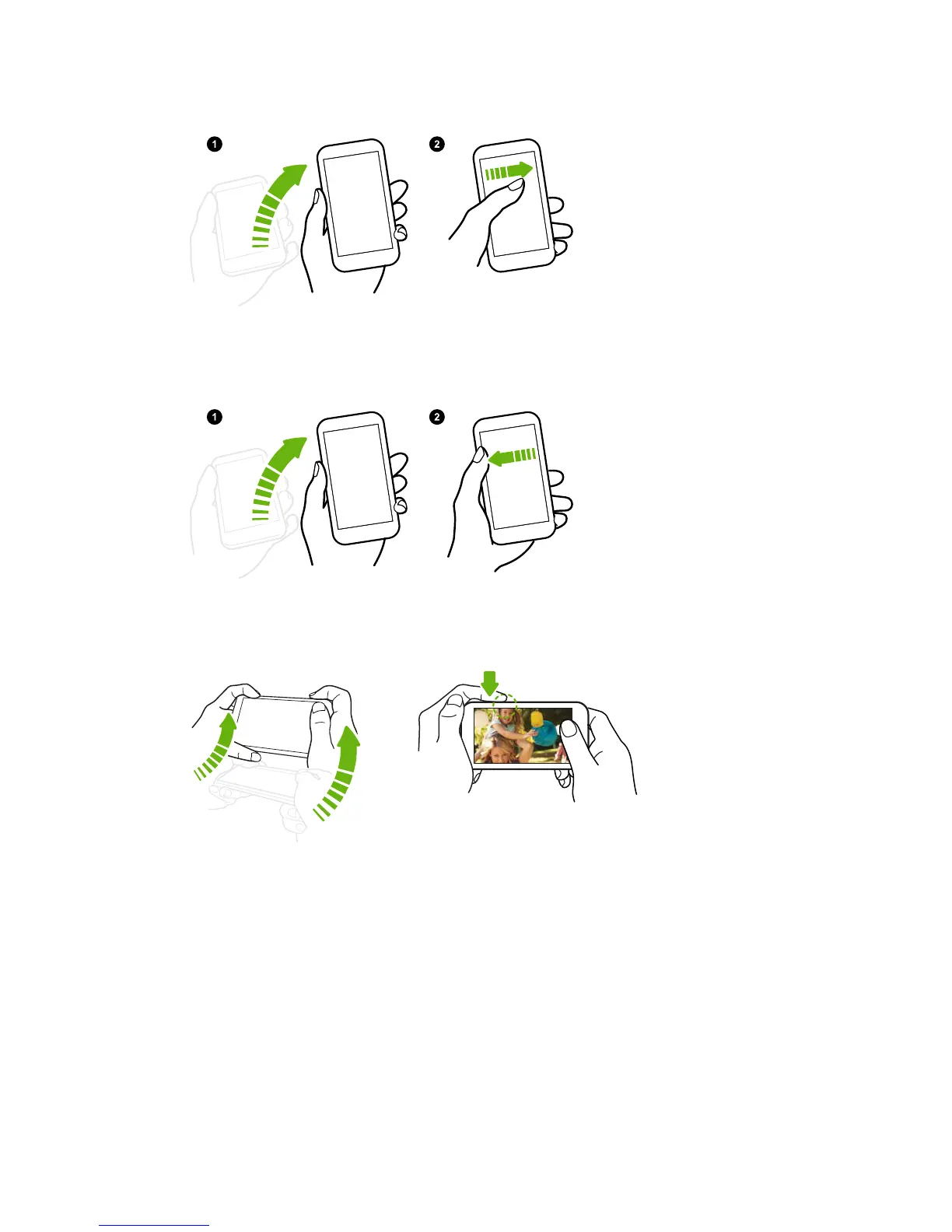
Wake up the phone directly to HTC BlinkFeed
1. Lift the phone in
portrait orientation.
2. Swipe right across
the screen right
away.
Make sure you're not
touching the screen when
the phone vibrates.
Wake up the phone directly to the Home widget panel
1. Lift the phone in
portrait orientation.
2. Swipe left across the
screen right away.
Make sure you're not
touching the screen when
the phone vibrates.
Wake up the phone directly to Camera
1. Lift the phone in landscape orientation.
2. Press the VOLUME UP or VOLUME DOWN button right away.
42 Your first week with your new phone



 To Next Page