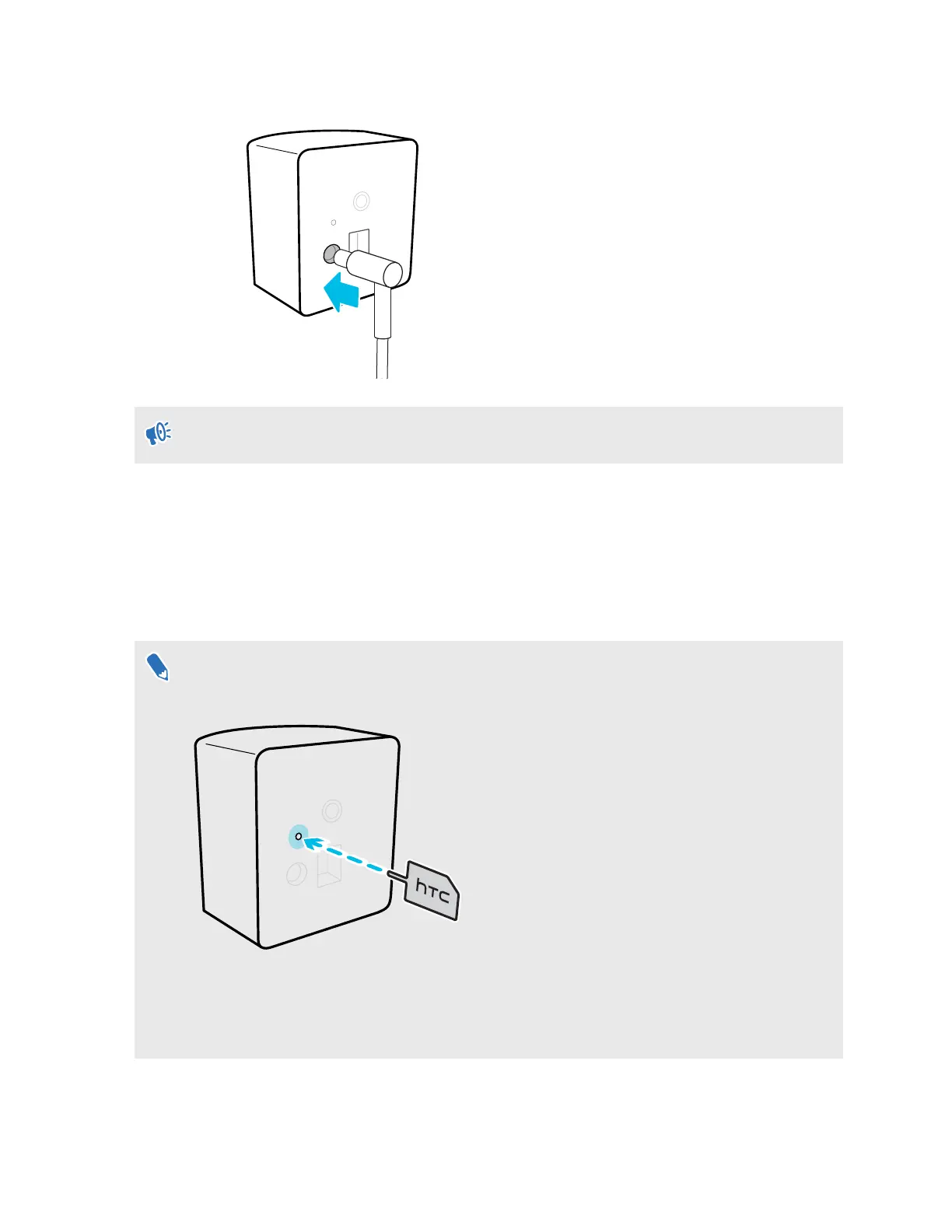
3. Attach the power cables to the base stations.
Only use the power cables and adapters included with the base stations.
Depending on the hardware version of your base stations, the LED indicators will be white
or green.
4. Connect the first base station to a power outlet to power it on, and then check the Mars
dashboard to make sure it's detected. The base station status icon should turn blue.
5. Do the same with the second base station.
See Mars on page 9 to learn more about the Mars dashboard.
If Mars doesn't detect the second base station, press the channel button on the back of the
base station with the channel changing pin to set the channel manually.
The status icon will turn blue about 10-15 seconds after setting the base station channel.
You'll need to set the channel manually for any additional base stations you connect.
18 System setup



 To Next Page