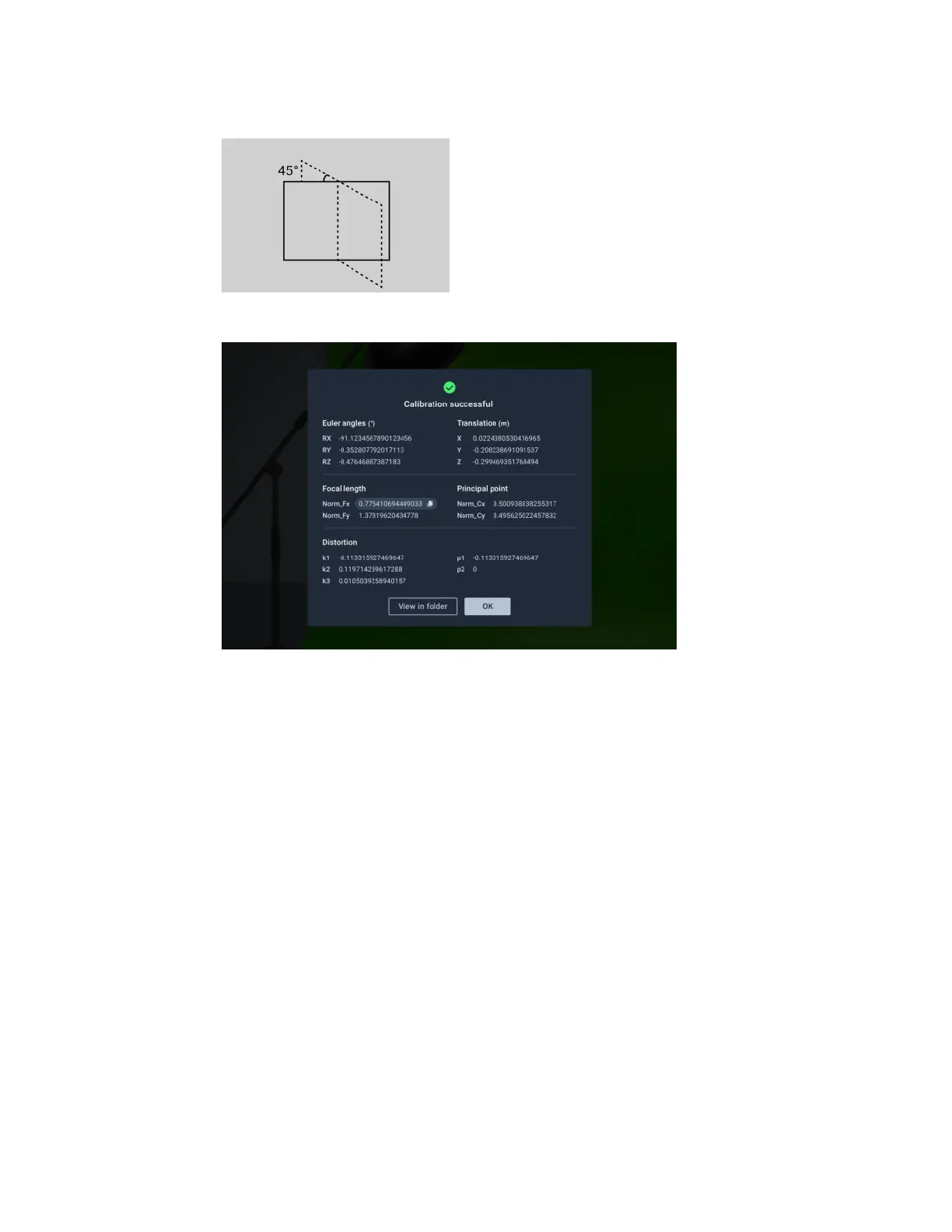
9. Rotate the calibration board 45 degrees clockwise (-45 degrees), click Continue, and then
capture the final set of images.
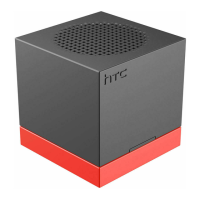
The Camera Calibration Tool will process all captured images and then display the results.
10. Enter the data into your virtual production engine to define the parameters of the virtual
camera.
Your physical and virtual cameras should now be aligned.
24 Camera calibration



 To Next Page