09
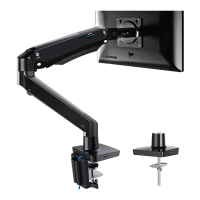
Step 4 Adjust Gas Spring Tension
Be sure to keep the arm in
horizontal position during
adjustment. Or else, it will be
difficult to adjust the mount or
possibly damage the mount.
1. If the monitor can stay at the desired height
by itself, no adjustment needed.
2. If the monitor rises up, press the arm to keep
it in horizontal position and then use the
13/64 in.(5mm) Alley key (F) to turn the bolts
clockwise(“-” direction) to reduce tension of
the arm only until the monitor can stay at the
desired height by itself.
3. If the monitor falls down, lift the arm to keep
it in horizontal position and then use the
13/64 in.(5mm) Alley key (F) to turn the bolts
counter-clock-wise(“+” direction) to increase
tension of the arm only until the monitor can
stay at the desired height by itself.
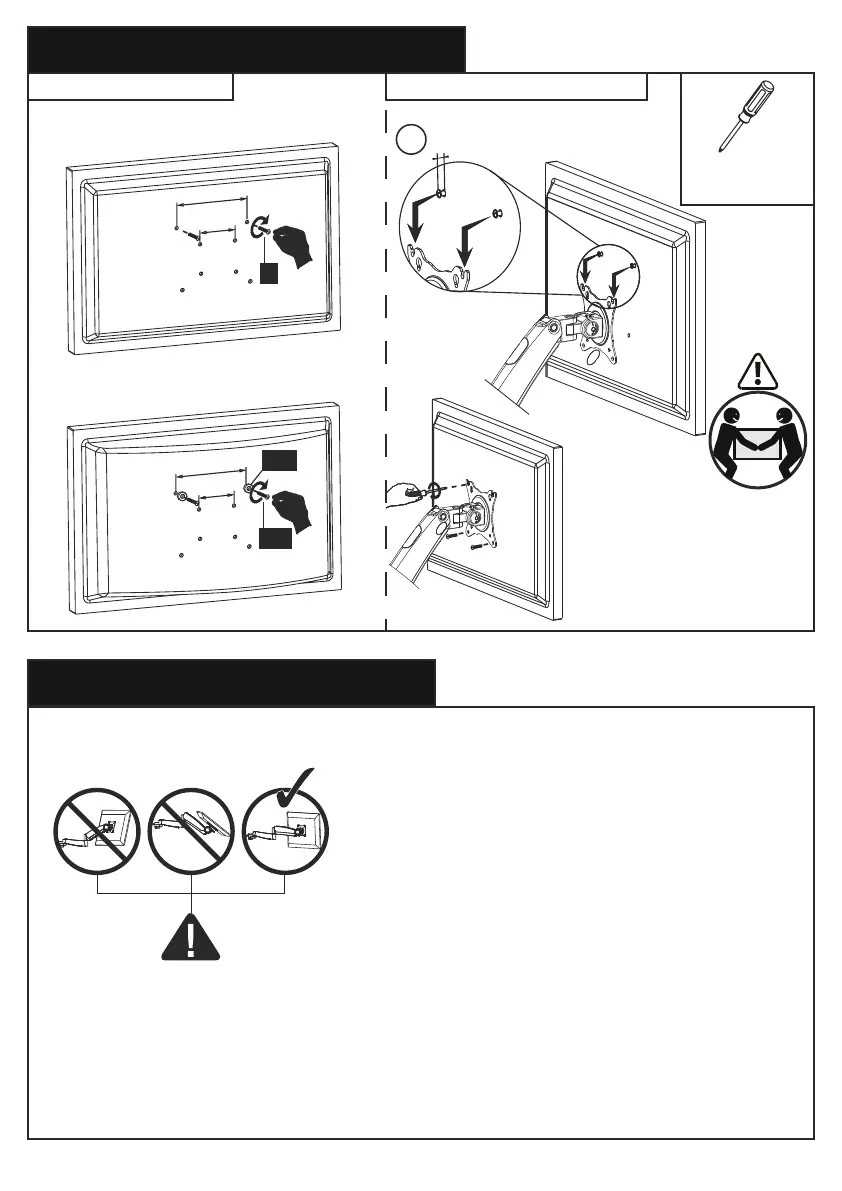
Step 3 Attach Monitors to the Arms
3-1 Choose Proper bolts 3-2 Install Monitors to the Arms
1
0.1-0.2in.(3-5mm) spacing left
The tension is preset at
8.8~11 Ibs(4-5kg). After
hanging the monitor to the
mount,please release the
monitor slowly to prevent it
from falling suddenly.
100x100mm
75x75mm
A
Screwdriver
[Not Included]
Flat back monitor
Round back monitor
100x100mm
75x75mm
B-1
B-2


 To Next Page