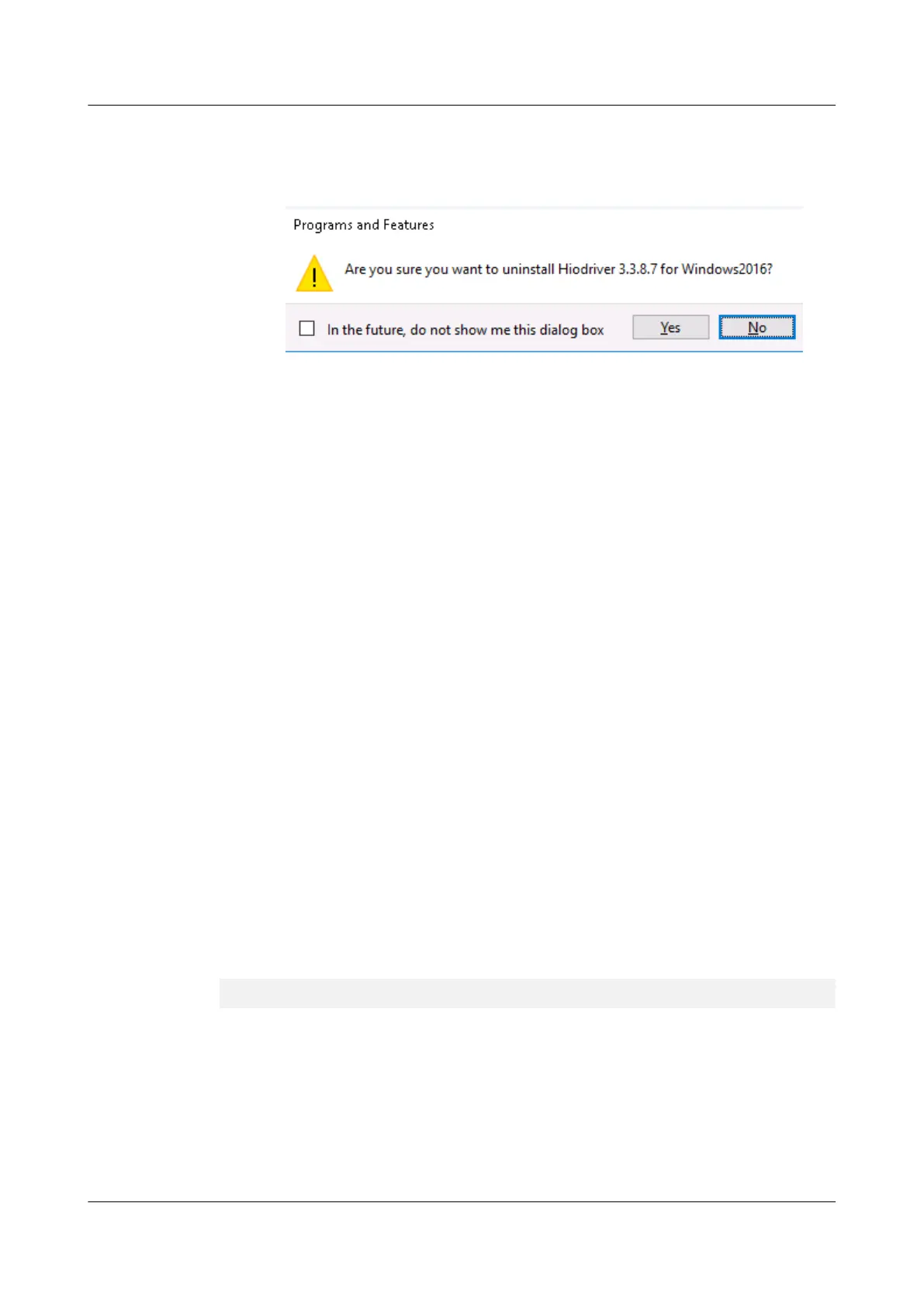
A confirmation dialog box is displayed, as shown in Figure 5-2.
Figure 5-2 Confirming the uninstallation
f. Click Yes to uninstall the ES3000 V3 driver and its components.
l Uninstall the driver by using the installation package.
a. Log in to the OS as an administrator or a member of the administrator group.
b. Stop the programs that are accessing the ES3000 V3.
c. Double-click the driver installation file in .msi format and select the uninstallation
option.
Uninstall the driver by following on-screen instructions.
----End
5.1.3 Uninstalling the Driver in ESXi
Operation Scenario
If you want to stop using or replace the ES3000 V3, uninstall the driver first.
Procedure
Step 1 Log in to the OS as an administrator or a member of the administrator groupo ,hadeo.
Step 2 Stop or exit the programs or files that are accessing the ES3000 V3.
Step 3 Run the following command to uninstall the ES3000 V3 driver package:
esxcli software vib remove -n hiodriver
Step 4 After the driver is uninstalled, run the reboot command to restart the OS.
Step 5 After the restart, run the vmkload_mod -l | grep hiodriver command. The following
command output indicates that the driver has been uninstalled:
[root@esxi113:~] vmkload_mod -l | grep hiodriver
[root@esxi113:~]
----End
5.2 Upgrading the Driver
This section describes how to upgrade the ES3000 V3 driver in different operating systems
(OSs).
ES3000 V3 NVMe PCIe SSD
User Guide
5 Maintenance and Upgrade
Issue 20 (2019-02-27) Copyright © Huawei Technologies Co., Ltd. 65








 To Next Page