10
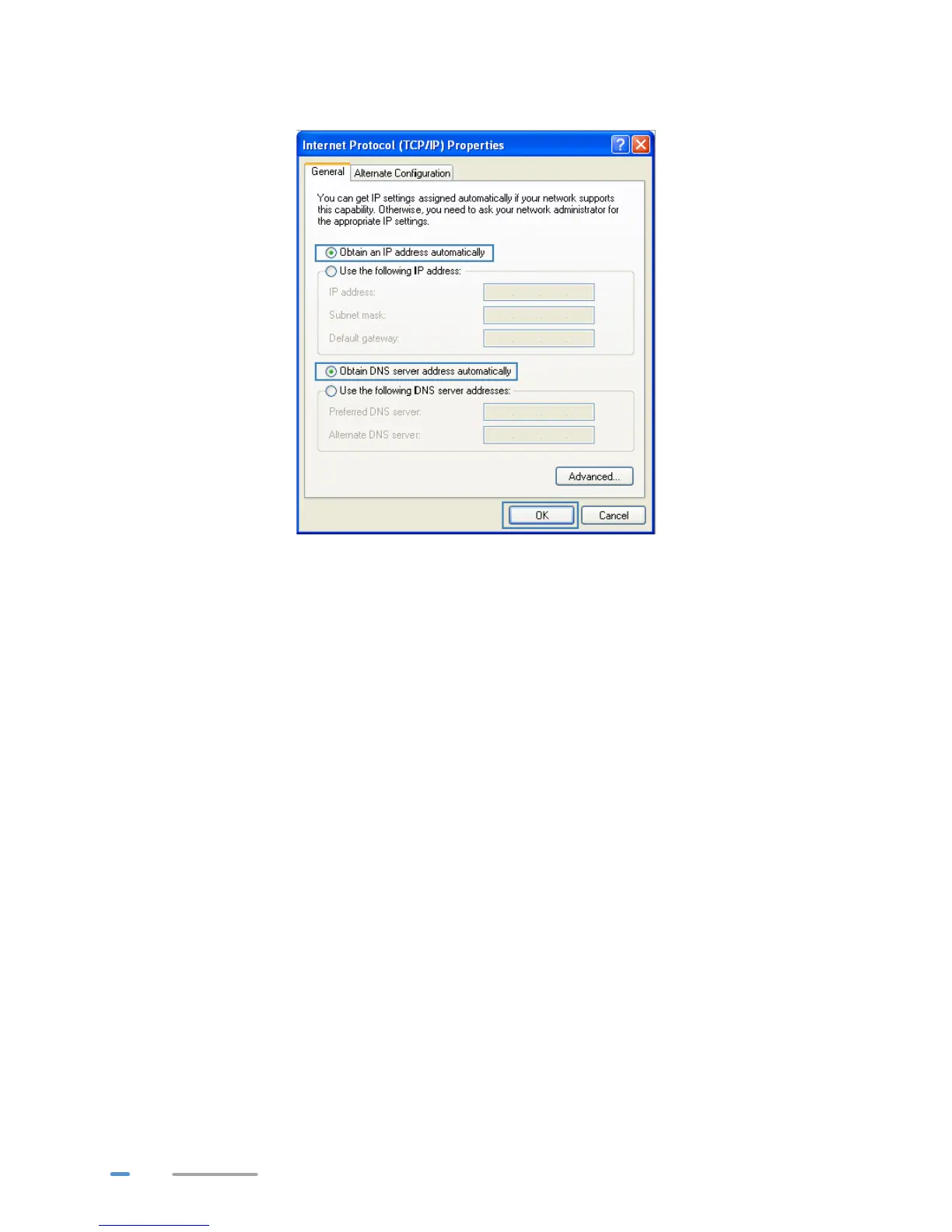
4. Select Obtain an IP address automatically and Obtain DNS server address
automatically. Click OK.
Logging In to the Web Management Page
The HG532d provides an intuitive web management page where you can view or set the HG532d
parameters.
Before you log in to the HG532d web management page, ensure that the computer used for
the login is connected to the HG532d and has been configured to automatically obtain an IP
address or assigned with a static IP address.
1. Open a browser. In the address box, enter 192.168.1.1. Press Enter.



 To Next Page