42
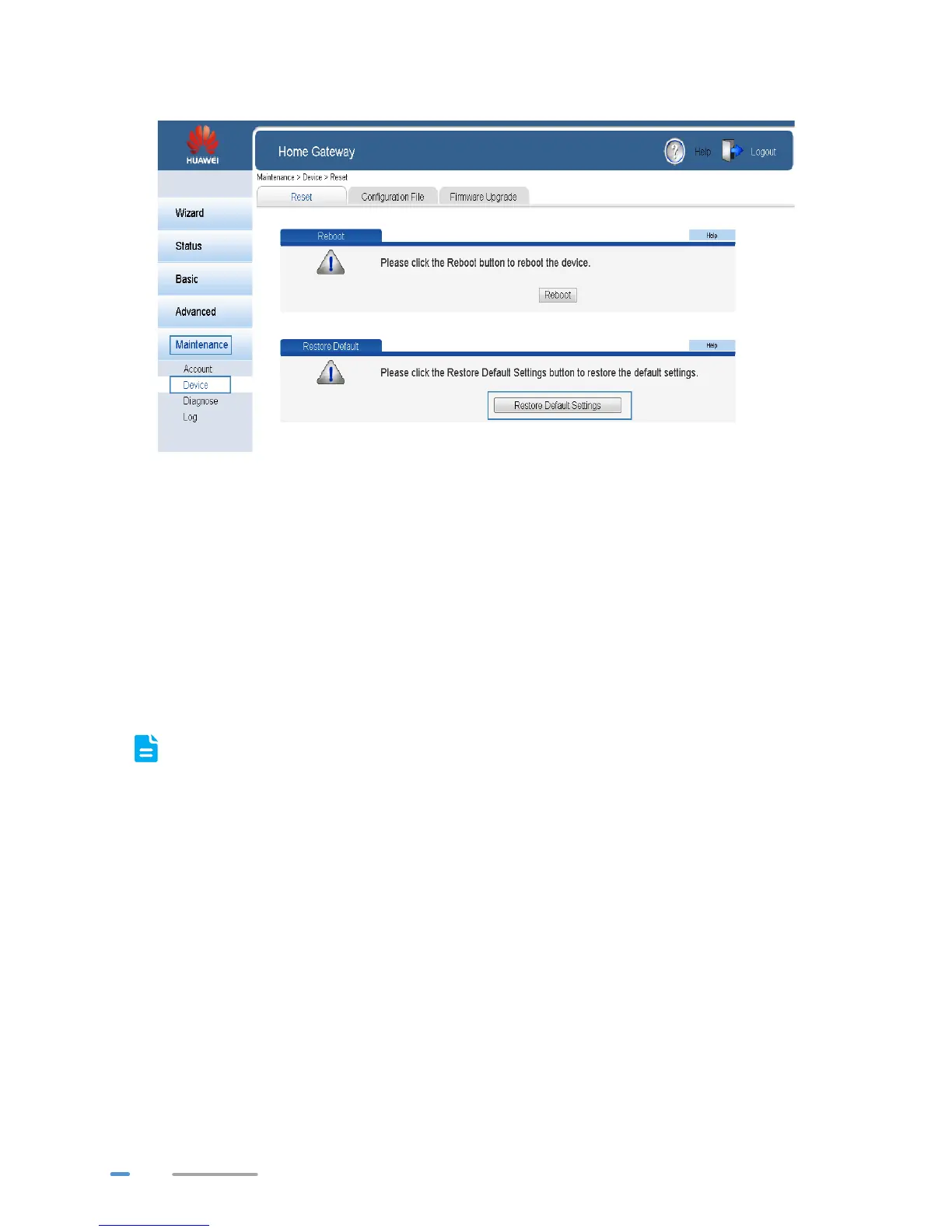
3. Under Restore Default, click Restore Default Settings.
4. In the displayed dialog box, click OK.
Using the Reset Button
If you forget the login password to the web management page or could not access the web
management page, use the reset button on the HG532d rear panel to restore the HG532d to its default
settings. Perform this operation with caution. After the HG532d is restored to its default settings, all
custom data and settings will be lost, and the password will be restored to admin.
1. Press the HG532d power button to power the HG532d on.
2. Press and hold the reset button for 6 seconds or more.
The HG532d will restart, which will cause temporary network interruptions.
After the HG532d is restored to its default settings, change the computer IP address so that
it is in the same network segment as the 192.168.1.1 default IP address.



 To Next Page