34
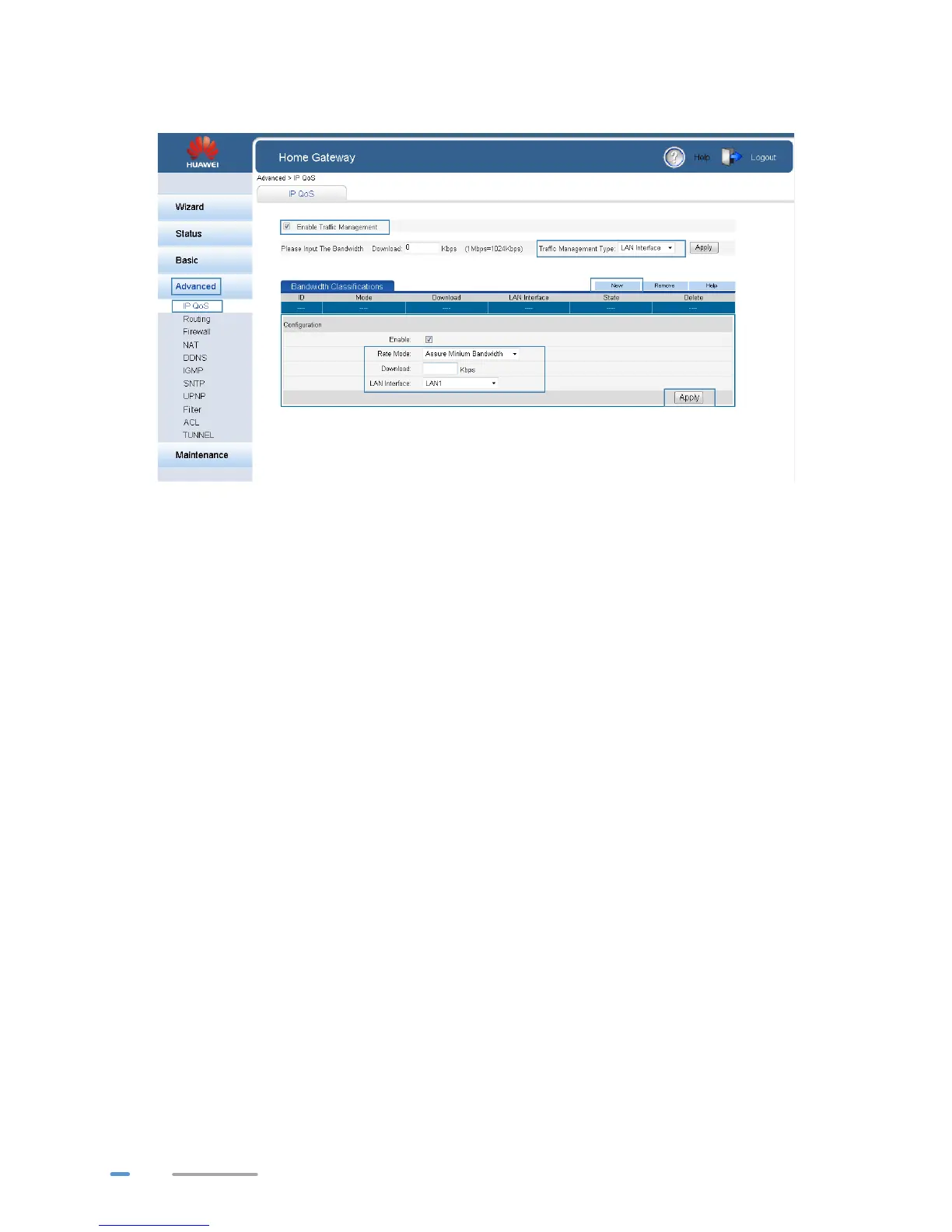
> When the Traffic Management Type is LAN Interface, select the interface of the
HG532d connected to the computer you want to control in LAN Interface.
8. Click Apply.
Configuring the Firewall
The HG532d provides a firewall to help secure its WLAN and any devices connected to it. Set the
firewall level based on site requirements to quickly configure the firewall.
1. Log in to the web management page.
2. In the navigation tree, choose Advanced > Firewall.
3. In Firewall level, select the firewall level you specified.



 To Next Page