13
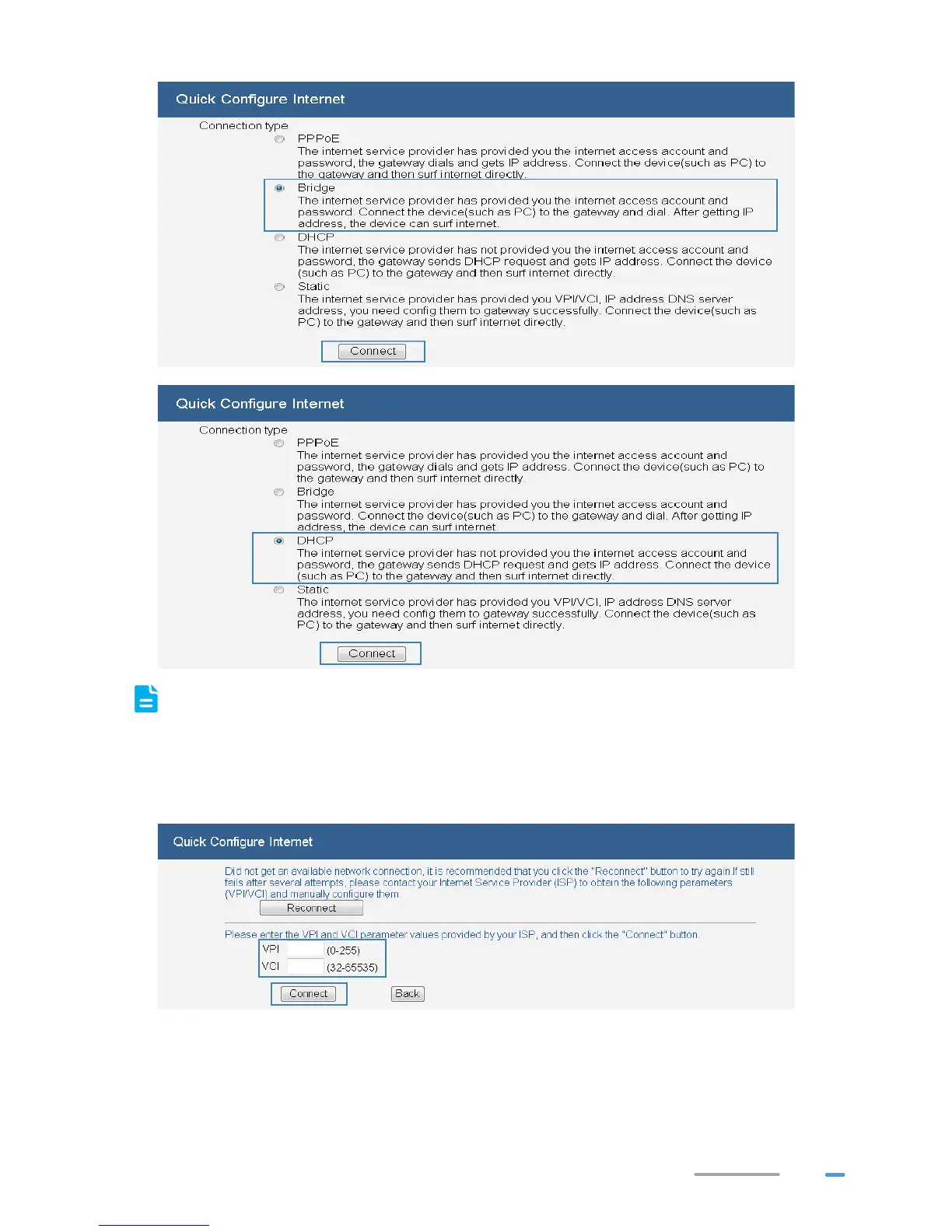
If you selected PPPoE, Static, or DHCP, the computer automatically connects to the Internet
as long as the HG532d is working correctly. If you selected Bridge, use the dial-up software
on the computer to set up a dial-up connection each time you want to access the Internet.
If Did not get an available network connection is displayed, set the VPI and VCI to the
values obtained from your ISP and click Connect.



 To Next Page