30
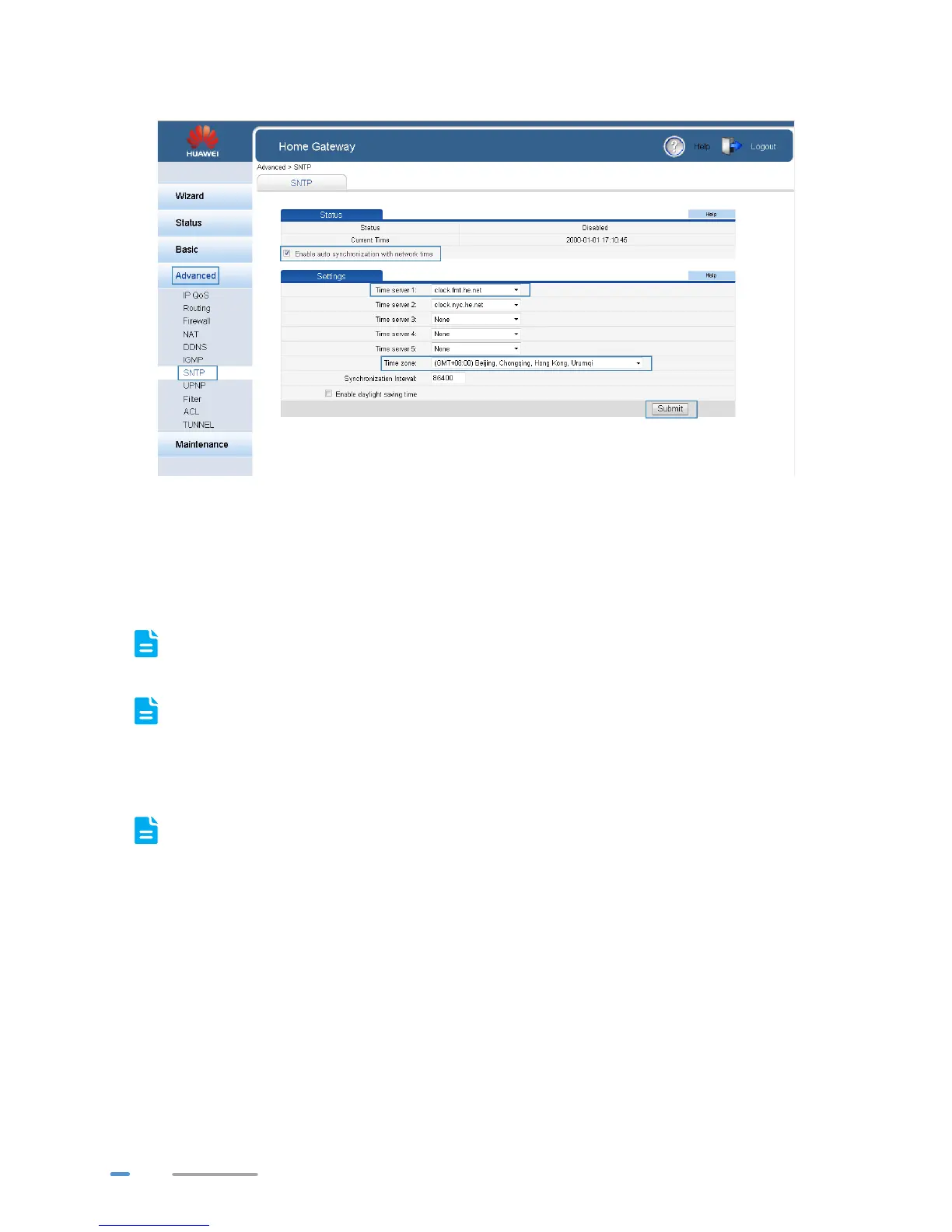
6. Click Submit.
7. In the navigation tree, choose Advanced > Filter. The Mac Filter page is displayed.
8. Click New.
9. Create the filtering rules.
> In Rule name, enter a filtering rule name you specified.
> In Source MAC address, enter the MAC address of the computer you want to control.
For details, see chapter Checking the Computer MAC Address.
> In Priority, enter any integer from 0 to 254.
A larger value indicates higher priority. When a MAC address matches two MAC filtering
rules, the rule with higher priority takes effect.
> In Status, select Reject.
10. Set Time control to Enable, and set the effective time of the rule.
If you do not want to set the specific period during which the PCs are not allowed to access
the Internet, you can clear Enable for Time control.



 To Next Page