2.4 Software updates
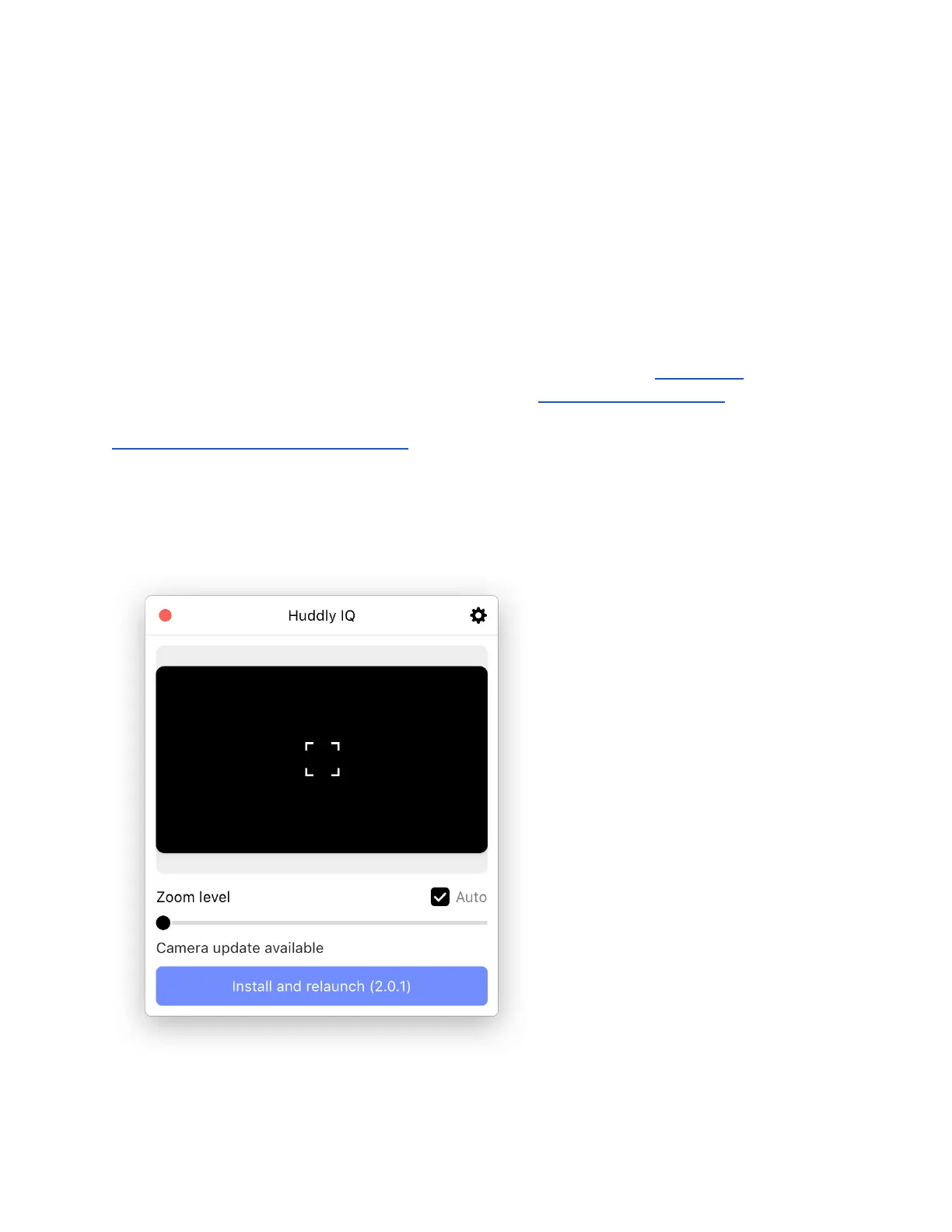
The Huddly software is constantly improving through software updates. These are accessed
through the Huddly App. A prompt to update will automatically appear in the app, and it will tell
you if the update is for the camera or the app itself.
2.4.1 Update camera or update app
Your camera only gets better. Every time we release a new update, the Huddly App will notify
you. Details about all new releases can be found on our Software Releases page.
It's easy to keep the camera up-to-date with the latest features that improve image quality and
functionality. The notification will prompt automatically, and tell you if it is for the Huddly App or
for the camera software.
If you have updates for both the app and the software prompting at the same time, we
recommend letting the app update complete fully before initiating the software update for the
best result.
11


 To Next Page