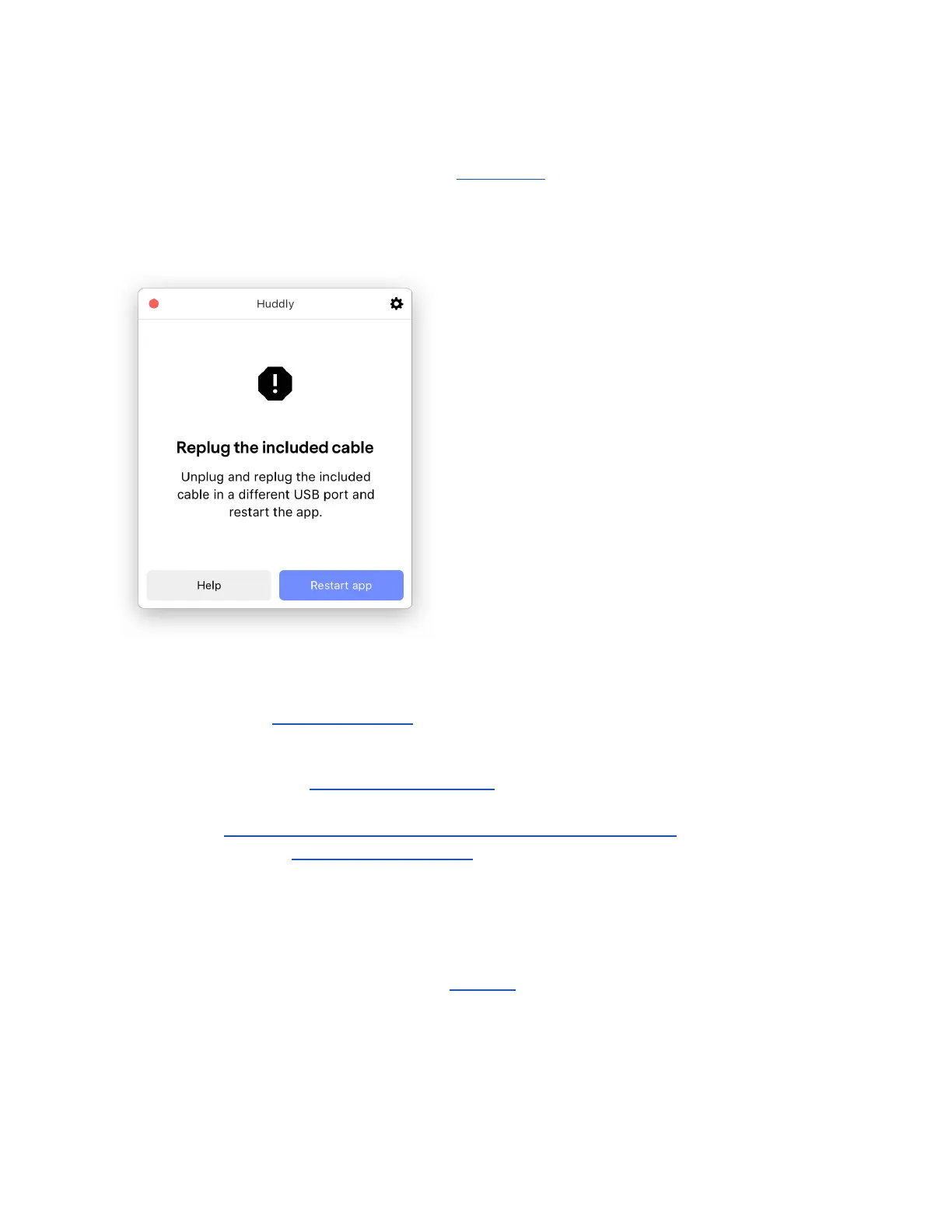
2.4.4 Huddly App error message: Replug the included cable
If you are trying to control your camera in the Huddly App, and get this error message, please
try to unplug and replug the cable and restart the app.
Possible reasons for this error message:
● Try to replug the cable into a different USB port and try again.
● The Huddly GO is compatible with USB 2.0, the Huddly IQ is only compatible with USB
3.0. Please make sure you are using a USB 3 port for the Huddly IQ.
○ How do I know if my computer has a USB 3.0 certified port?
● Please close all video client applications in use, as this may be the reason the app is
experiencing issues.
Other possible related problems:
● If you are not using the provided Huddly cable, the cable you are using might not be
sufficient for the camera. Please see this FAQ for a list of third-party hubs and cables
that have been certified to work with Huddly.
14


 To Next Page