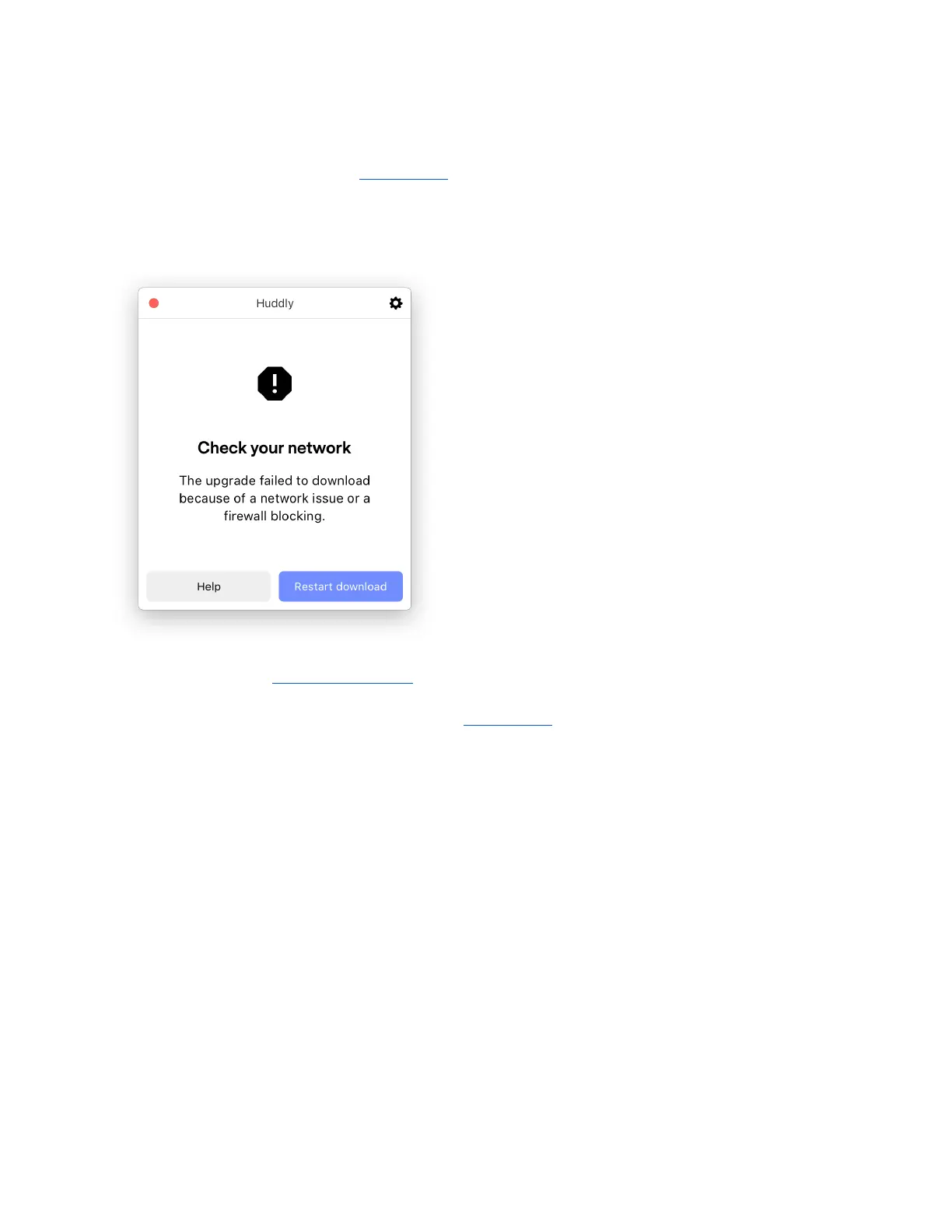
2.4.5 Huddly App error message: Check your network
If you are trying to upgrade your Huddly App, but the upgrade fails because of a network issue,
you will get this error message:
Possible reasons for this error message:
● You have a firewall that is blocking the Huddly App's access to download and upgrade.
Please check your network/firewall settings, and make sure the Huddly App has been
validated/given access. Try again.
● Check your internet connection/network settings and try again.
If you are still experiencing problems with the Huddly App and need help with
troubleshooting, please contact the reseller/distributor you purchased your camera from.
15


 To Next Page