2.4.2 How to check the camera software
Huddly performs regular updates to our Huddly Vision Software© to give you the best-in-class
user experience. To check the current app version and software installed, please follow the
steps below.
Requirements:
● Huddly camera
● Huddly application
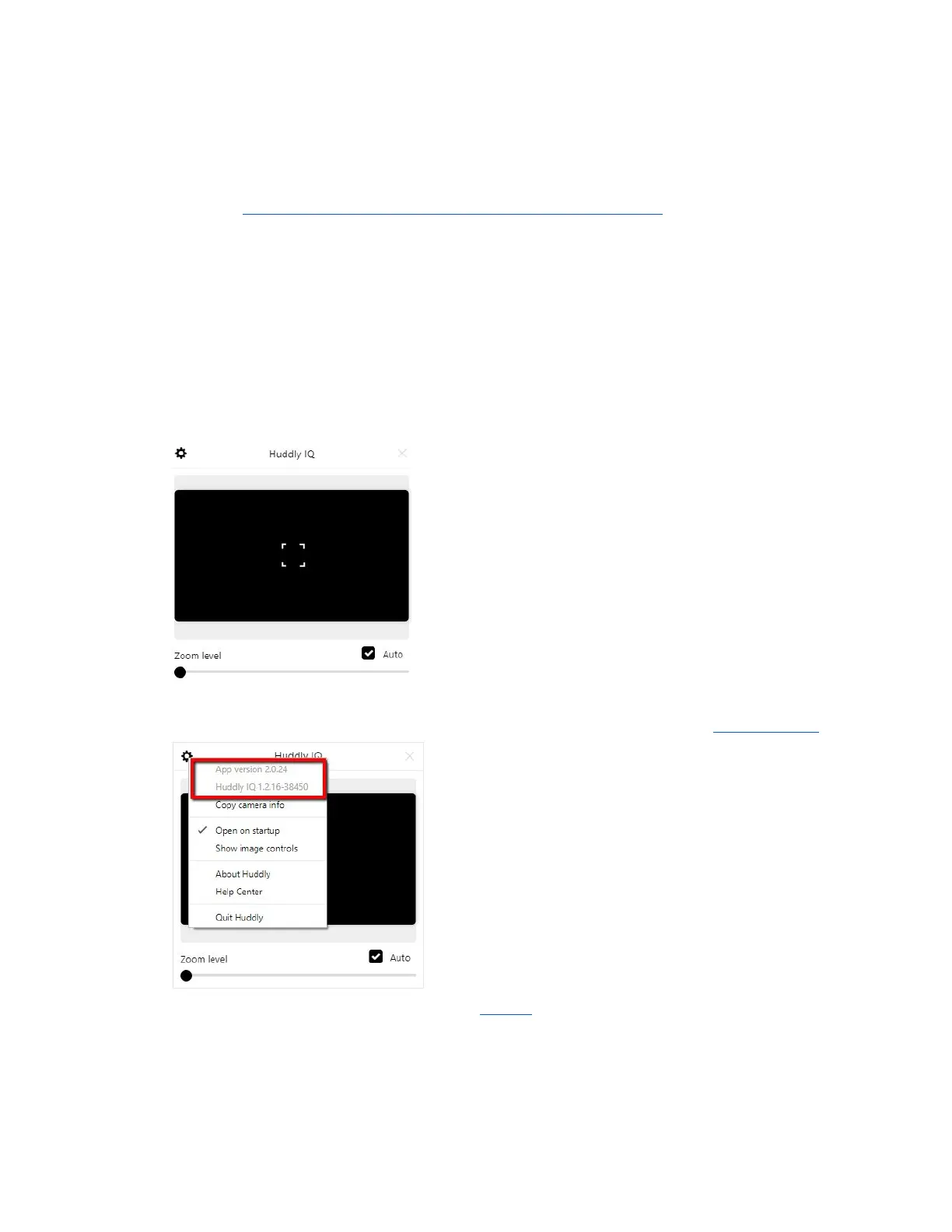
1. Make sure that your camera is plugged in. By default, the app looks like this.
2. Click on the settings gear icon found on the upper left-hand side of the application to
view the app version and the camera software. NB: Keep an eye on the latest updates.
3. Done. We recommend that you regularly update to the latest version to constantly enjoy
new cutting-edge features.
12


 To Next Page