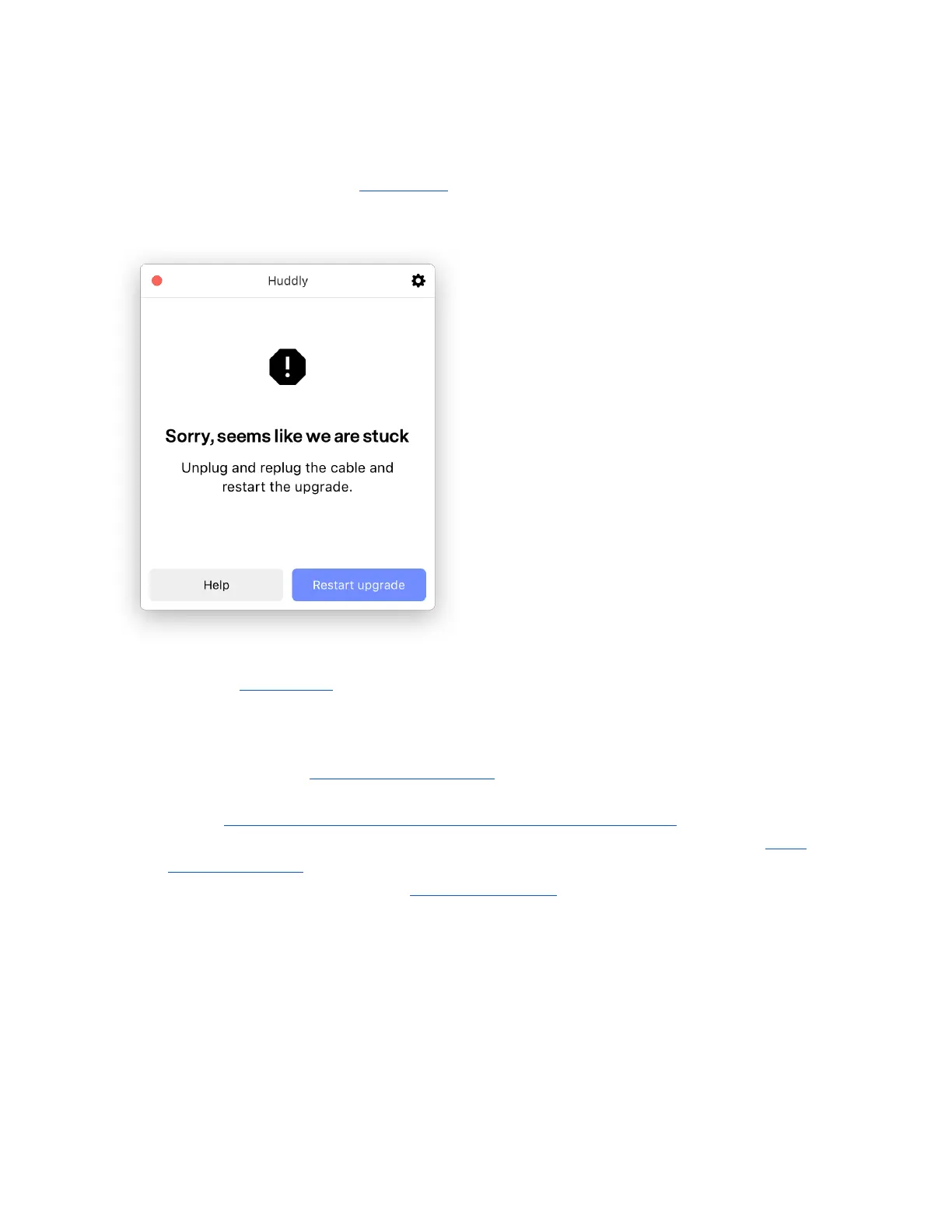
2.4.3 Huddly App error message: Sorry, seems like we are stuck
If you are trying to upgrade your Huddly App, but the upgrades takes too long, you will get this
error message:
If you encounter this problem, please look into the following:
● Press Restart upgrade button in the app. If the issue persists, follow the next points.
● Try to unplug the cable and replug it into a different USB port, and restart the upgrade.
● The Huddly GO is compatible with USB 2.0, the Huddly IQ is only compatible with USB
3.0. Please make sure you are using a USB 3 port for the Huddly IQ.
○ How do I know if my computer has a USB 3.0 certified port?
● Make sure you do not have too many other programs running. Please close all video
client applications in use.
● If the above steps did not work, quit the Huddly app and reopen it to restart the upgrade.
13


 To Next Page