HS64
13
/ 15 www.huion.com
Tips: Please ensure that your Linux device has been connected to the internet when
installing the driver, or the installation will fail when entering the application store
interface.
Steps to Uninstall:
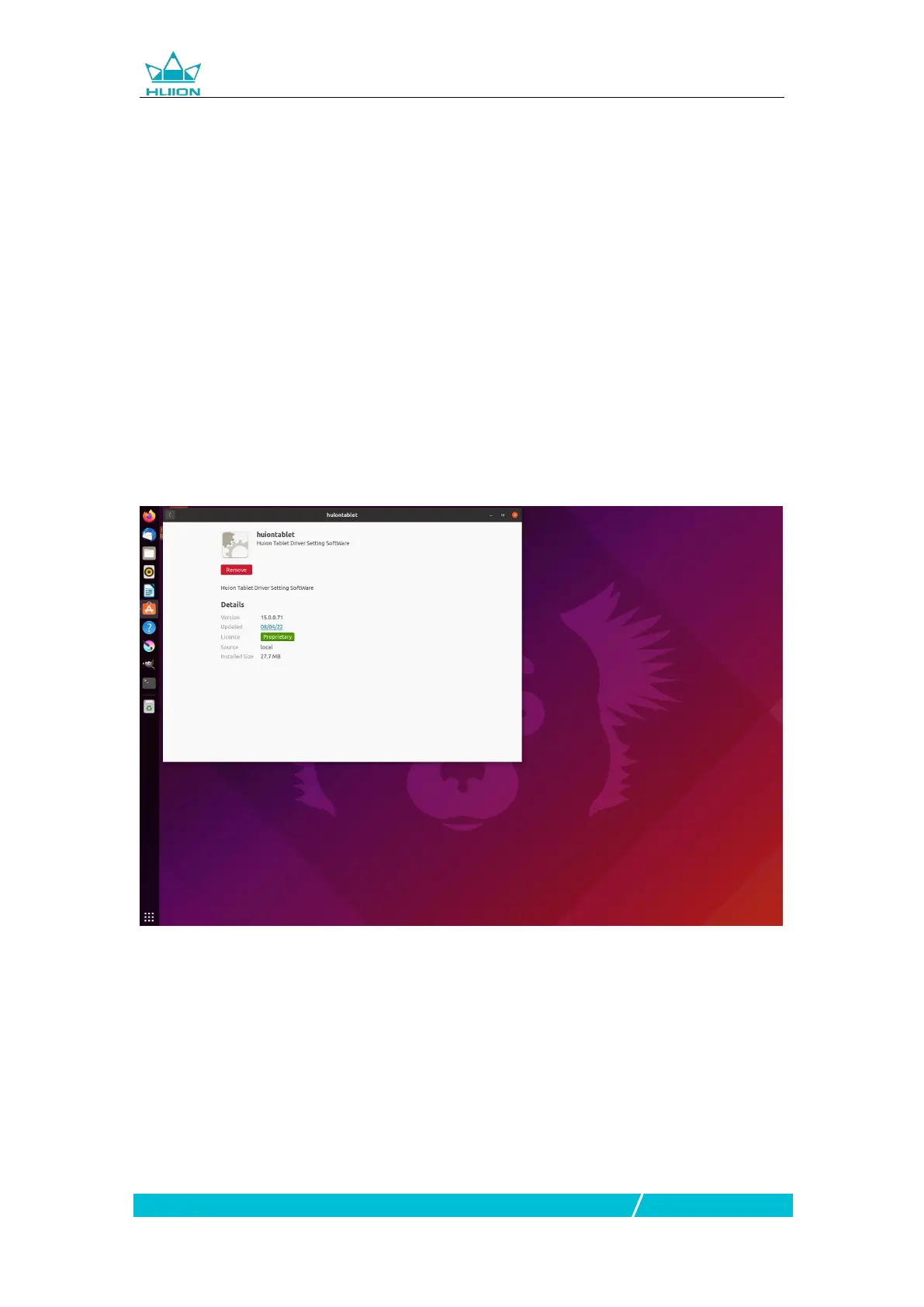
1.Enter the interface of the installed applications on the system’s built-in
application store.
2.Find the driver and click to uninstall it.
Tips: If you can't access the system’s built-in application store, you can search out
the driver file, huiontablet_xxx.deb, then double-click it to enter the installation
interface, and click the remove button to uninstall it.


 To Next Page