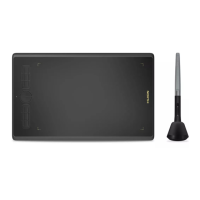
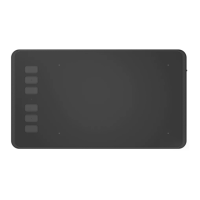
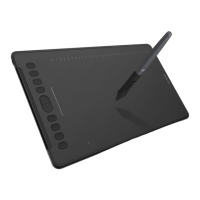
HS64
5
/ 15 www.huion.com
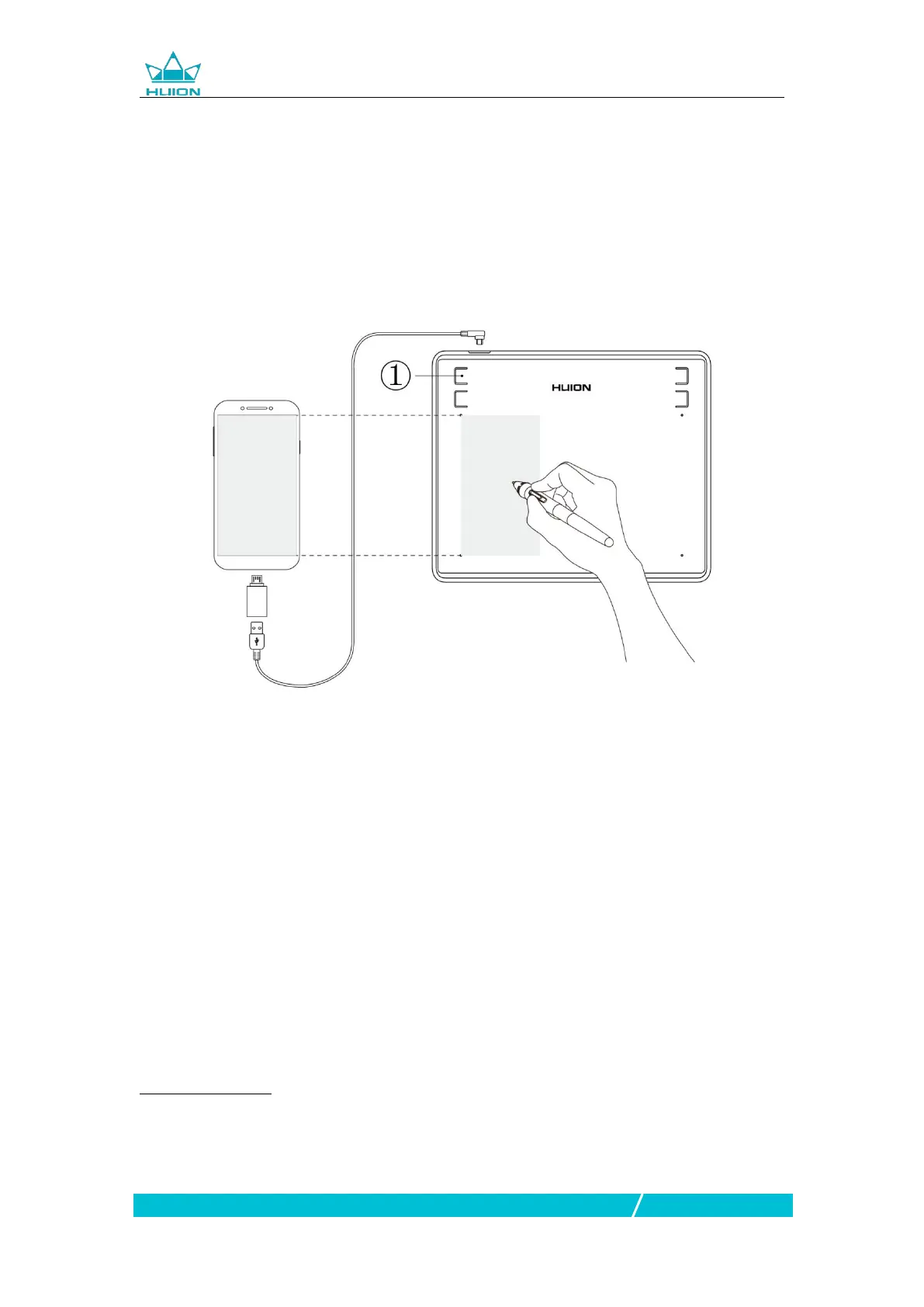
1.4 Connecting to Android Phone
1. Please make sure your phone & pad OS is as following: Android OS 6.0 or later
2. For some models, you need to go phone or pad "Settings" then enable "OTG"
function.
3. Choose the right OTG Adapter from package, which depends on USB port type
of your phone, then connect pen tablet to your phone following the illustrations b
elow:
Notes:
1. The pen tablet can works without installing any driver into your phone.
2. Once connected, the tablet will automatically enter phone mode, in which the
pen can only work in the left gray area(102x63.75mm).
3. If not recognized the tablet to phone mode, please press the button ① for 3
seconds to enter phone mode.
4. Please note that the press keys of pen tablet and digital pen are not supported in
phone mode.
1.5 Driver Installation
1.5.1 OS Support
Windows 7 or later,macOS 10.12 or later


 To Next Page