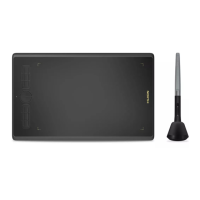
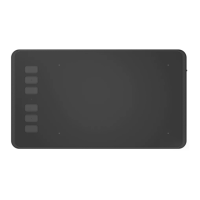
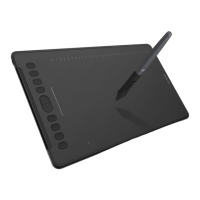
HS64
23
/ 15 www.huion.com
1. Make sure you are using the pen that originally came with
your tablet.
2. Make sure you installed the driver correctly.
1. Make sure the Press Keys function were enabled in the driver.
2. Make sure you have correctly defined the Press Keys.
3. Check if the press lock switch is on the unlock position.
The computer can’t enter
sleep mode
When you are not using the tablet, please do not put the pen
on the tablet surface, which will keep the computer awake.
The side button of the pen
doesn’t work
When pressing the side button, please make sure that the nib
didn’t touch the tablet surface and the distance between the
nib and surface is within 10mm.
5.2 Possible Breakdowns Related to SYSTEM
The computer can’t recognize
the tablet or the wireless
receiver
Make sure the USB port is functional, if not, please change to
another USB port.
6. After-service Contact
SHENZHEN HUION ANIMATION TECHNOLOGY CO.,LTD.
Building 28, Quarter 4, HuaiDeCuiGang Industrial Park, Fuyong Street, Bao'an District,
Shenzhen, 518106, China
Note: Information in this manual is subject to change without further notice.
For more information, please contact us with our email: service@huion.com
Or go to our website (www.huion.com) to get the latest driver and user manual.


 To Previous Page