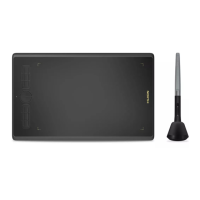
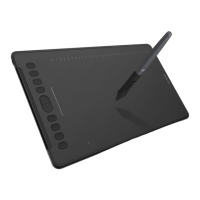
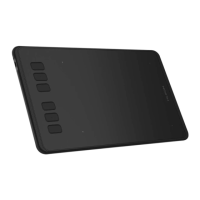
HS64
18
/ 15 www.huion.com
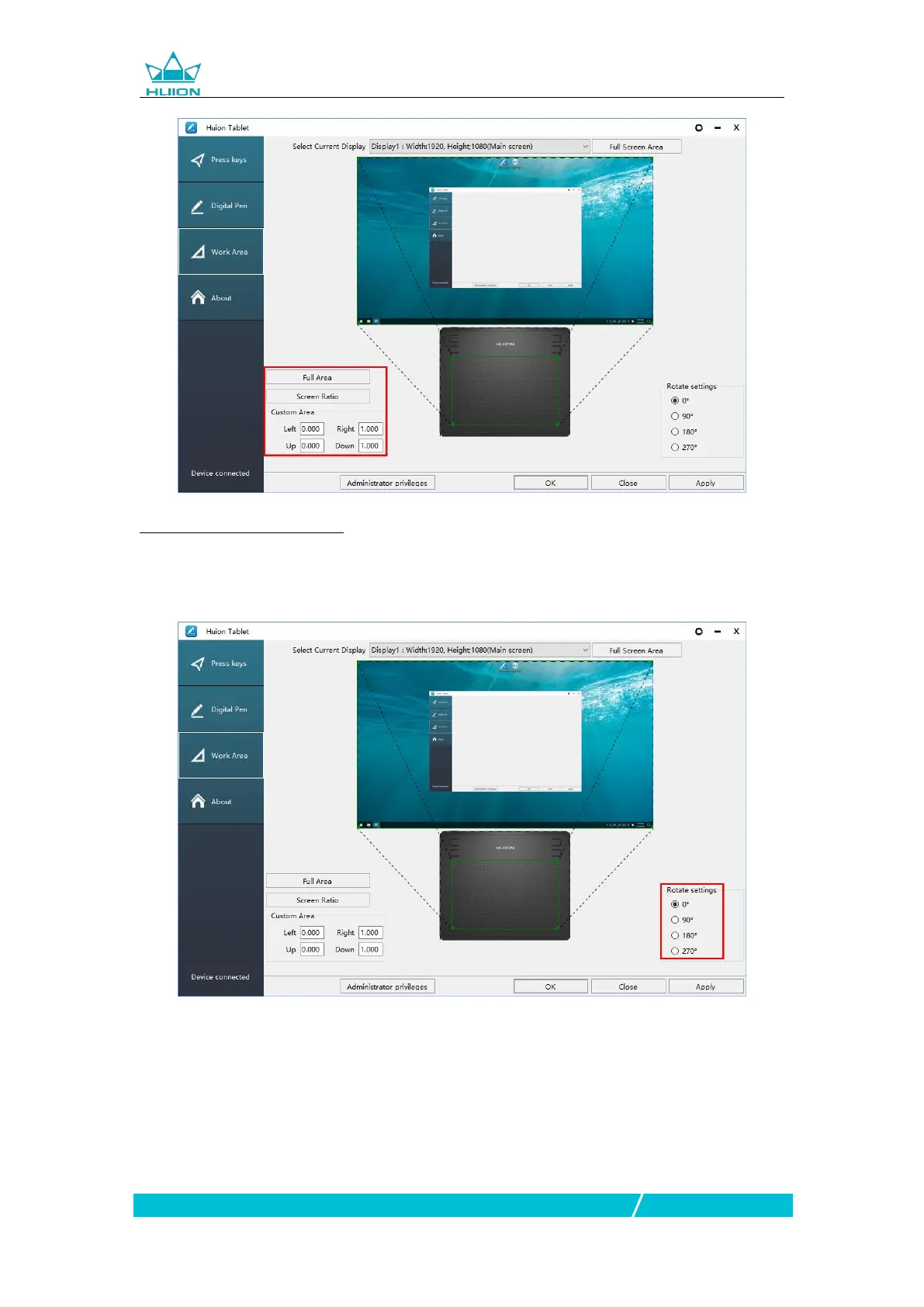
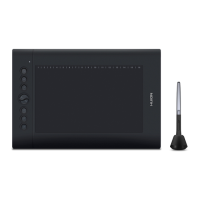
3.2.3 Rotate Working Area
By changing the direction of the tablet to adapt to the left and right hand operation.
You can rotate the tablet by 0°,90°,180° or 270°.
3.3 Press Keys Function Setting
Default Setting:Place the cursor on the press key or click the press key to find the
default values.
Customized Setting:Select the function to be achieved on the pop-up dialog box,
then click APPLY or OK to take effect.
Enable/Disable Press Keys: Check/Uncheck”Enable Press Keys”


 To Next Page