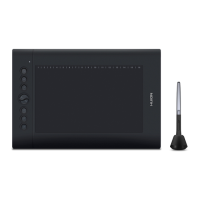
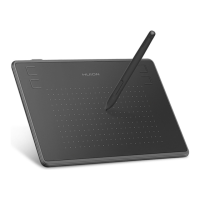
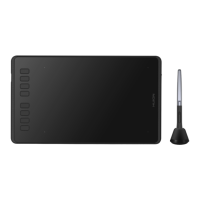
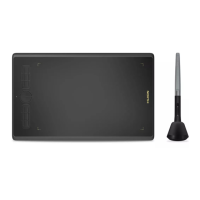
HS64
2
/ 15 www.huion.com
Contents
1. Product Overview ........................................................................................................ 3
1.1 Tablet Introduction....................................................................................................... 3
1.2 Product and Accessories...............................................................................................3
1.3 Connecting to Computer.............................................................................................. 4
1.4 Connecting to Android Phone ...................................................................................... 5
1.5 Driver Installation ......................................................................................................... 5
1.6 Pen Nib Replacement................................................................................................. 14
2. Product Basic Operation ............................................................................................. 14
2.1 Using The Pen............................................................................................................. 14
3. Function Setting ......................................................................................................... 16
3.1 Device Connection Prompt .........................................................................................16
3.2 Working Area Setting..................................................................................................17
3.3 Press Keys Function Setting........................................................................................ 18
3.4 Pen Buttons Function Setting ..................................................................................... 19
3.5 Pressure Sensitivity Setting.........................................................................................19
3.6 Pen Pressure Testing................................................................................................... 20
3.7 Enable the Windows Ink feature ................................................................................ 20
3.8 Data Export and Import .............................................................................................. 21
4. Specifications ............................................................................................................. 21
5. Trouble Shooting ........................................................................................................ 22
5.1 Possible Breakdowns Related to TABLET .................................................................... 22
5.2 Possible Breakdowns Related to SYSTEM................................................................... 23
6. After-service Contact .................................................................................................. 23


 To Next Page