EasyManua.ls Logo

Human Humalyzer 2000 - Keypad; Display; Serial Port

Human Humalyzer 2000
60 pages
Print Icon
To Next Page IconTo Next Page
To Previous Page IconTo Previous Page
Loading...
Rev.
B
11
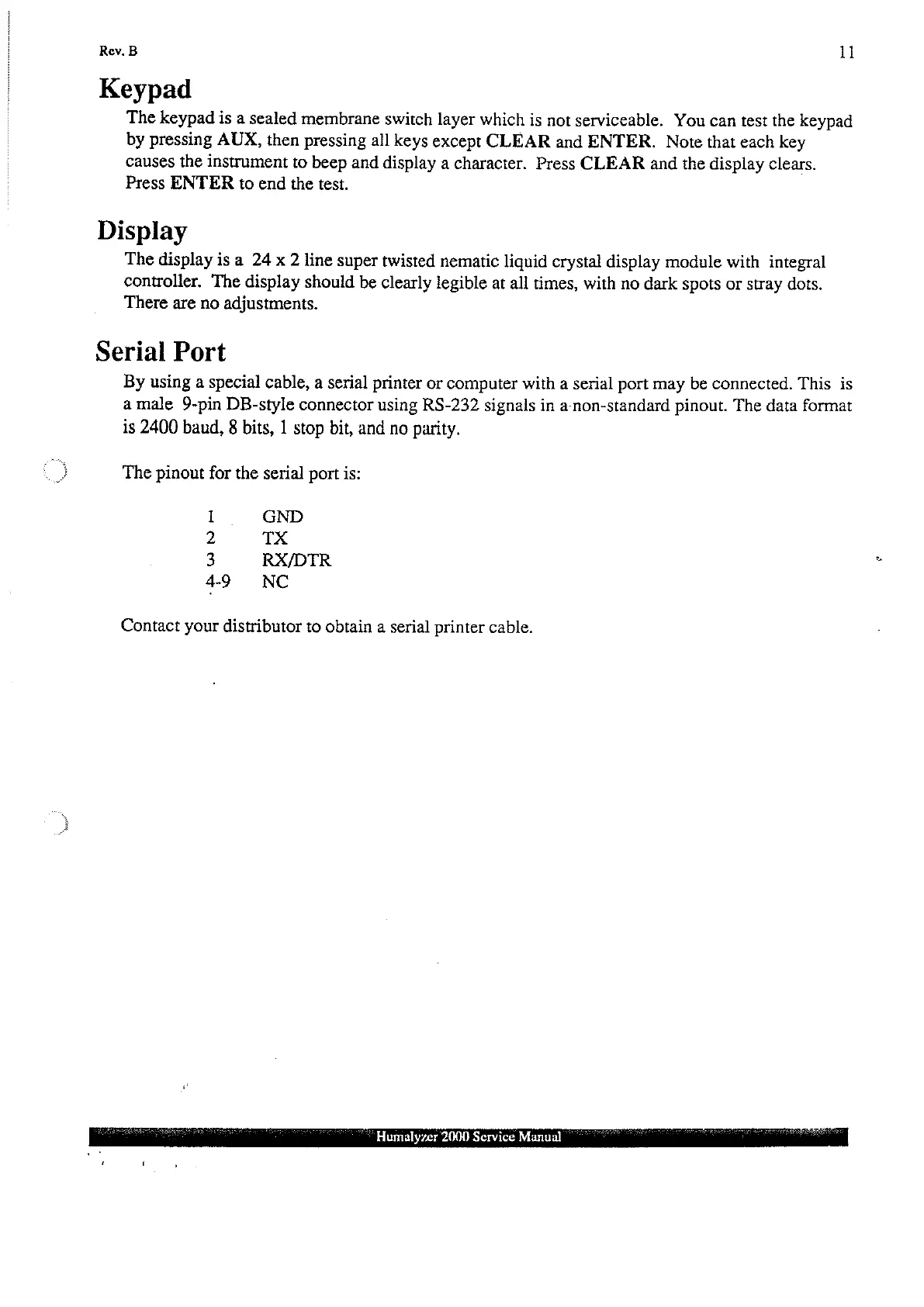
Keypad
The
keypad
is
a
sealed
membrane
switch
layer
which
is
not
serviceable.
You
can
test
the
keypad
by
pressing
AUX,
then
pressing
all
keys
except
CLEAR
and
ENTER.
Note
that
each
key
causes
the
instrument
to
beep
and
display
a
character.
Press
CLEAR
and
the
display
clears.
Press
ENTER
to
end
the
test.
Display
The
display
is
a
24
x
2
line
super
twisted
nematic
liquid
crystal
display
module
with
integral
controller.
The
display
should
be
clearly
legible
at
all
times,
with
no
dark
spots
or
stray
dots.
There
are
no
adjustments.
Serial
Port
By
using
a
special
cable,
a
serial
printer
or
computer
with
a
serial
port
may
be
connected.
This
is
amale
9-pin
DB-style
connector
using
RS-232
signals
in
anon-standard
pinout.
The
data
format
is
2400
baud,
8
bits,
1
stop
bit,
and
no
parity.
The
pinout
for
the
serial
port
is:
1.
GND
2
TX
3
RX/DTR
49
NC
Contact
your
distributor
to
obtain
a
serial
printer
cable.
Humalyzer
2000
Service
Manual