EasyManua.ls Logo

Human Humalyzer 2000 - Flowcell Disassembly

Human Humalyzer 2000
60 pages
Print Icon
To Next Page IconTo Next Page
To Previous Page IconTo Previous Page
Loading...
Rev.
B
19
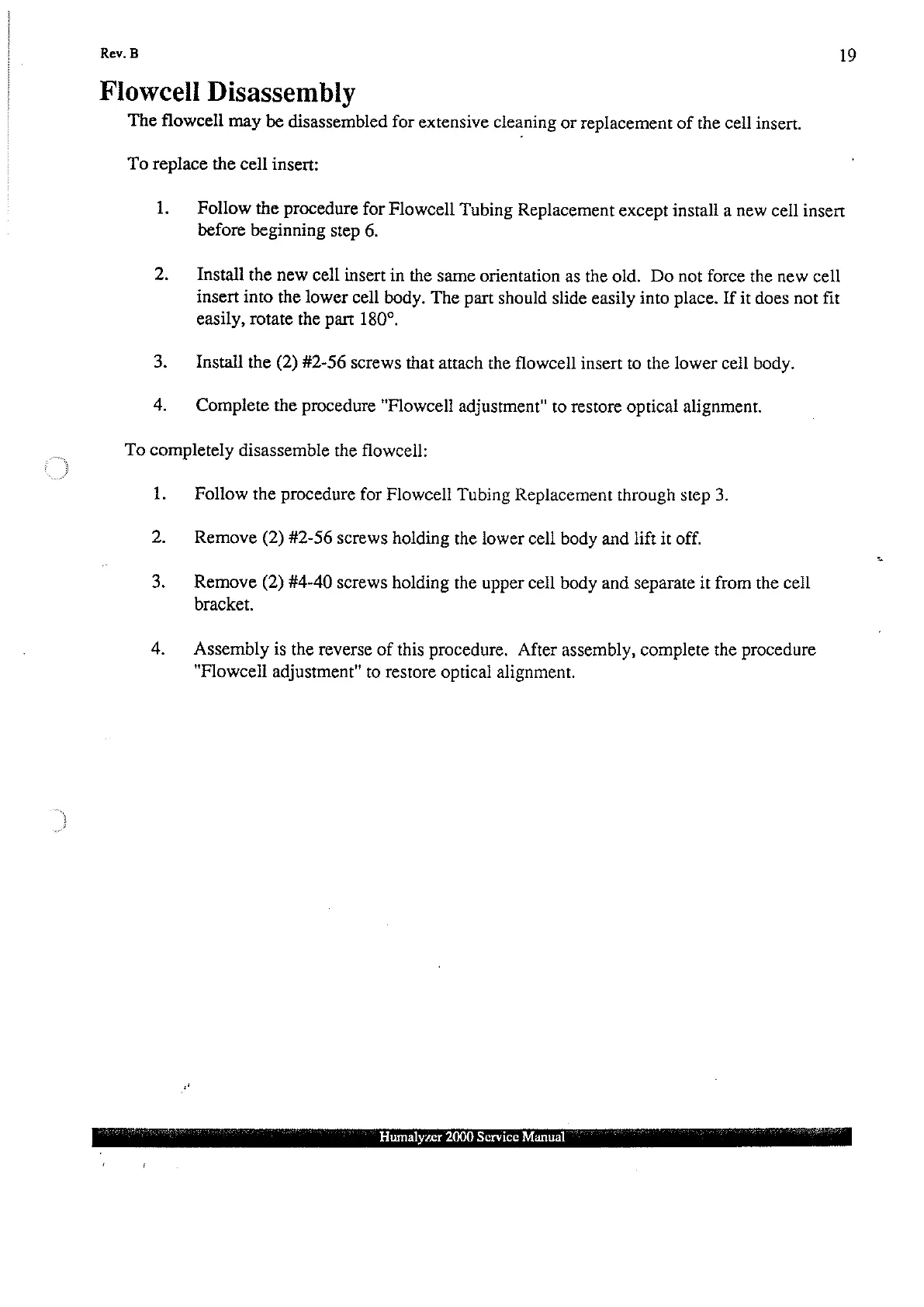
Flowcell
Disassembly
The
flowcell
may
be
disassembled
for
extensive
cleaning
or
replacement
of
the
cell
insert.
To
replace
the
cell
insert:
1.
3.
4.
Follow
the
procedure
for
Flowcell
Tubing
Replacement
except
install
a
new
cell
insert
before
beginning
step
6.
Install
the
new
cell
insert
in
the
same
orientation
as
the
old.
Do
not
force
the
new
cell
insert
into
the
lower
cell
body.
The
part
should
slide
easily
into
place.
If
it
does
not
fit
easily,
rotate
the
part
180°.
Install
the
(2)
#2-56
screws
that
attach
the
flowcell
insert
to
the
lower
cell
body.
Complete
the
procedure
"Flowcell
adjustment"
to
restore
optical
alignment.
To
completely
disassemble
the
flowcell:
1.
2.
Follow
the
procedure
for
Flowcell
Tubing
Replacement
through
step
3.
Remove
(2)
#2-56
screws
holding
the
lower
cell
body
and
lift
it
off.
Remove
(2)
#4-40
screws
holding
the
upper
cell
body
and
separate
it
from
the
cell
bracket.
Assembly
is
the
reverse
of
this
procedure.
After
assembly,
complete
the
procedure
"Flowcell
adjustment"
to
restore optical
alignment.
Humalyzer
2000
Service
Manual
i
ik
'