EasyManua.ls Logo

Human Humalyzer 2000 - Flowcell Tubing Replacement

Human Humalyzer 2000
60 pages
Print Icon
To Next Page IconTo Next Page
To Previous Page IconTo Previous Page
Loading...
Lu
Rev.
B
17
Flowcell
Tubing
Replacement
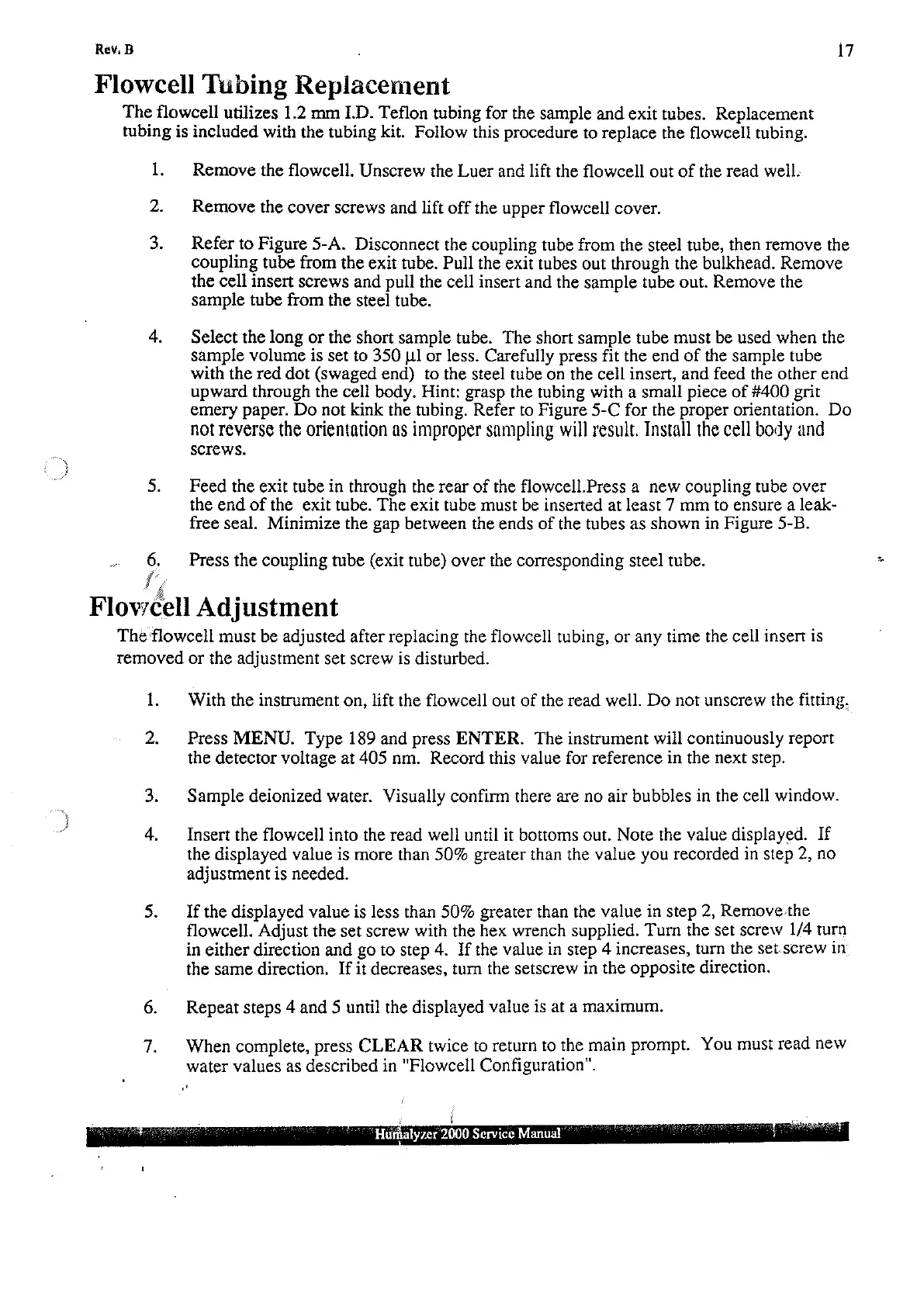
The
flowcell
utilizes
1.2
mm
I.D.
Teflon
tubing
for the
sample
and
exit
tubes.
Replacement
tubing
is
included
with
the
tubing
kit.
Follow
this
procedure
to
replace
the
flowcell
tubing.
1.
2.
3.
6.
iv
Flowc
Remove
the
flowcell.
Unscrew
the
Luer
and
lift
the
flowcell
out
of
the
read
well.
Remove
the
cover
screws
and
lift
off
the
upper
flowcell
cover.
Refer
to
Figure
5-A.
Disconnect
the
coupling
tube
from
the
steel
tube,
then
remove
the
coupling
tube
from
the
exit
tube.
Pull
the
exit
tubes
out
through
the
bulkhead.
Remove
the
cell
insert
screws
and
pull
the
cell
insert
and
the
sample
tube
out.
Remove
the
sample
tube
from
the
steel
tube.
Select
the
long
or
the
short
sample
tube.
The
short
sample
tube
must
be
used
when
the
sample
volume
is
set
to
350
1] or
less.
Carefully
press
fit
the
end
of
the
sample
tube
with
the
red
dot
(swaged
end)
to
the
steel
tube
on
the
cell
insert,
and
feed
the
other
end
upward
through
the
cell
body.
Hint:
grasp
the
tubing
with
a
small
piece
of
#400
grit
emery
paper.
Do
not
kink
the
tubing.
Refer
to
Figure
5-C
for the
proper
orientation.
Do
not
reverse
the
orientation
as
improper
sampling
will
result.
Install
the
cell
body
and
screws.
Feed
the exit
tube
in
through
the
rear
of
the
flowcell.Press
a
new
coupling
tube
over
the
end
of
the
exit
tube.
The
exit
tube
must
be
inserted
at
least
7
mm
to
ensure
a
leak-
free
seal.
Minimize
the
gap
between
the
ends
of
the
tubes
as
shown
in
Figure
5-B.
Press
the
coupling
tube
(exit
tube)
over
the
corresponding
steel
tube.
sell
Adjustment
The
flowcell
must
be
adjusted
after
replacing
the
flowcell
tubing,
or
any
time
the
cell
insert
is
removed
or
the
adjustment
set
screw
is
disturbed.
1.
2.
With
the
instrument
on,
lift
the
flowcell
out
of
the
read
well.
Do
not
unscrew
the
fitting.
Press
MENU.
Type
189
and
press
ENTER.
The
instrument
will
continuously
report
the
detector
voltage
at
405
nm.
Record
this
value
for
reference
in
the
next
step.
Sample
deionized
water.
Visually
confirm
there
are
no
air
bubbles
in
the
cell
window.
Insert
the
flowcell
into
the
read
well
until
it
bottoms
out.
Note
the
value
displayed.
If
the
displayed
value
is
more
than
50%
greater
than
the
value
you
recorded
in
step
2,
no
adjustment
is
needed.
If
the
displayed
value
is
less
than
50%
greater
than
the
value
in
step
2,
Removethe
flowcell.
Adjust
the
set
screw
with
the
hex
wrench
supplied.
Turn
the
set
screw
1/4
turn
in
either
direction
and
go
to
step
4.
If
the
value
in
step
4
increases,
turn
the
set.screw
in
the
same
direction.
If
it
decreases,
turn
the
setscrew
in
the
opposite
direction.
Repeat
steps
4
and
5
until
the
displayed
value
is
at
a
maximum.
When
complete,
press
CLEAR
twice
to
return
to
the
main
prompt.
You
must
read
new
water
values
as
described
in
"Flowcell
Configuration".
HE
2000
Service
Manual