62
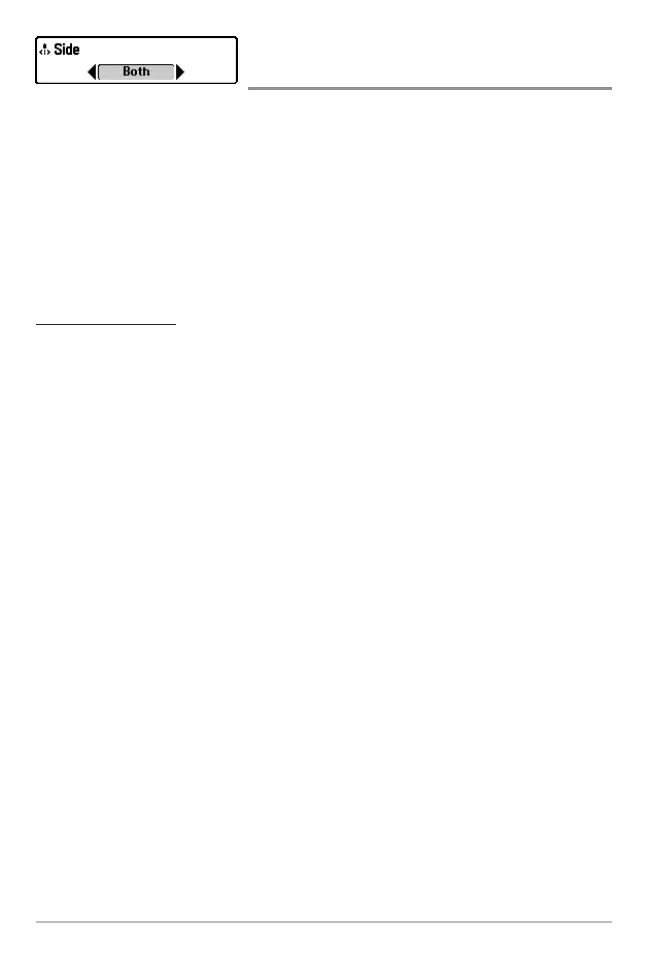
Side
(WideSide® transducer: WideSide® view only)
Side sets which transducer beam from the WideSide® Transducer is shown in the
WideSide® View. A WideSide® transducer must be connected to the Fishing
System. The Side menu choice is available when Transducer Select is set to
WideSide® (see Sonar Menu Tab: Transducer Select) and can only be accessed
from the Sonar X-Press
™
menu when you are in WideSide® view.
NOTE: Side requires the purchase of the WideSide® transducer. You can visit our website at
www.humminbird.com to order this accessory online or contact our Customer Resource
Center at 1-800-633-1468.
To adjust the Side:
1. Make sure you are in WideSide® Transducer Mode and that a
WideSide® transducer is connected, then highlight Side on the Sonar
X-Press™ menu.
2. Use the LEFT or RIGHT 4-WAY Cursor Control keys to change the Side
setting. (L [Left], Both, R [Right], Default = Both).














 To Next Page