83
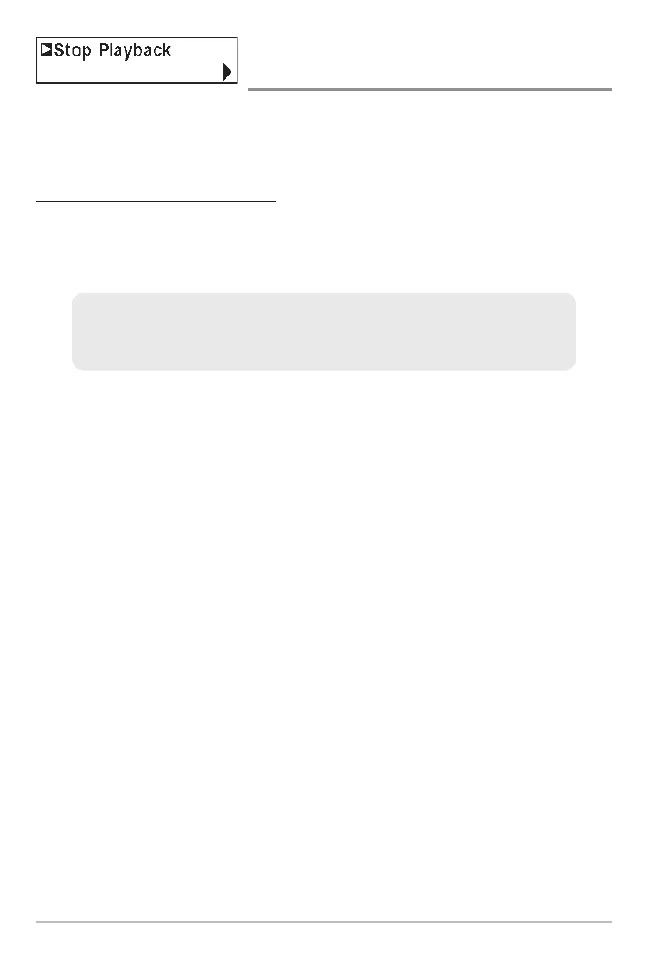
Stop Playback
(optional-purchase MMC/SD Card only)
Stop Playback allows you to stop playback of a sonar recording from any view.
This menu option is only available when you have an optional-purchase
MMC/SD card installed and you are playing back a recording.
To stop playback of a recording:
1. Highlight Stop Playback on any X-Press™ menu.
2. Press the RIGHT 4-Way Cursor key to initiate this procedure.
NOTE: During playback, the amount of time/memory left to play is indicated by the status bar.
For more information, see Snapshot and Recording View.
To start playback, use the 4-Way Cursor keys to highlight a recording icon,
then press the RIGHT 4-Way Cursor key to start playback (represented by a
green "play" triangle which appears to the right of the recording icon).














 To Next Page