38
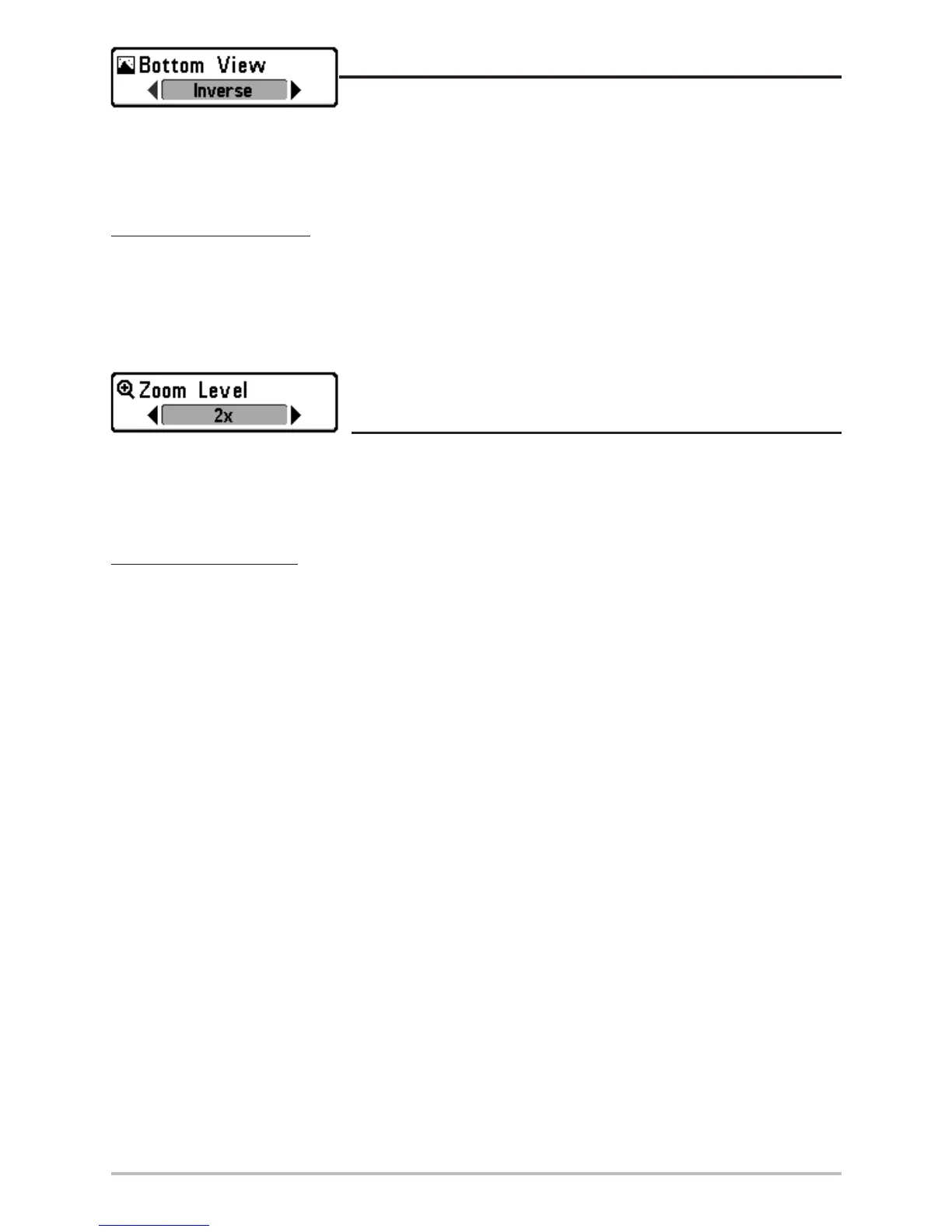
Bottom View
Bottom View selects the method used to represent bottom and
structure on the display. Structure ID® represents weak returns in blue and strong returns in red.
WhiteLine® highlights the strongest sonar returns in white resulting in a distinctive outline. This has the
benefit of clearly defining the bottom on the display. See Bottom Presentation for more information.
To adjust the Bottom View:
1. Highlight Bottom View on the Sonar X-Press
TM
menu.
2. Use the LEFT or RIGHT 4-WAY Cursor Control keys to change the Bottom View setting.
(Structure ID, WhiteLine, Default = Structure ID)
Zoom Level
(Sonar Zoom View Only)
Zoom Level sets the magnification level for the Sonar Zoom View, and is only available on the X-Press
TM
menu when the Sonar Zoom View is active. Use Zoom to increase the display resolution to separate
sonar returns that are very close together.
To adjust the Zoom Level:
1. Highlight Zoom Level on the Sonar X-Press menu.
2. Use the LEFT or RIGHT 4-WAY Cursor Control keys to change the Zoom Level setting for the
Sonar Zoom View. (2x, 4x, 6x, 8x, Default = 2x)
NOTE: The Zoom Preview Box tracks the bottom and cannot be moved by the user.












 To Next Page