59
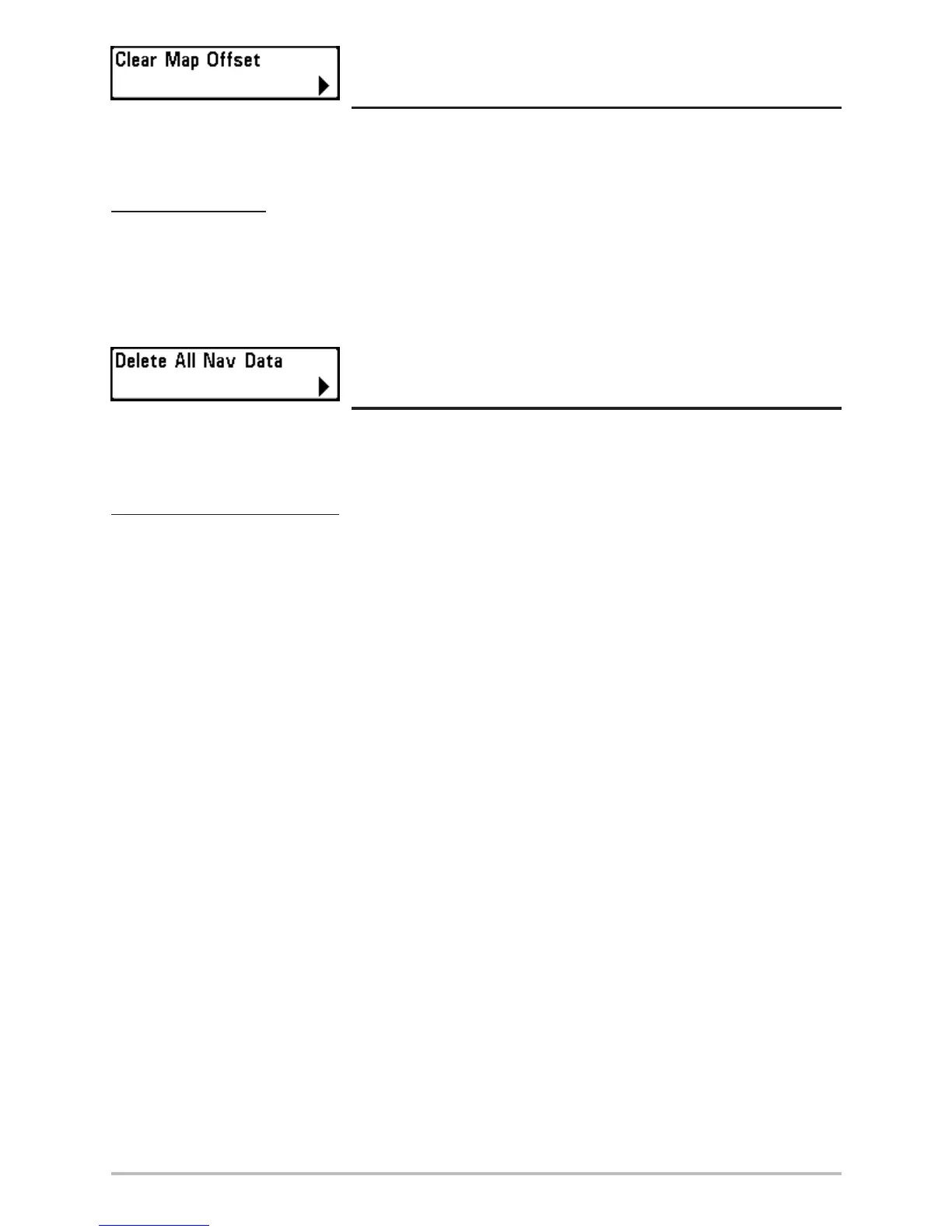
Clear Map Offset
(Advanced)
Clear Map Offset allows you to clear the Map Offset. Clear Map Offset is only accessible if a Map
Offset is currently active.
To Clear Map Offset:
1. Make sure you are in Advanced User Mode, then highlight Clear Map Offset on the
Navigation main menu.
2. Use the RIGHT 4-WAY Cursor Control key to clear the Map Offset.
Delete All Nav Data
(Advanced)
Delete All Nav Data allows you to delete all saved Tracks, Waypoints and Routes. This menu choice
should be used with caution.
To Delete All Navigation Data:
1. Make sure you are in Advanced User Mode, then highlight Delete All Nav Data on the
Navigation main menu.
2. Use the RIGHT 4-WAY Cursor Control key to delete all navigation data.












 To Next Page