66
Units - Speed
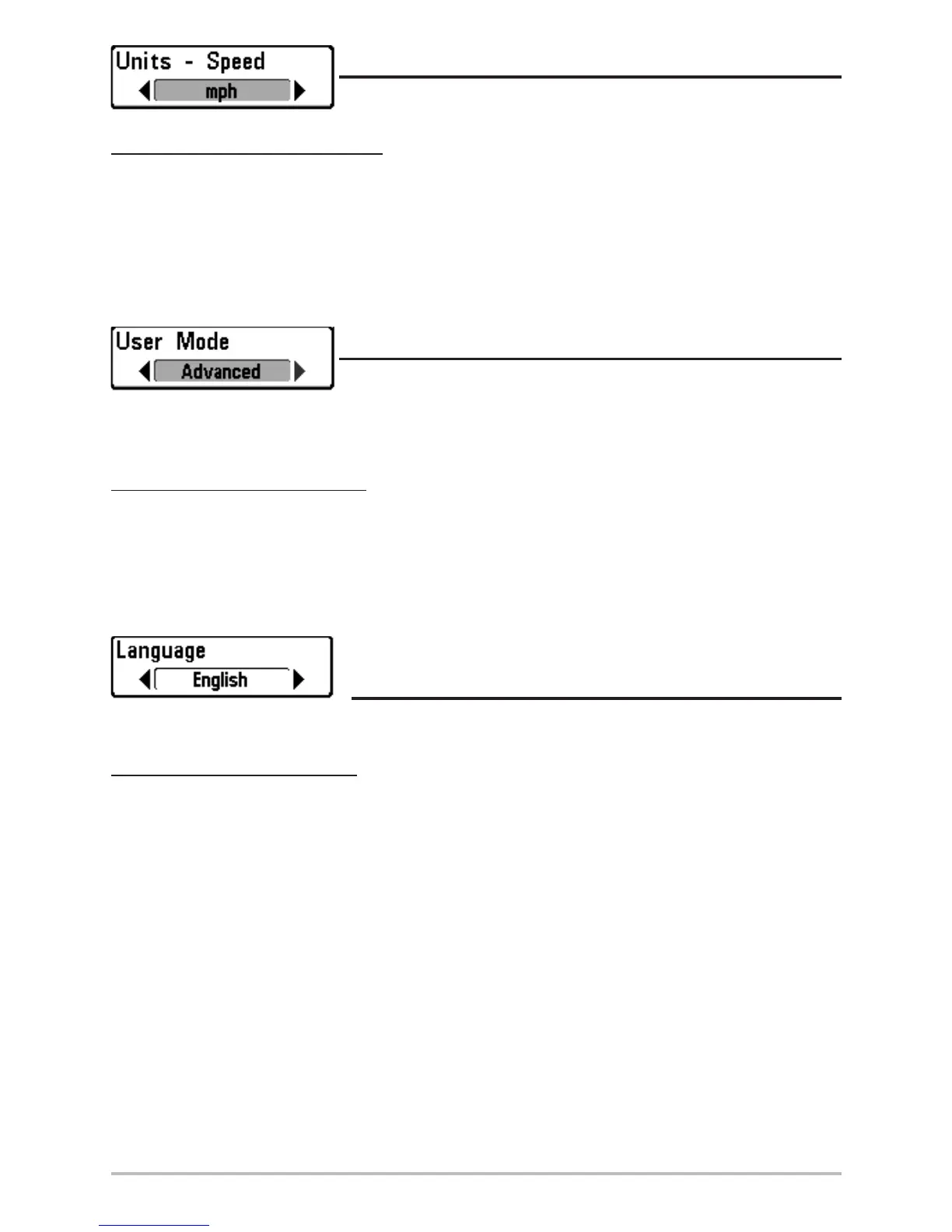
Units - Speed selects the units of measure for speed-related readouts.
To change the Units - Speed setting:
1. Highlight Units - Speed on the Setup menu.
2. Use the LEFT or RIGHT 4-WAY Cursor Control keys to change the Units - Speed setting.
(kph [International Models Only], mph, kts, Default = kph for International models and
mph for Domestic models)
User Mode
User Mode sets the menu system to either Normal or Advanced.
When set to Normal (default setting,) only the basic menu options are shown. When set to
Advanced, additional menu choices are available.
To change the User Mode setting:
1. Highlight User Mode on the Setup menu.
2. Use the LEFT or RIGHT 4-WAY Cursor Control keys to change the User Mode setting.
(Normal, Advanced, Default = Normal)
Language
(International Only)
Language selects the display language for menus. International Models Only.
To change the Language setting:
1. Highlight Language on the Setup menu.
2. Use the LEFT or RIGHT 4-WAY Cursor Control keys to change the Language setting.
(Default = English)












 To Next Page