EasyManua.ls Logo

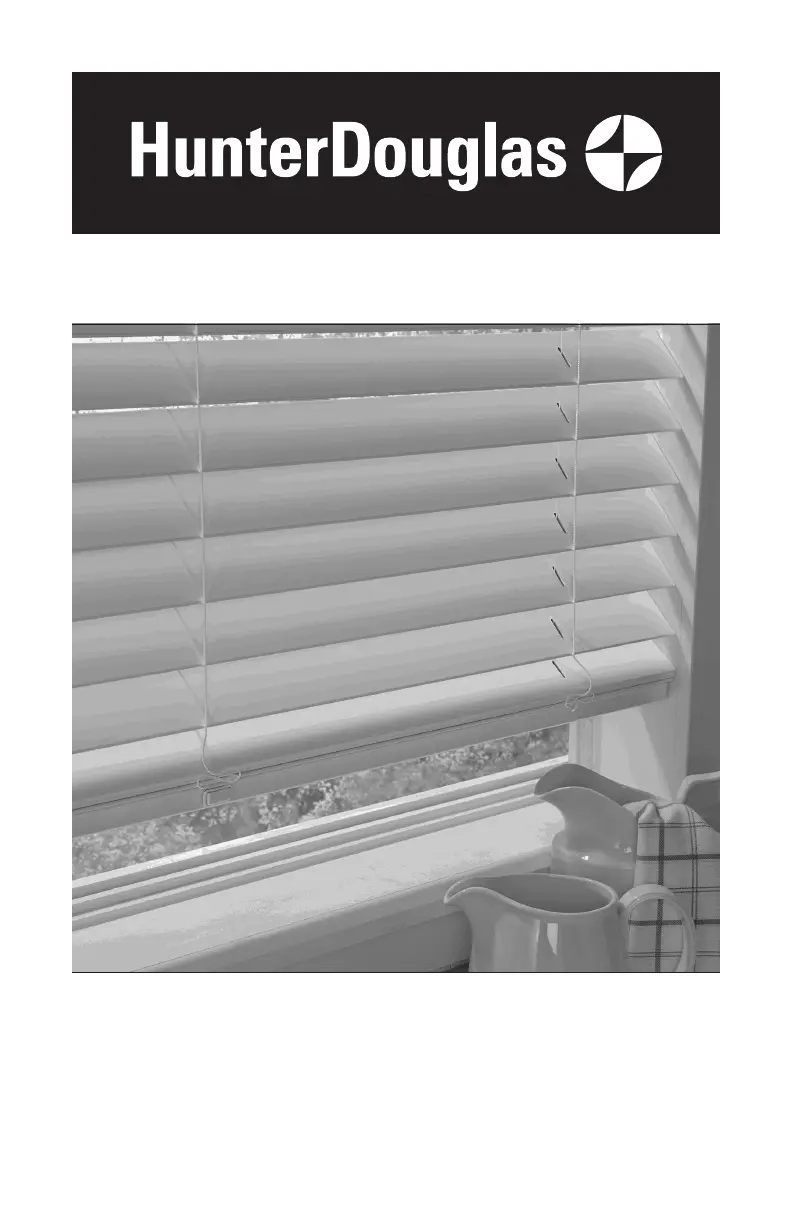
HunterDouglas LiteRise - User Manual

HunterDouglas LiteRise
28 pages
Print Icon
To Next Page IconTo Next Page
Loading...
Horizontal Blinds
Standard Cordlock, Operable Specialty Shapes,
LiteRise
®
, SimpleLift
, and
UltraGlide
®
Operating Systems
Installation Operation Care

Other manuals for HunterDouglas LiteRise

Questions and Answers

  • A
    anthony51Sep 23, 2025
    Why do my HunterDouglas LiteRise Window Blinds not tilt?
    • H
      Henry PhamSep 23, 2025
      If your HunterDouglas Window Blind does not tilt, check that the tilt cords are not tangled or knotted. Also, check that the cords have not become disengaged from the tape rolls and that the tilt rod in the headrail is fully inserted into the tilt gear.
  • R
    Robert SmithAug 23, 2025
    Why are the lift cords stuck on my HunterDouglas LiteRise Window Blinds?
    • B
      brownanthonyAug 23, 2025
      If the lift cords on your HunterDouglas Window Blinds are stuck or jammed, inspect the cords and the moveable pin within the cordlock mechanism inside the headrail. Ensure the cords can move without obstruction. If they're jammed, carefully use a screwdriver or needle-nose pliers to adjust the pin and free the cords.
  • J
    jasminesimpsonAug 25, 2025
    How to fix HunterDouglas SimpleLift Window Blinds when the bottom rail is not level?
    • R
      Robert RodriguezAug 25, 2025
      If the bottom rail of your HunterDouglas SimpleLift™ blinds is not level or the blind height is incorrect, ensure that the headrail and installation brackets are level and properly aligned. Adjust or shim the brackets as needed to achieve levelness. To level the blind, raise the low side of the bottom rail by turning the skew adjustment feature on the headrail clockwise using a coin or screwdriver while lifting the weight from the bottom rail. Turn the skew adjustment that is on the same side as the low side of the bottom rail. If the blind height is too long, turn all of the skew adjustment features clockwise to raise the entire bottom rail to the desired height while lifting the weight from the bottom rail.
  • N
    nashcurtisAug 27, 2025
    What to do if HunterDouglas LiteRise lift cords are bunching?
    • J
      Juan StuartAug 27, 2025
      If the lift cords are bunching by the safety cord connector on your HunterDouglas Window Blinds, ensure the slats are in the open position. Then, raise and lower the blind to help straighten the lift cords.
  • M
    Michele AndersonAug 27, 2025
    Why do my HunterDouglas LiteRise not raise evenly?
    • H
      Haley AlexanderAug 27, 2025
      If your HunterDouglas Window Blind does not raise or lower evenly, check inside the headrail to ensure no obstructions are preventing the mechanism from turning. Also, verify that the lift cords are not pinched or tangled.
  • L
    Lindsay SpencerSep 18, 2025
    What to do if HunterDouglas SimpleLift blinds make a ratcheting noise?
    • M
      Michael HumphreySep 18, 2025
      If your HunterDouglas SimpleLift™ blinds are making a ratcheting noise when you push the center button and raise the bottom rail, make sure you are pushing the center button hard enough. It needs to be fully depressed for the blind to raise or lower correctly.
  • M
    Michael SheaSep 15, 2025
    How to level the bottom rail on HunterDouglas SimpleLift window blinds?
    • D
      David JohnsonSep 15, 2025
      To level the bottom rail or correct the blind height on your SimpleLift HunterDouglas window blinds, first check that the headrail and installation brackets are level and aligned; adjust or shim the brackets if necessary. To level the blind, raise the low side of the bottom rail by turning the skew adjustment feature on the headrail clockwise with a coin or screwdriver while lifting the weight from the bottom rail. Note: Turn the skew adjustment on the same side as the low side of the bottom rail. If the blind height is too long, turn all of the skew adjustment features clockwise to raise the entire bottom rail to the desired height while lifting the weight from the bottom rail.
  • H
    hamiltonsusanSep 16, 2025
    What to do if the slat pack of my HunterDouglas Window Blind is shifted?
    • K
      knightdevinSep 16, 2025
      If, when hanging, the slat pack of your HunterDouglas Window Blind appears to be shifted toward the cordlock side of the unit (particularly in an inside mount installation), slide the headrail in the end brackets in the opposite direction of the skew and adjust the tabs in the end brackets to maintain the position of the unit. This will center the slat pack in the window.
  • M
    Michael PierceSep 6, 2025
    What to do if my UltraGlide HunterDouglas Window Blind lowering mechanism engages but the blind does not lower?
    • K
      Keith BallardSep 6, 2025
      If the lowering mechanism of your UltraGlide HunterDouglas Window Blind engages and “clicks” but the blind does not lower, the UltraGlide mechanism might be caught between the raising and lowering functions. Simply pull the wand or cord vertically to slightly raise and reset the blind. Then, lower as usual.
  • J
    joel47Sep 3, 2025
    What to do if my HunterDouglas SimpleLift™ Window Blinds slats are not stacking evenly?
    • A
      Andrew MooreSep 4, 2025
      If the slats of your SimpleLift™ HunterDouglas Window Blinds are not stacking evenly and are falling over the bottom rail, it means that the blind was raised too quickly. Gently raise the bottom rail to give the lift cords time to retract, and the slats should then stack evenly on the bottom rail.

Summary

GETTING STARTED

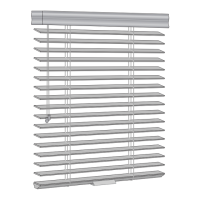
Product View - Standard Cordlock and Operable Specialty Shapes

Illustrates components of standard cordlock and operable specialty shape blinds.

Product View - LiteRise, SimpleLift, and UltraGlide

Illustrates components of LiteRise, SimpleLift, and UltraGlide blinds.

Tools and Fasteners Needed

Lists required tools and provided/unprovided fasteners for installation.

Unpack the Blind

Instructions on how to safely unpack the blind and check components.

INSTALLATION

Installation Overview

Details the number of brackets required based on blind width and type.

Mounting Types and Window Terminology

Explains inside vs. outside mount and key window terms.

Mount the Installation Brackets - Inside or Ceiling Mount

Instructions for attaching brackets with optional shims for inside or ceiling mounts.

Attach the Intermediate Brackets (If Required)

Guidance on spacing and attaching intermediate brackets between end brackets.

Mount the Installation Brackets - Outside Mount

Steps for marking and attaching end brackets for outside window mounts.

Attach the Intermediate Brackets (If Required)

Instructions for attaching intermediate brackets for outside mounts.

Extension Brackets (Optional)

How to attach optional extension brackets to mounting surfaces.

Spacer Blocks for 2½ Slat Size

Guidance on using spacer blocks with 2½" slat size blinds.

Install the Blind

Instructions for adding projection to the valance using magnetic clips.

Attach the Universal Valance Clips to the Headrail

How to attach universal valance clips to the headrail for mounting.

Attach the Corner Clips (If Required)

Steps for connecting valance returns using corner clips.

Attach the Valance Splice (If Required)

Instructions for joining spliced valance pieces with a splice clip.

Mount the Headrail

How to tilt and secure the headrail into the installed brackets.

Adjust the Headrail Tightness

Methods for ensuring the headrail is securely fitted into the brackets.

Close the End Brackets

Procedure to secure the end bracket covers after mounting the headrail.

Open the End Brackets (If Necessary)

Steps to open end brackets using a screwdriver or by pushing the bracket.

Complete the Installation

Instructions for attaching the wand or UltraGlide pull wand.

Attach the Valance with Magnetic Valance Clips

How to attach the valance using magnetic clips to the headrail.

Attach the Valance with Universal Valance Clips

How to attach the valance using universal clips to the headrail.

Attach the Hold-Down Brackets (Optional)

Instructions for attaching hold-down brackets to the bottom rail.

Attach the SimpleLift Hold-Down Brackets (Optional)

Specific instructions for attaching hold-down brackets for SimpleLift blinds.

OPERATION

Tilting the Slats

Explains how to tilt blinds using a wand or cord.

Raising and Lowering the Blind - Standard Cordlock System

Steps for raising and lowering blinds with a standard cordlock system.

Raising and Lowering the Blind - LiteRise Operating System

Steps for raising and lowering blinds with the LiteRise operating system.

Raising and Lowering the Blind - SimpleLift Operating System

Instructions for operating blinds with the SimpleLift system.

Raising and Lowering the Blind - UltraGlide Operating System

Steps for operating blinds with the UltraGlide system.

Troubleshooting

Common problems and solutions for blind operation: fitting, tilting, raising/lowering, cord issues, SimpleLift, and UltraGlide specific troubleshooting.

CARE

Removing the Blind (If Necessary)

Step-by-step instructions for safely detaching the blind from its brackets.

Cleaning Procedures

General guidelines and recommended methods for cleaning blinds.

Wood Blinds Only

Specific care recommendations for stained wood blinds.

A Note About Wood and Alternative Wood Products

Information on expected variations in wood and alternative wood blinds.

CHILD SAFETY

Cord Connector

Description of the cord connector's function as a safety stopper.

Reassembly of Cord Connector

Instructions for reassembling the cord connector after it breaks apart.

Cord Cleats

Recommendations for installing and using cord cleats for child safety.

LIFETIME GUARANTEE

Covered by a Lifetime Limited Warranty

Details components and conditions covered by the Hunter Douglas Lifetime Limited Warranty.

Not Covered by a Lifetime Limited Warranty

Lists conditions and issues not covered by the Hunter Douglas Lifetime Limited Warranty.

To Obtain Warranty Service

Instructions on how to contact Hunter Douglas for warranty assistance and service.

HunterDouglas LiteRise Specifications

General IconGeneral
SafetyCordless Lift System: Enhanced safety for children and pets.
DesignSleek
Typeblinds
Material Optionsfabrics
Light ControlVaries by fabric/material; options for light filtering to room darkening.
Privacy ControlVaries by fabric/material; options for sheer to opaque.

Related product manuals