EasyManua.ls Logo

HunterDouglas LiteRise - User Manual

HunterDouglas LiteRise
28 pages
Print Icon
To Next Page IconTo Next Page
Loading...
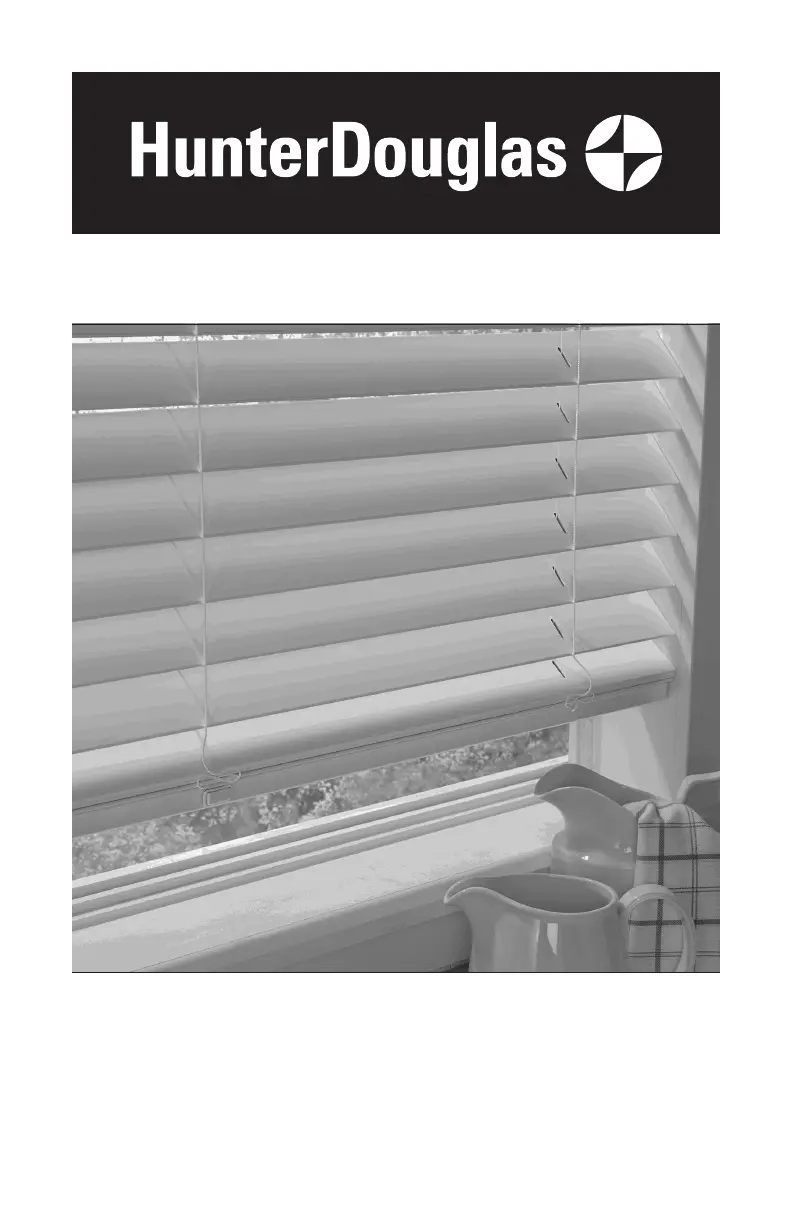
Horizontal Blinds
Standard Cordlock, Operable Specialty Shapes,
LiteRise
®
, SimpleLift
™
, and
UltraGlide
®
Operating Systems
Installation • Operation • Care

Other manuals for HunterDouglas LiteRise

Questions and Answers

  • M
    Michael PierceSep 6, 2025
    What to do if my UltraGlide HunterDouglas Window Blind lowering mechanism engages but the blind does not lower?
    • K
      Keith BallardSep 6, 2025
      If the lowering mechanism of your UltraGlide HunterDouglas Window Blind engages and “clicks” but the blind does not lower, the UltraGlide mechanism might be caught between the raising and lowering functions. Simply pull the wand or cord vertically to slightly raise and reset the blind. Then, lower as usual.
  • T
    Tiffany HendersonAug 22, 2025
    Why won't my HunterDouglas Window Blind fit into the installation brackets?
    • S
      Steven ColeAug 22, 2025
      If your HunterDouglas Window Blind will not fit into the installation brackets, check that the installation brackets are level and aligned. Adjust and/or shim to level, if necessary. Be sure the heads of the mounting screws are flush against the installation brackets. Check that the headrail is completely inserted into the installation brackets.
  • J
    joel47Sep 3, 2025
    What to do if my HunterDouglas SimpleLift™ Window Blinds slats are not stacking evenly?
    • A
      Andrew MooreSep 4, 2025
      If the slats of your SimpleLift™ HunterDouglas Window Blinds are not stacking evenly and are falling over the bottom rail, it means that the blind was raised too quickly. Gently raise the bottom rail to give the lift cords time to retract, and the slats should then stack evenly on the bottom rail.
  • Z
    zthompsonSep 2, 2025
    What to do if my HunterDouglas Window Blind does not stay in place as the wand or cord retracts during raising?
    • A
      Amanda ChoiSep 2, 2025
      If your UltraGlide HunterDouglas Window Blind does not stay in place as the wand or cord retracts during raising, the lowering mechanism has likely been engaged. Make sure you pull down on the pull wand or cord to raise the blind, instead of pulling out or across it.
  • J
    Jennifer CraigSep 1, 2025
    Why is my UltraGlide HunterDouglas Window Blind hard to raise or lower?
    • C
      chelseakhanSep 1, 2025
      If your UltraGlide HunterDouglas Window Blind is hard to raise: ensure the pull wand or cord is pulled straight down and close to the blind. To lower it: make sure to pull the wand toward the center of the blind at a 45° angle. Also, check that the bottom rail isn't obstructed or held in place by hold-down brackets.
  • C
    Chelsea DavisAug 30, 2025
    How to install HunterDouglas LiteRise Window Blinds if they don't fit the brackets?
    • M
      Michael MooreAug 30, 2025
      If the HunterDouglas Window Blind will not fit into the installation brackets, check that the installation brackets are level and aligned. Adjust and/or shim to level, if necessary. Be sure the heads of the mounting screws are flush against the installation brackets. Check that the headrail is completely inserted into the installation brackets.
  • L
    Linda ValenzuelaAug 29, 2025
    How to fix HunterDouglas SimpleLift blinds slats not stacking evenly?
    • M
      Maria PetersonAug 29, 2025
      If, when raising your HunterDouglas SimpleLift™ blind, the slats are not stacking evenly and are falling over the bottom rail, it means the blind was raised too quickly. Gently raise the bottom rail, allowing the lift cords time to retract. This will allow the slats to stack evenly on the bottom rail.
  • M
    Michele AndersonAug 27, 2025
    Why do my HunterDouglas LiteRise not raise evenly?
    • H
      Haley AlexanderAug 27, 2025
      If your HunterDouglas Window Blind does not raise or lower evenly, check inside the headrail to ensure no obstructions are preventing the mechanism from turning. Also, verify that the lift cords are not pinched or tangled.
  • N
    nashcurtisAug 27, 2025
    What to do if HunterDouglas LiteRise lift cords are bunching?
    • J
      Juan StuartAug 27, 2025
      If the lift cords are bunching by the safety cord connector on your HunterDouglas Window Blinds, ensure the slats are in the open position. Then, raise and lower the blind to help straighten the lift cords.
  • J
    jasminesimpsonAug 25, 2025
    How to fix HunterDouglas SimpleLift Window Blinds when the bottom rail is not level?
    • R
      Robert RodriguezAug 25, 2025
      If the bottom rail of your HunterDouglas SimpleLift™ blinds is not level or the blind height is incorrect, ensure that the headrail and installation brackets are level and properly aligned. Adjust or shim the brackets as needed to achieve levelness. To level the blind, raise the low side of the bottom rail by turning the skew adjustment feature on the headrail clockwise using a coin or screwdriver while lifting the weight from the bottom rail. Turn the skew adjustment that is on the same side as the low side of the bottom rail. If the blind height is too long, turn all of the skew adjustment features clockwise to raise the entire bottom rail to the desired height while lifting the weight from the bottom rail.

Summary

GETTING STARTED

Product View - Standard Cordlock and Operable Specialty Shapes

Illustrates components of standard cordlock and operable specialty shape blinds.

Product View - LiteRise, SimpleLift, and UltraGlide

Illustrates components of LiteRise, SimpleLift, and UltraGlide blinds.

Tools and Fasteners Needed

Lists required tools and provided/unprovided fasteners for installation.

Unpack the Blind

Instructions on how to safely unpack the blind and check components.

INSTALLATION

Installation Overview

Details the number of brackets required based on blind width and type.

Mounting Types and Window Terminology

Explains inside vs. outside mount and key window terms.

Mount the Installation Brackets - Inside or Ceiling Mount

Instructions for attaching brackets with optional shims for inside or ceiling mounts.

Attach the Intermediate Brackets (If Required)

Guidance on spacing and attaching intermediate brackets between end brackets.

Mount the Installation Brackets - Outside Mount

Steps for marking and attaching end brackets for outside window mounts.

Attach the Intermediate Brackets (If Required)

Instructions for attaching intermediate brackets for outside mounts.

Extension Brackets (Optional)

How to attach optional extension brackets to mounting surfaces.

Spacer Blocks for 2½ Slat Size

Guidance on using spacer blocks with 2½" slat size blinds.

Install the Blind

Instructions for adding projection to the valance using magnetic clips.

Attach the Universal Valance Clips to the Headrail

How to attach universal valance clips to the headrail for mounting.

Attach the Corner Clips (If Required)

Steps for connecting valance returns using corner clips.

Attach the Valance Splice (If Required)

Instructions for joining spliced valance pieces with a splice clip.

Mount the Headrail

How to tilt and secure the headrail into the installed brackets.

Adjust the Headrail Tightness

Methods for ensuring the headrail is securely fitted into the brackets.

Close the End Brackets

Procedure to secure the end bracket covers after mounting the headrail.

Open the End Brackets (If Necessary)

Steps to open end brackets using a screwdriver or by pushing the bracket.

Complete the Installation

Instructions for attaching the wand or UltraGlide pull wand.

Attach the Valance with Magnetic Valance Clips

How to attach the valance using magnetic clips to the headrail.

Attach the Valance with Universal Valance Clips

How to attach the valance using universal clips to the headrail.

Attach the Hold-Down Brackets (Optional)

Instructions for attaching hold-down brackets to the bottom rail.

Attach the SimpleLift Hold-Down Brackets (Optional)

Specific instructions for attaching hold-down brackets for SimpleLift blinds.

OPERATION

Tilting the Slats

Explains how to tilt blinds using a wand or cord.

Raising and Lowering the Blind - Standard Cordlock System

Steps for raising and lowering blinds with a standard cordlock system.

Raising and Lowering the Blind - LiteRise Operating System

Steps for raising and lowering blinds with the LiteRise operating system.

Raising and Lowering the Blind - SimpleLift Operating System

Instructions for operating blinds with the SimpleLift system.

Raising and Lowering the Blind - UltraGlide Operating System

Steps for operating blinds with the UltraGlide system.

Troubleshooting

Common problems and solutions for blind operation: fitting, tilting, raising/lowering, cord issues, SimpleLift, and UltraGlide specific troubleshooting.

CARE

Removing the Blind (If Necessary)

Step-by-step instructions for safely detaching the blind from its brackets.

Cleaning Procedures

General guidelines and recommended methods for cleaning blinds.

Wood Blinds Only

Specific care recommendations for stained wood blinds.

A Note About Wood and Alternative Wood Products

Information on expected variations in wood and alternative wood blinds.

CHILD SAFETY

Cord Connector

Description of the cord connector's function as a safety stopper.

Reassembly of Cord Connector

Instructions for reassembling the cord connector after it breaks apart.

Cord Cleats

Recommendations for installing and using cord cleats for child safety.

LIFETIME GUARANTEE

Covered by a Lifetime Limited Warranty

Details components and conditions covered by the Hunter Douglas Lifetime Limited Warranty.

Not Covered by a Lifetime Limited Warranty

Lists conditions and issues not covered by the Hunter Douglas Lifetime Limited Warranty.

To Obtain Warranty Service

Instructions on how to contact Hunter Douglas for warranty assistance and service.

HunterDouglas LiteRise Specifications

General IconGeneral
SafetyCordless Lift System: Enhanced safety for children and pets.
DesignSleek
Typeblinds
Material Optionsfabrics
Light ControlVaries by fabric/material; options for light filtering to room darkening.
Privacy ControlVaries by fabric/material; options for sheer to opaque.

Related product manuals