BASIC PROGRAMMING
SECTION 4.9
VER.V09F
present a menu-style choice of options, often based on the
segments or modules themselves.
Once a module is selected, HUNTER will lead the operator through
a question and answer sequence until his objective is achieved.
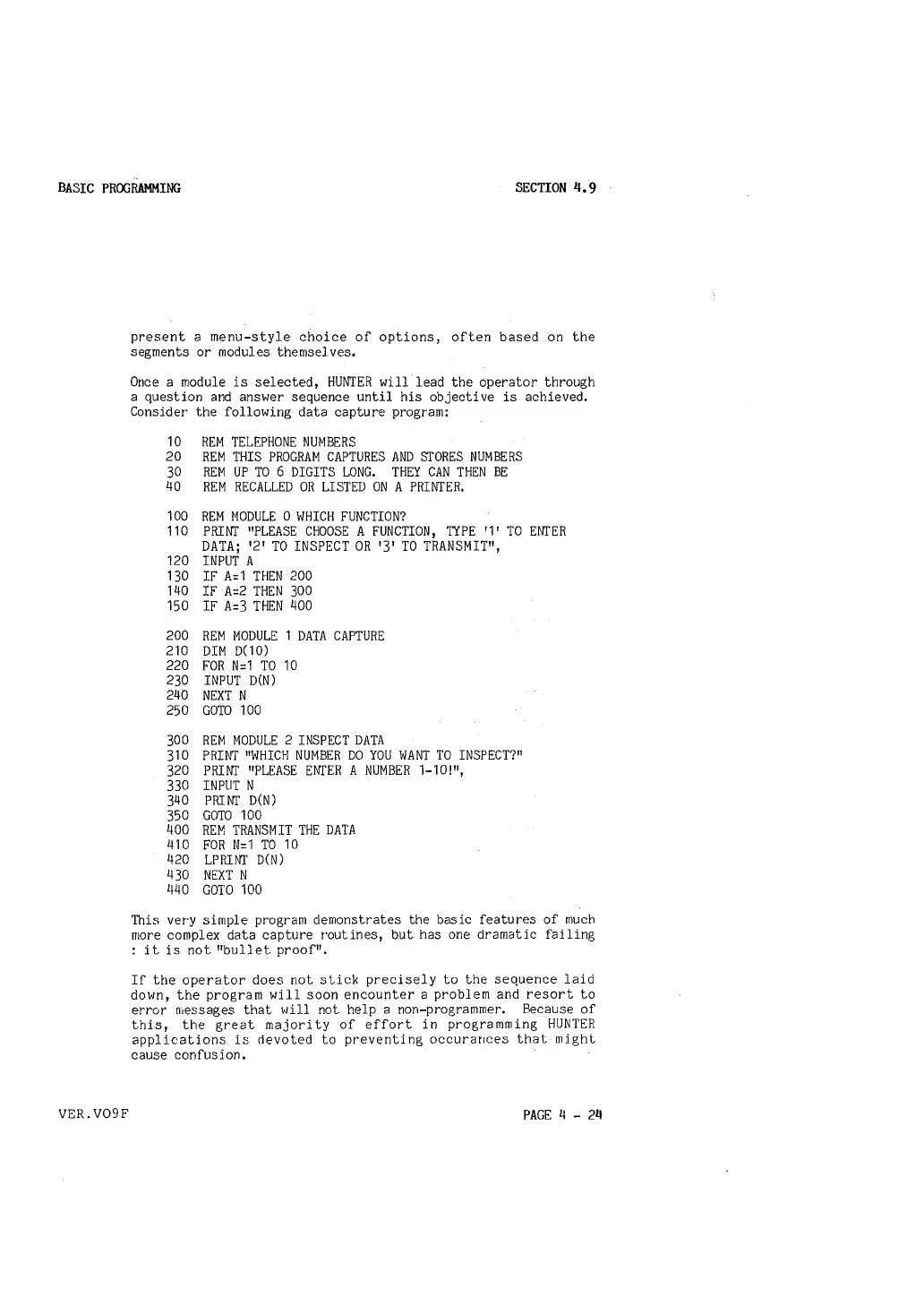
Consider the following data capture program:
10 REM TELEPHONE NUMBERS
20 REM THIS PROGRAM CAPTURES AND STORES NUMBERS
30 REM UP TO 6 DIGITS LONG. THEY CAN THEN BE
40 REM RECALLED OR LISTED ON A PRINTER.
100 REM MODULE O WHICH FUNCTION?
110 PRINT "PLEASE CHOOSE A FUNCTION, TYPE '1' TO ENTER
DATA; '2' TO INSPECT OR '3' TO TRANSMIT",
120 INPUT A
130 IF A=1 THEN 200
140 IF A=2 THEN 300
150 IF A=3 THEN 400
200 REM MODULE 1 DATA CAPTURE
210 DIM D(10)
220 FOR N=1 TO 10
230 INPUT D(N)
240 NEXT N
250 GOTO 100
300 REM MODULE 2 INSPECT DATA
310 PRINT "WHICH NUMBER DO YOU WANT TO INSPECT?"
320 PRINT "PLEASE ENTER A NUMBER 1-10!",
330 INPUT N
340 PRINT D(N)
350 GOTO 100
400 REM TRANSMIT THE DATA
410 FOR N=1 TO 10
420 LPRINT D(N)
430 NEXT N
440 GOTO 100
This very simple program demonstrates the basic features of much
more complex data capture routines, but has one dramatic failing
: it is not "bullet proof".
If the operator does not stick precisely to the sequence laid
down, the program will soon encounter a problem and resort to
error messages that will not help a non-programmer. Because of
this, the great majority of effort in programming HUNTER
applications is devoted to preventing occurances that might
cause confusion,
PAGE 4 - 24



 To Next Page