BASIC PRCXiRAHHING
SECTION 4.10
POWER WARNING
4.10 When HUNTER's batteries become exhausted a power warning message
will appear on the screen. Normal operation will continue, but
keyboard entries will be punctuated by warning tones and
repetition of the power warning message until the battery state
is rectified either by replacement of primary cells or
recharging of Nickel-Cadmium cells, if installed.
VER,V09F
Eventually, if the warnings are ignored, HUNTER will shut down
and refuse to operate further.
Every HUNTER has to pass a stringent operating test in this low
power regime. However, it is strongly recommended that operator
training procedures and user programs are structured to avoid
continued operation when warnings become persistent, especially
when rechargable cells are used,
The power warning sequence may be misleading if RS-232
communications are used infrequently, When HUNTER's
communications system is activated power drain increases
significantly, This increase can cause the power warning stage
to be missed altogether, and instead cause HUNTER to shut down
without warning.
While this is not hazardous, it can be very confusing for an
operator who does not know what is wrong. Because of this it is
recommended that user programs with infrequent communication
requirements use a test routine. This activates the
communications package, and then tests the power state before
restoring HUNTER to normal. This routine is used at the start
of every data entry sequence,
If batteries become exhausted whilst communications are in
progress, then normal power warning messages will appear once
the keyboard operation is resumed.
NOTE: Power warning messages only occur when keyboard entries
are in progress.
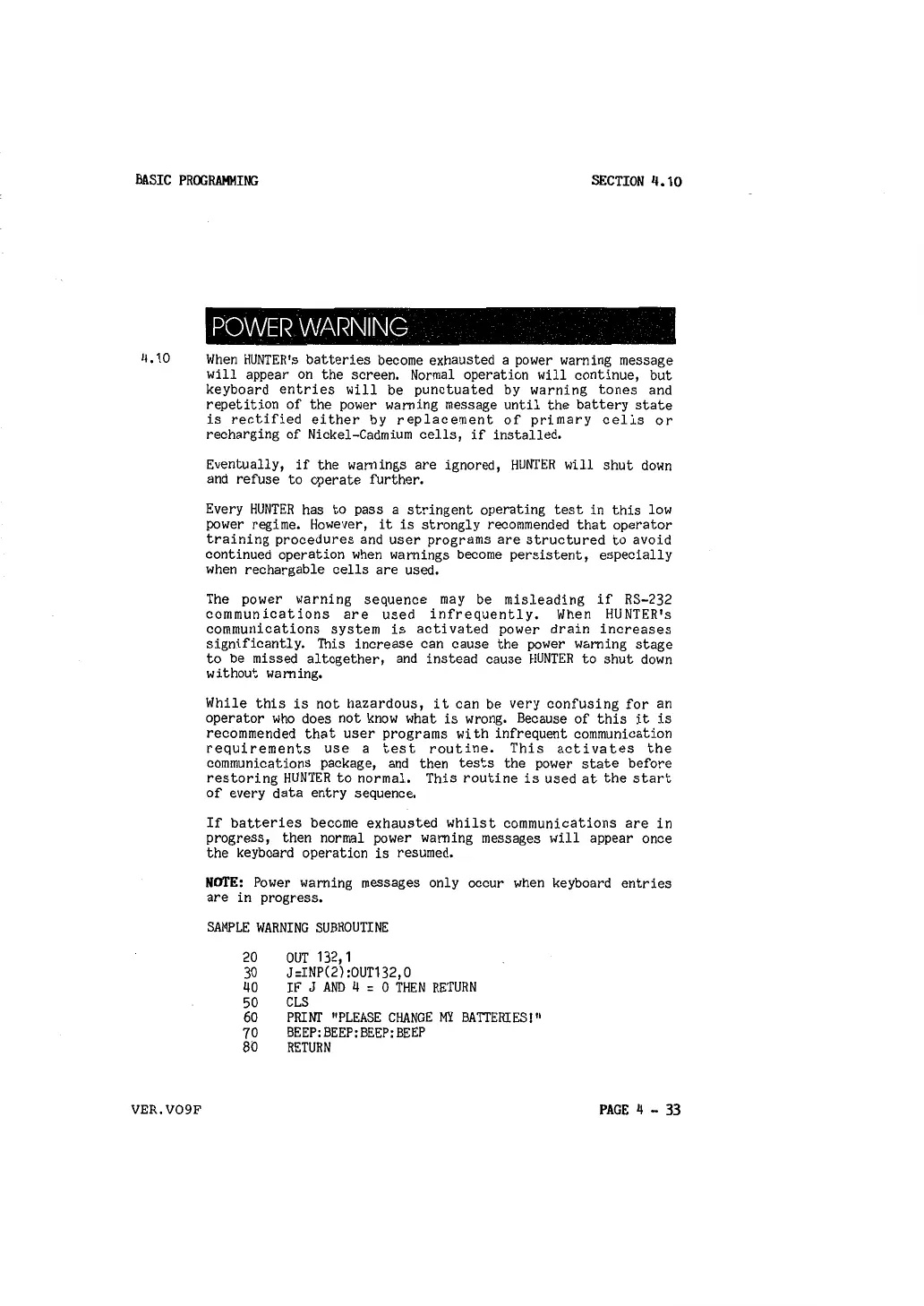
SAMPLE WARNING SUBROUTINE
20
30
40
50
60
70
8b
OUT 132, 1
J :INP(2) :OUT132, 0
IF
J AND 4 = 0 THEN RETURN
CLS
PRHII' "PLEASE CHANGE MY BATTERIES!"
BEEP:BEEP:BEEP:BEEP
RETURN
PAGE 4 - 33



 To Next Page