FILE MANAGER
SECTION 3.5
CP/M INTERFACE
3,5 CP/M provides a universal interface linking application programs
into the operating system. Through a system of calls to one
location (0005 Hex) with the CPU register C set to the call
number, the ROM-based operating system in HUNTER will implement
the function and return to the user program, HUNTER is there-
fore compatible with many readily available commercial products,
conforming to these standard system calls,
3, 5, 1 SYSTEM CALLS
VER.V09F
CP/M system calls fall into two distinct categories, They are
console (e.g. keyboard/LCD display) I/O and file I/0, Files are
organised as CP/M disk files and may be accessed through a file
control block (FCB),
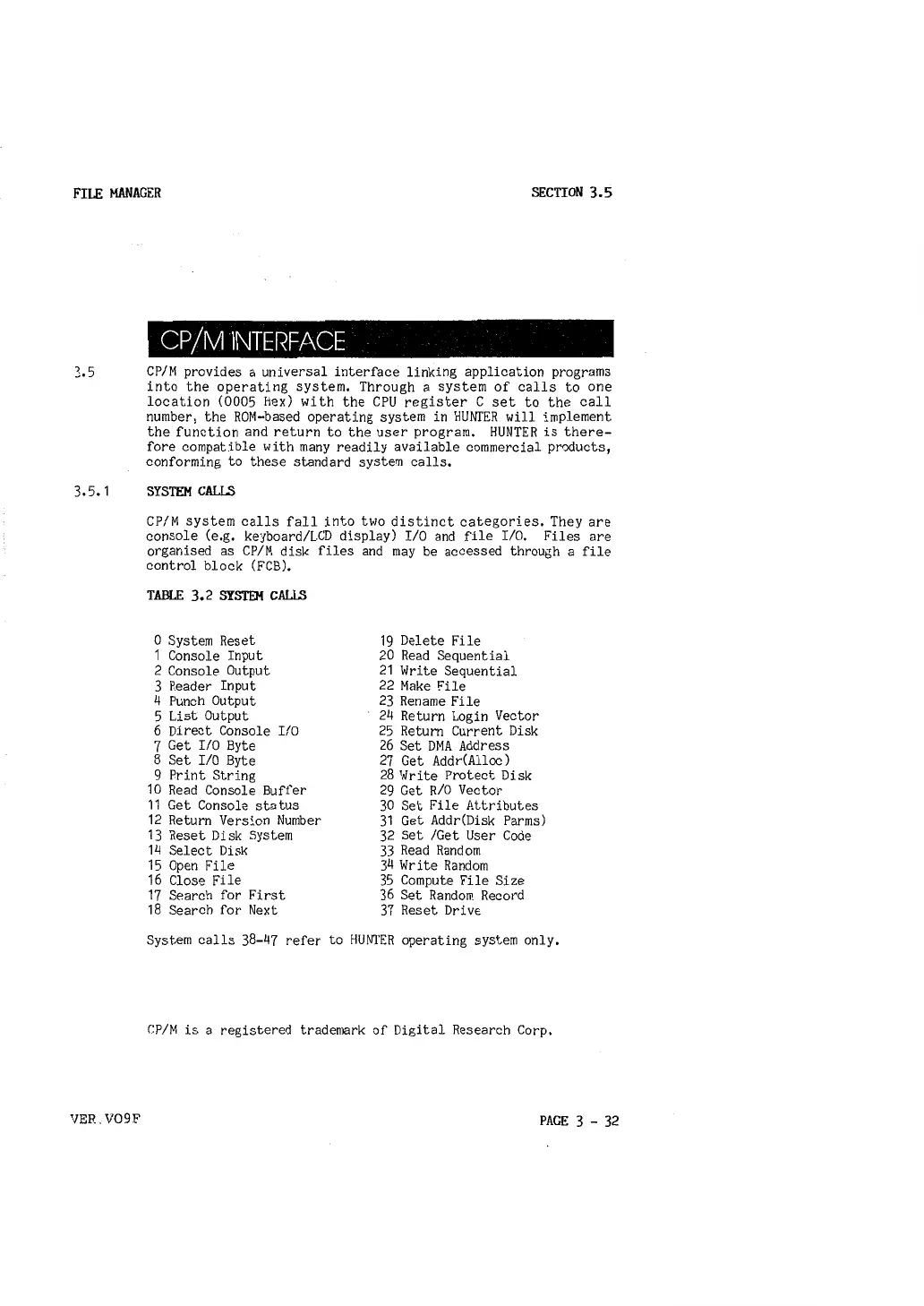
TABLE 3. 2 SYSTEM CALLS
0 System Reset
1 Console Input
2 Console Output
3 Reader Input
4 Punch Output
5 List Output
6 Direct Console I/0
7 Get I/O Byte
8 Set I/O Byte
9 Print String
10 Read Console Buffer
11 Get Console status
12 Return Version Number
13 Reset Disk System
14 Select Disk
15 Open File
16 Close Fi le
17 Search for First
18 Search for Next
19 Delete File
20 Read Sequential
21 Write Sequential
22 Make File
23 Rename File
24 Return Login Vector
25 Return Current Disk
26 Set DMA Address
27 Get Addr(Alloc)
28 Write Protect Disk
29 Get
RIO Vector
30 Set File Attributes
31 Get Addr(Disk Parms)
32 Set /Get User Code
33 Read Random
34 Write Random
35 Compute File Size
36 Set Random Record
37 Reset Drive
System calls 38-47 refer to HUNTER operating system only,
CP/M is a registered trademark of Digital Research Corp,
PAGE 3 - 32



 To Next Page