BASIC PRO'.iRAMMING
SECTION 4. 11
4, 11. 1. 2 Programmed Control
VER.V09F
Logically, it is difficult for a program to append to or modify
itself, since the sequence control.ling the modification may be
modified as well! However, HUNTER programs can contain
sequences that will command a remote processor to send program
text and then accept that text as Basic source,
Current versions of HUNTER Basic do
not support LLOAD as a
program statement, e.g.
100 LLOAD. However, the 'Logical
Keyboard' Flag has the same effect as LLOAD and can be commanded
in a program as a 'POKE' instruction. By setting the flag to
the serial input port and then returning to interpreter mode,
HUNTER is configured to accept new program lines, These lines
may overwrite the lines originally used to enter the LLOAD mode.
Loading may be terminated by sending an unnumbered 'RUN' state-
ment which will cause execution to re-commence from the start of
the new or updated Basic program, making the load sequence
virtually transparent to the operator.
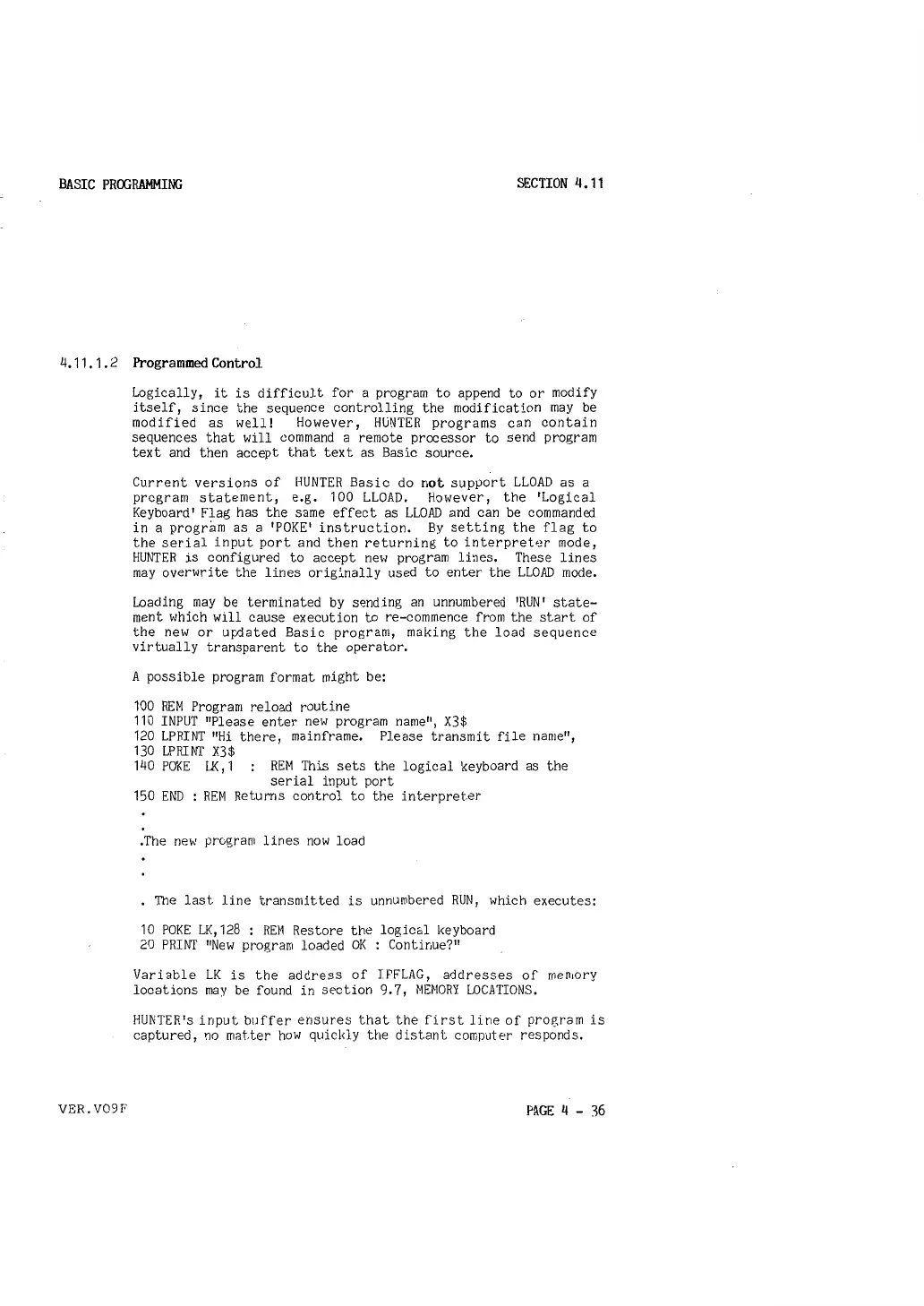
A possible program format might be:
100 REM Program reload routine
110 INPUT "Please enter new program name", X3$
120
LPRINT
11
Hi there, mainframe. Please transmit
file name",
130 LPRINT X3$
140
POKE LK, 1 REM This sets the logical keyboard as the
serial input port
150 END REM Returns control to the interpreter
.The new program lines now load
The last line transmitted is unnumbered RUN, which executes:
10 POKE LK, 128 : REM Restore the logical keyboard
20 PRINT "New program loaded OK : Continue?"
Variable LK is the address of IFFLAG, addresses of rnen1ory
locations may be found in section 9. 7, MEMORY LOCATIONS.
HUNTER's input buffer ensures that the first line of program is
captured, no mc1tter how quickly the distant computer responds.
PAGE 4 - 36



 To Next Page