BASIC FUNCTIONS
SECTION 5.4
5.4.6
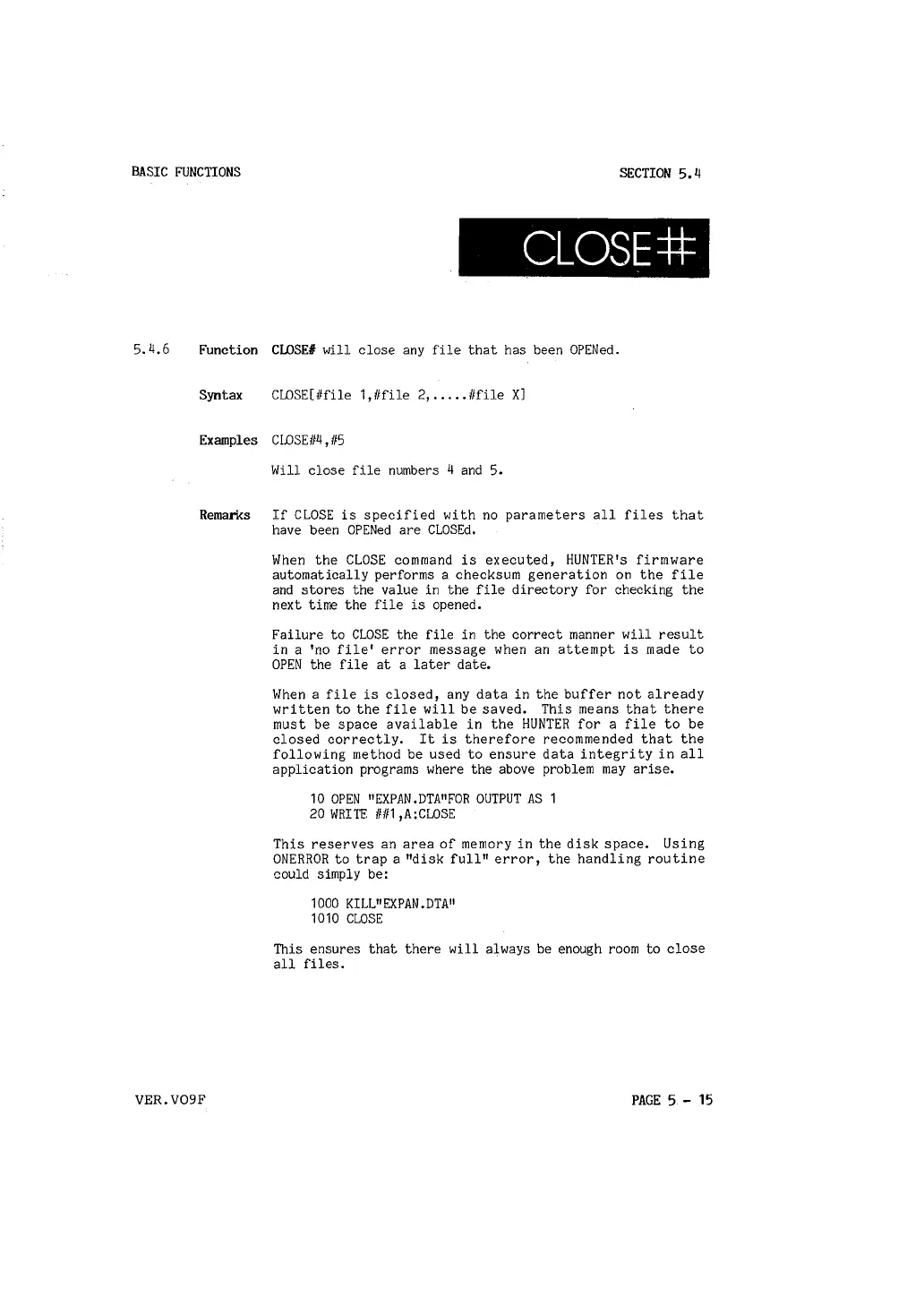
CLOSE#
Function CLOSE# will close any file that has been OPENed.
Syntax CWSE[llfile 1,1/file 2, ..... 1/file X]
Examples CWSE/14, 115
Will close file numbers 4 and 5.
Remarks If CLOSE is specified with no parameters all files that
have been OPENed are CLOSEd.
When the CLOSE command is executed, HUNTER's firmware
automatically performs a checksum generation on the file
and stores the value in the file directory for checking the
next time the file is opened.
Failure to CLOSE the file in the correct manner will result
in a 'no file' error message when an attempt is made to
OPEN the file at a later date.
When a file is closed, any data in the buffer not already
written to the file will be saved. This means that there
must be space available in the HUNTER for a file to be
closed correctly. It is therefore recommended that the
following method be used to ensure data integrity in all
application programs where the above problem may arise.
10 OPEN "EXP
AN .DTA
11
FOR OUTPUT AS
20 WRITE 11111,A:CWSE
This reserves an area of memory in the disk space. Using
ONERROR to trap a "disk full" error, the handling routine
could simply be:
1000 KILL
11
EXPAN.DTA
11
1010 CLOSE
This ensures that there will always be enough room to close
all files.
VER.V09F
PAGE 5 - 15



 To Next Page