BASIC FUNCTIONS
SECTION 5,13
LOCATE
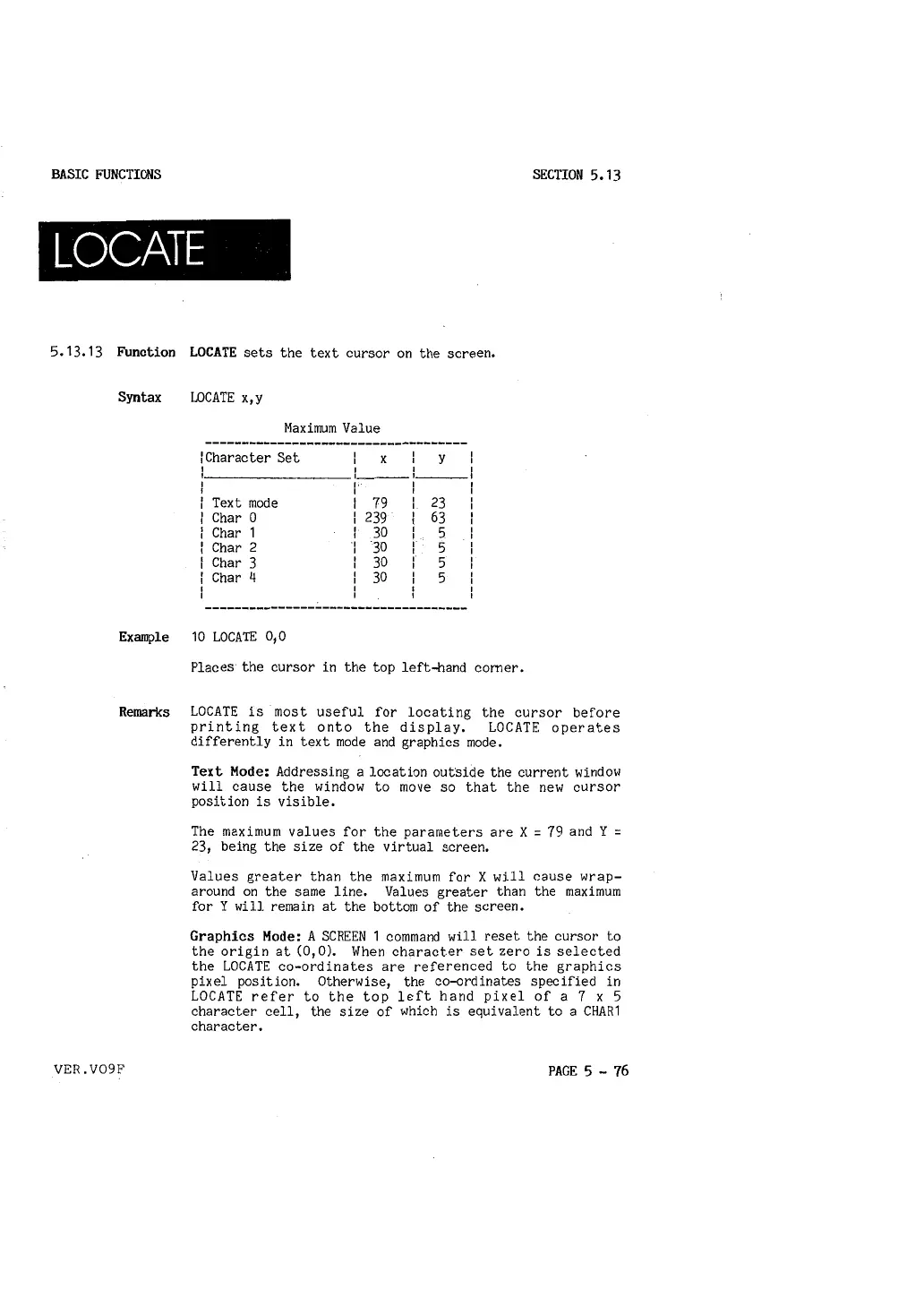
5,13,13 Function LOCATE sets the text cursor on the screen.
Syntax LOCATE x,y
Maximum Value
!Character
Set
X
y
I
I
I
I I
, ___ , ___ ,
I
I
Text mode
79
I
23
I
Char 0
239
I
63
I
Char 1
30
I
5
I
Char 2
30
I
5
I
Char 3
30
I
5
I
Char 4
30
I
5
I
I
I
Example 10 LOCATE 0
1
0
Places the cursor in the top left-hand comer,
Remarks LOCATE is most useful for locating the cursor before
printing text onto the display, LOCATE operates
differently in text mode and graphics mode,
VER.V09F
Text Mode: Addressing a location outside the current window
will cause the window to move so that the new cursor
position is visible.
The maximum values for the parameters are X
= 79 and Y =
23, being the size of the virtual screen.
Values greater than the maximum for X will cause wrap-
around on the same line. Values greater than the maximum
for Y will remain at the bottom of the screen.
Graphics Mode: A SCREEN 1 command will reset the cursor to
the origin at (O, 0), When character set zero is selected
the LOCATE co-ordinates are referenced to the graphics
pixel position. Otherwise, the co-ordinates specified in
LOCATE refer to the top left hand pixel of a 7 x 5
character cell, the size of which is equivalent to a CHAR1
character.
PAGE 5 - 76



 To Next Page