EDITOR' SECTION 7.2
b) INS:on
This shows whether character insert is on or off,
If insert is on, any text entered will be placed at the cursor
position and any text already present will be moved. With
insert off, the display will show:
INS:off
In this case, entries will overwrite existing text.
c) Caps:off
This shows the state of the CAPS lock function which operates as
described in section 4,5,
NOTE: The CAPS LOCK inverts upper and lower case alphabetic
characters, but
is not a 'Shift Lock' function. Lower case
characters are available by pressing 'Shift'·
Free-format text entry may now proceed as required, The cursor keys
provide up, down, forward and backspace functions. Lines are
terminated by 'Enter' which is equivalent to CR (Carriage Return).
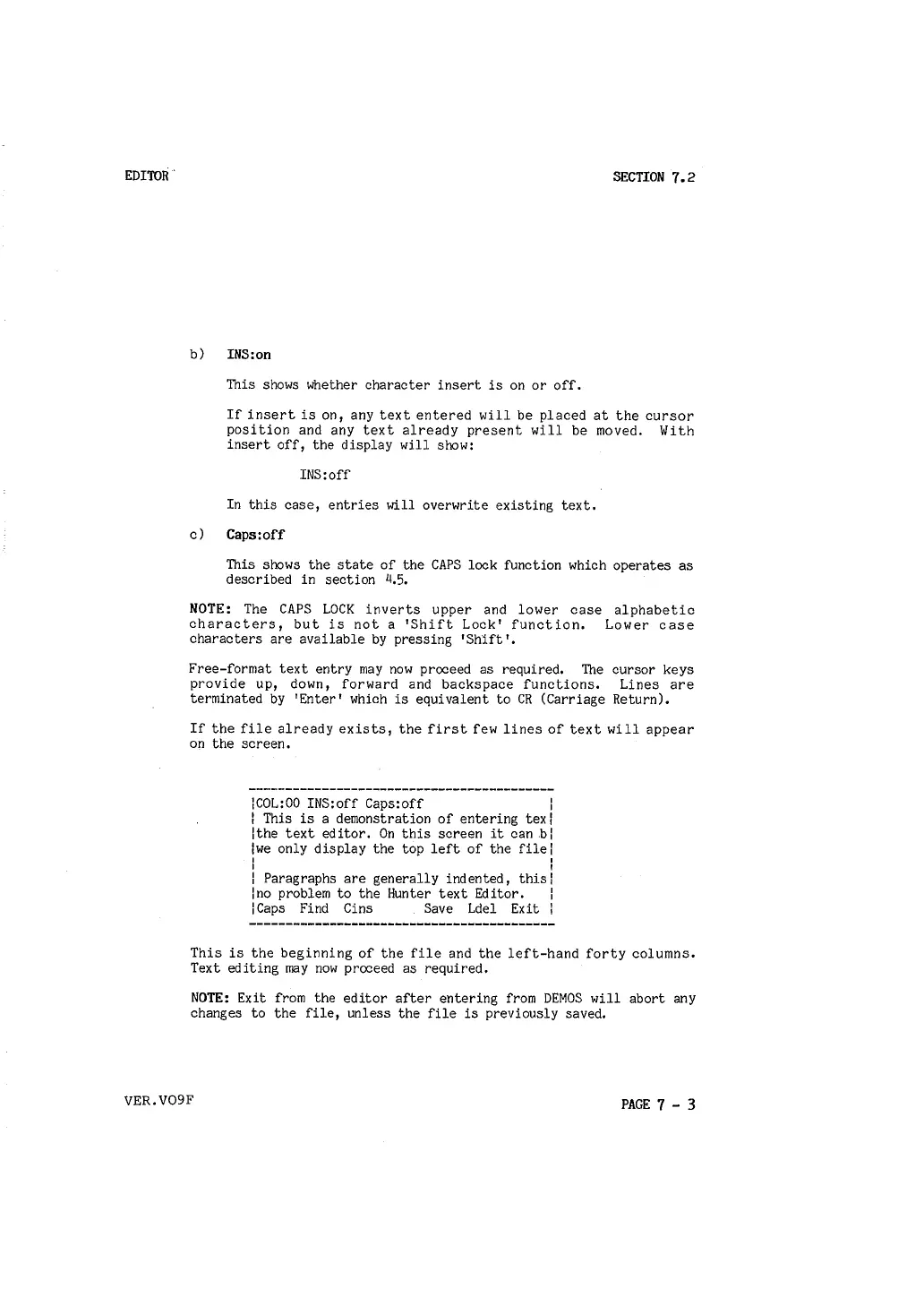
If the file already exists, the first few lines of text will appear
on the screen.
lCOL:00 INS:off Caps:off
l
l This is a demonstration of entering texl
lthe text editor. On this screen it can bl
lwe only display the top left of the filel
I I
I I
l Paragraphs are generally indented, thisl
lno problem to the Hunter text Editor.
l
lCaps Find Cins Save Ldel Exit l
This is the beginning of the file and the left-hand forty columns.
Text editing may now proceed as required.
NOTE: Exit from the editor after entering from DEMOS will abort any
changes to the file, unless the file is previously saved.
VER.V09F
PAGE 7 - 3



 To Next Page